

I had a Windows serveur with Projeqtor.
I've just installed a ubuntu server. Saved Projeqtor database. Fine.
I saved /projeqtor/files/attach and /projeqtor/files/documents.
Restored these directories on Ubuntu server. Did "chown -R www-data" and "chmod -R 755"
But on a new server, can't access to attached documents ! I see files, but if try to download or reed.. nothing !!!
in general settings, Setting up ../files/attach/
Documents seem to be OK, but not for attached files
could you help me ?

Possibly you were on 4.x on Windows, and move to 5.0 on Ubuntu.
If it is this, you must respect the order :
- import database
- copy folders (/files/document and /files/attach)
- chmod and chown of folders
- then (and only then) connect to run db migration
(upgrade from V4.5 to V5.0 includes some renaming of attchments to fix an hostoric typo)
Thanks for Reply
Old server were on V5.04. New onto 5.05
I've try to restore again BD (all files are restored) to make sure to respect order
I have same probleme.
I can see all attachment in project, but if I clik to read one, nothing appear.
On icon, I can verify link.. ( http://IPSERVER/projeqtor/tools/download.php?class=RIGHT Attachment...)
Can you open browser console and check error, or network console to see result of last http request.
how can i do that ?
F12
You'll see the dev tabs (console, network and others)
This is. I don't know if that can help
With Chrome, error is explicit.
formName=listForm'
Failed to load resource: the server responded with a status of 404 (Not Found)
=> 996ms
I saved another time ALL /Files/directory, and restore on a new server.
restore again BD
no change !
I don't understand..

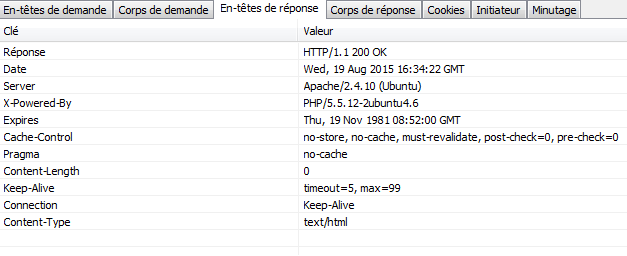
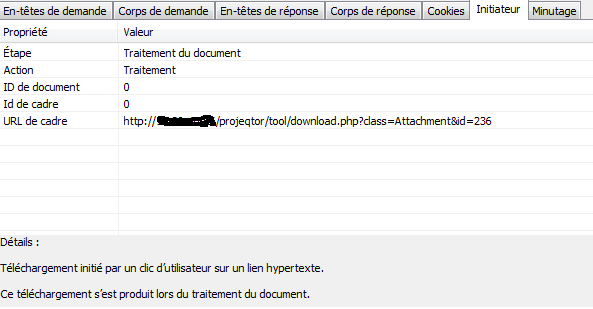
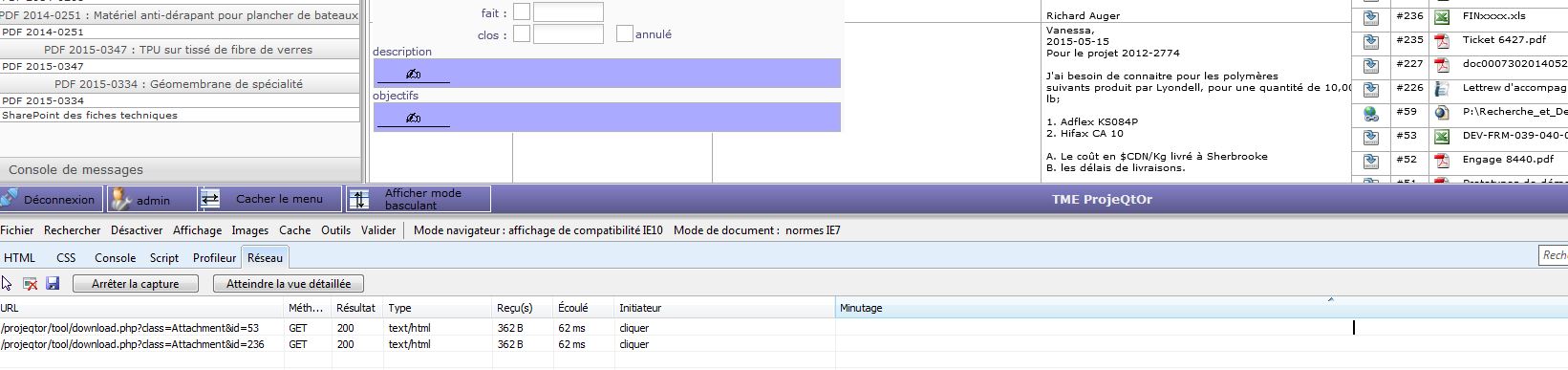
Failed to load resource: the server responded with a status of 404 (Not Found)
What was the request that responded with 404 (Not found) ?
It is not the one your joined, as they both responded 200 (OK)
About request your showed, could you show response body ? (corps de la réponse)
Last, could you check existence of folder /files/attach/attachment_303 ? (pay attention, not attachement_303 but attachment_303)
Does this folder exist and contain the file you try to download ?
here is for attachment 472
/files/attach/attachment_272 exist, ans PDF file is into it
Capt7 is strange.. On Windows server, a same action I can see
http://windowsserver/projeqtor/view/main,php
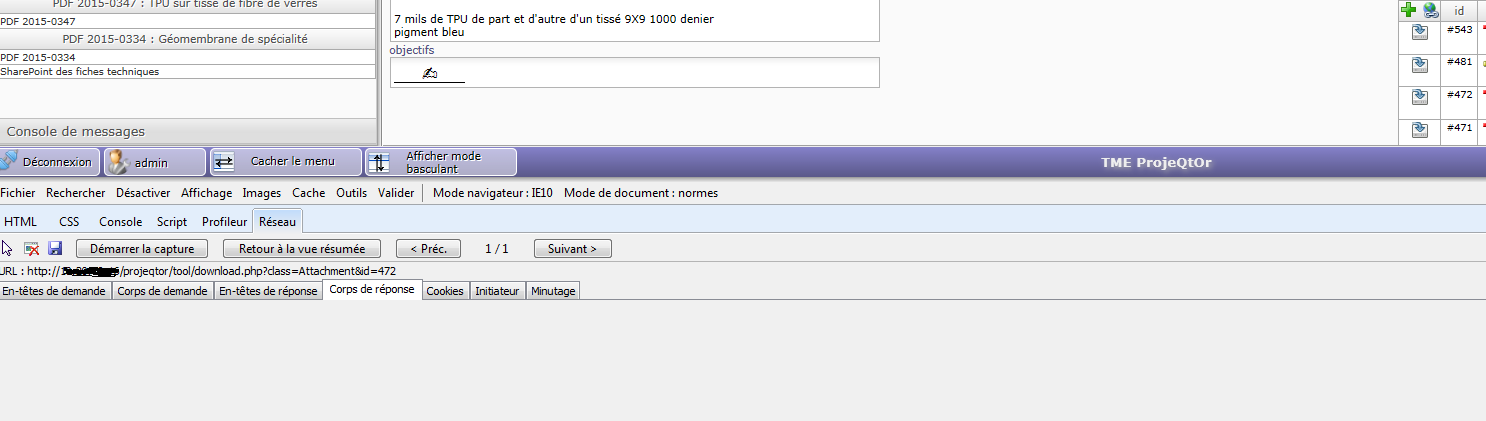
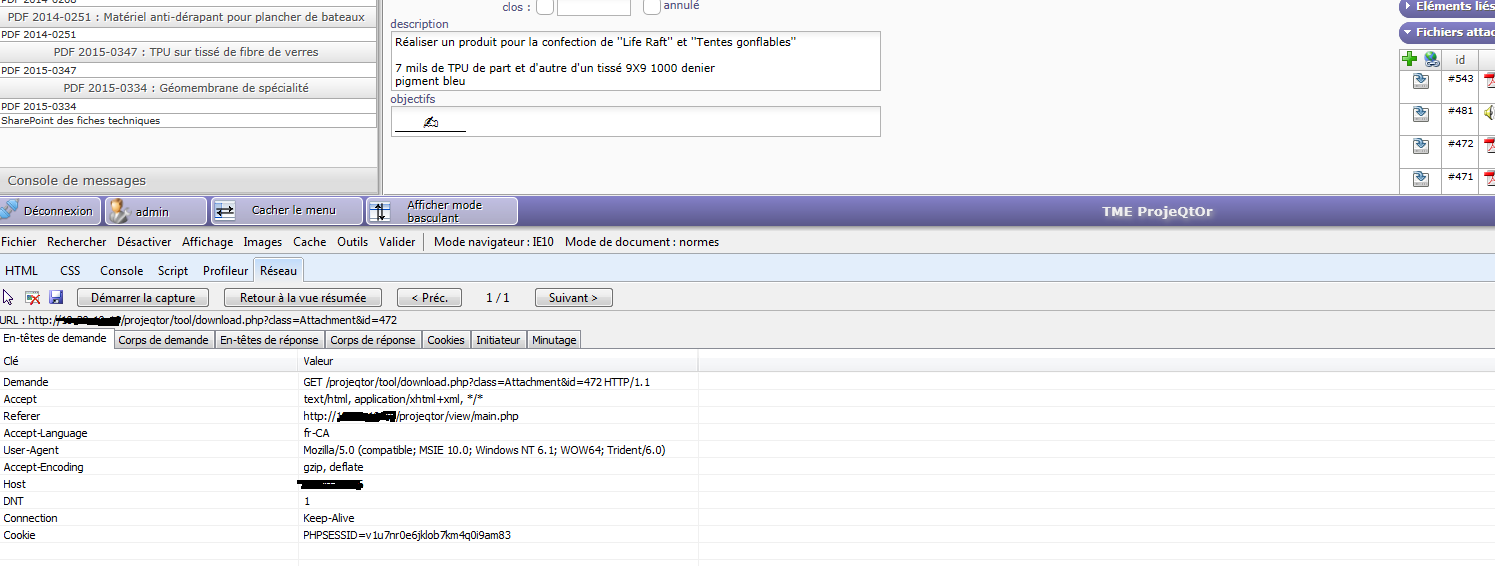
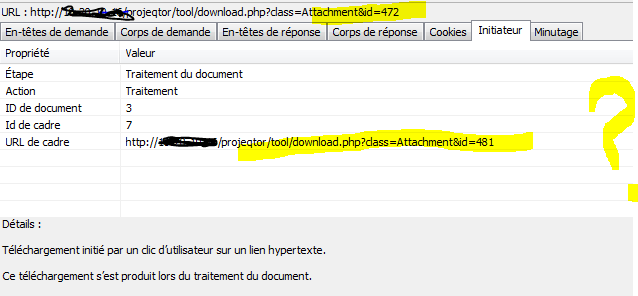
No.. Sorry.. I don't know what i did...
Capt7-2 on new server
Capt8 on old server
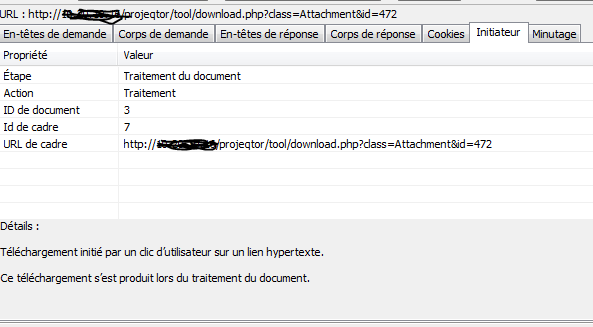
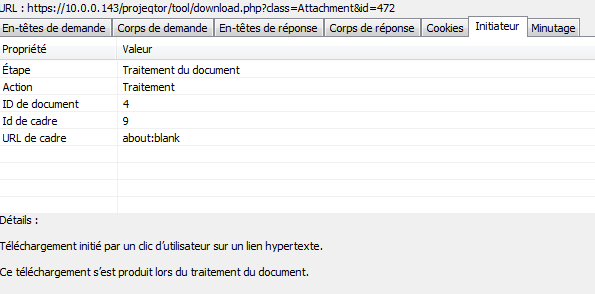
The "initiateur" does not matter.
It just says which event generated the request.
But response seems empty.
Could you check :
1) log file (in ../files/logs) : is there any error logged
2) database, table attachment with id='272'.
"fileName" should be name of file you try to download.
"subDirectory" should be "${attachmentDirectory}attachment_272/"
Log file
2015-08-19 13:42:11.417 ** ERROR ** download.php : ../files/attach/\attachment_472\Resistance tissus de Superior.pdf not found
Attach directory
admin@projeqtor:/var/www/projeqtor/files/attach/attachment_472$ ls -l
total 1264
-rwxr-xr-x 1 www-data root 1291579 mar 18 13:44 Resistance tissus de Superior.pdf
With Phpmyadmin
attachment table
Subdirectory = ${attachmentDirectory}attachment_472
Weird, but no magic.
There could be some bad conversion of file name.
Did you try to download existing file with only letters in name (no space or accentuated character or other character) ?
YES
2015-08-19 14:14:42.348 ** ERROR ** download.php : ../files/attach/\attachment_481\2015-03-27_15-24.mp3 not found
there are no space, no accent... and doesn't work
Idea : change attachment directory to "..filesattach" (with linux folder separator)
... and try again.
good idea.. but changes automaticly into ../files/attach/
if i change into config/parameters.php.. doesn't work !
I am disappointed :sick:
I mismatched.
It is the other way round : attachment directory must be "../files/attach/"
but in attachment table, you must change subDirectory to replace all "" with "/".
Windows doesn't mind for directory separator : it sould be '' but windows accepts '/'.
Linux, on its side only accepts '/'.
I FOUND !!! but ... lost of job to change !
I did wrong attachment..
in table, I replaced as you told me
${attachmentDirectory}attachment_327 BY
${attachmentDirectory}/attachment_327/
But if name content accent.. we need to change, because accent are replaced by après fo après.....
so 1) change all for /
and change all name with accent. OUCH !!