
Welcome to ProjeQtOr new Forum. We migrated old forum to the new website.
You will find all your posts here, with your usual account.
Just one point : you’ll have to reinitialize your password. Use “Lost password” feature.

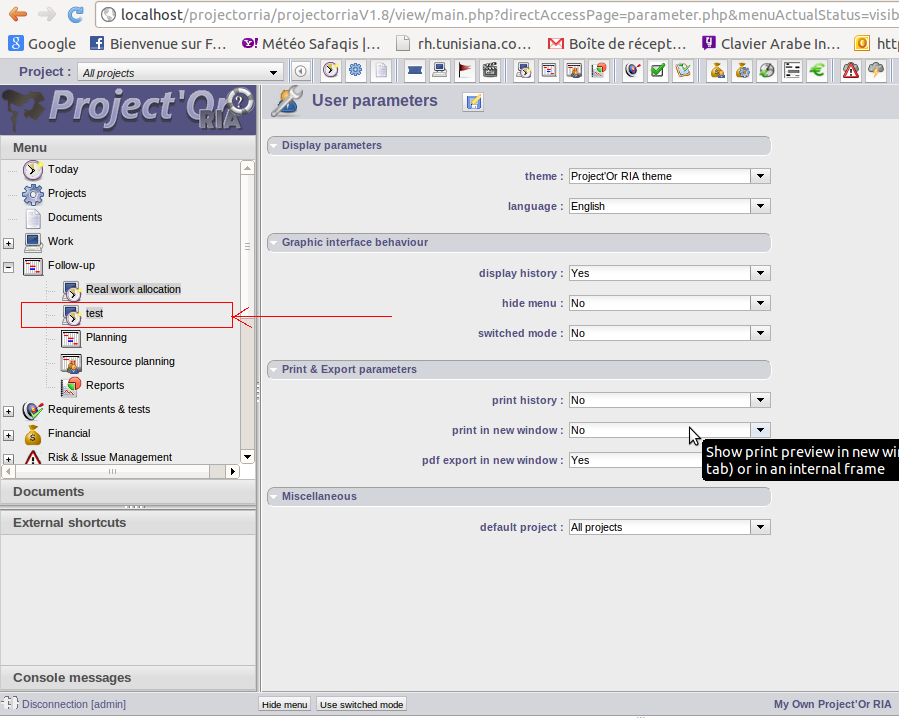
I am trying to develop a new module I want to add a submenu in the left menu I try to add a field in the table MENU but it's not included when creating dynamic menu

you also need to add habilitations for this new screen.
this can be done through access to screen menu
i can't understand your advice :S
When you try to add a new menu, to display a new screen, you add item in table Menu.
You also need to add lines in table habilitation for each profile allowed to access the new screen. Without this, new lenu does not appear.
You can update table habilitation directly, or use the screen "Pramaeters" => "Access rights" => "access to forms". You should have a new line for your new screen. Just check the profiles allowed to access the screen and save...
Then disconned/reconnect to see changes.
thanks for your answer, i want to know where's the relation between the menu and the content (on click : appel de la page qui contient le contenu associé)
Hi,
It will depend on menu.type value. See code in /view/menuTree.php, line 165 :
    if (item.type=='object') {
        loadMenuBarObject(item.id,item.name);
    } else if (item.type=='item') {
        loadMenuBarItem(item.id, item.name);
    } else if (item.type=='class') {
      cleanContent("detailDiv");
	    formChangeInProgress=false;
	    loadContent("objectMain.php?objectClass="+item.objectClass,"centerDiv");
    } else if (item.type=='menu') {
       // Nothing
    } else {
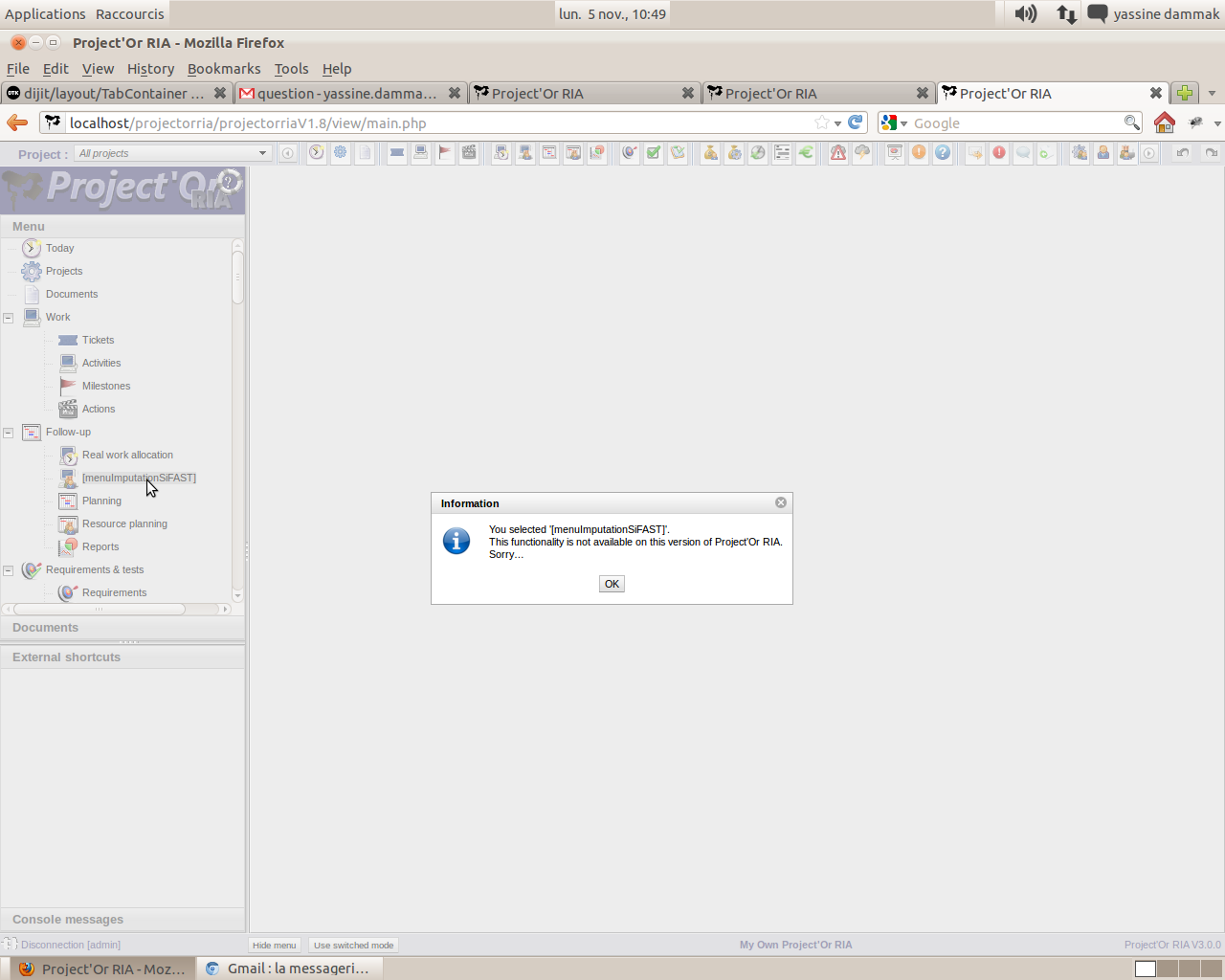
	    showInfo(i18n("messageSelectedNotAvailable", new Array(item.name)));
	  }
For type "object", access is generic.
For type "item", the javascript function "loadMenuBarItem" must be completed in /view/js/projectorDialog.js