
Welcome to ProjeQtOr new Forum. We migrated old forum to the new website.
You will find all your posts here, with your usual account.
Just one point : you’ll have to reinitialize your password. Use “Lost password” feature.

Hi,
I have updated my projeqtor with the new version V7.1.1 specially for the new change on enlarge cost.
After this update , i have no change for this update???
Have you an idea ?
Thanks.
Hi,
After some tests, the enlarge cost is ok only if all informations on the screen is not on the same level for the visualisation (Descriptione/Allocations to projects/Progress)
but one uer the other.

I don't understand the end of your remark.
Could you explain and post a screenshot ?
Hi,
I can't copy a screenshot in the post ???
You can attach a file (an image...).
See two samples of the tests
The first is the problem for enlarge cost
The second enlarge cost is cost for enlarge cost
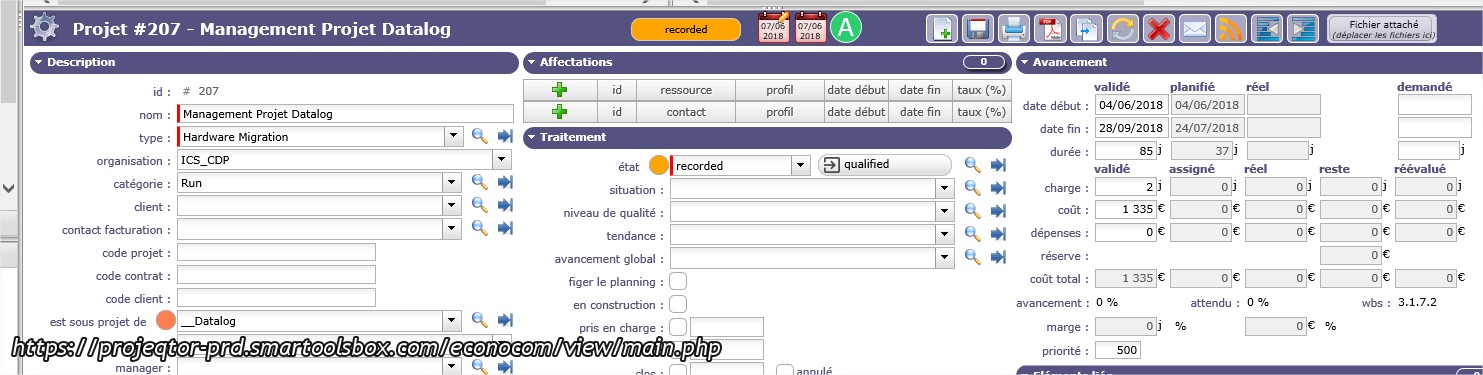

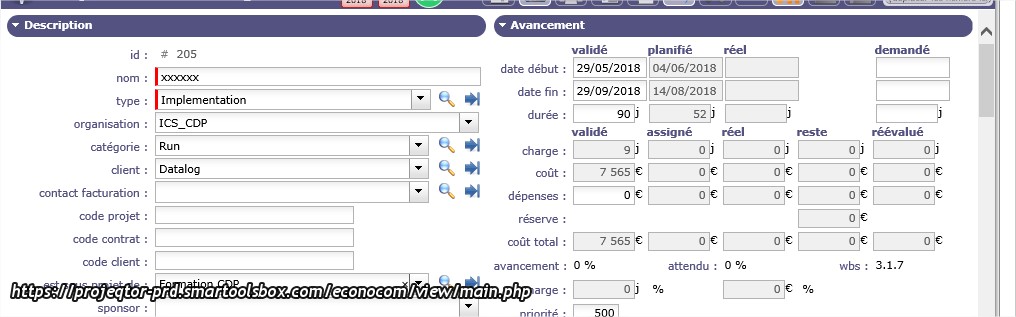
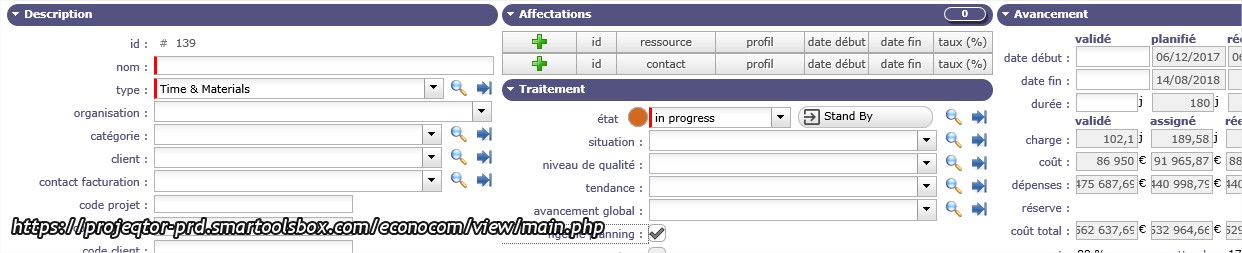
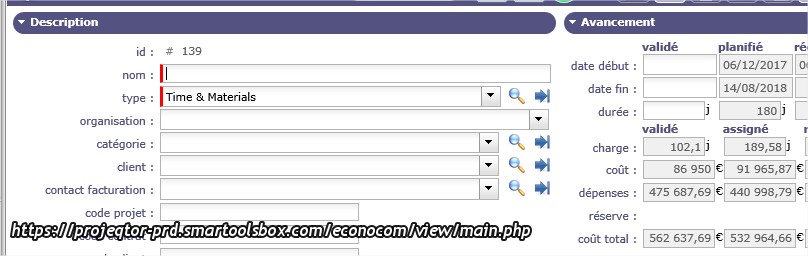
Well, we disigned a way to enlarge costs "if there is enought room" to enlarge them.
If your resolution is lower thant Full HD and you display 3 columns, fields cannot be enlarged.
A way is to restrict dissplay to 2 columns, in the user parameter, then even with low resolution screen you'll have enlarged costs.
Hi,
Thanks for your explanation.
I think, it's less easy to working on 2 columns than 3 columns.
Maybe you are going improved to the future this information ?
Best regards.