
Welcome to ProjeQtOr new Forum. We migrated old forum to the new website.
You will find all your posts here, with your usual account.
Just one point : you’ll have to reinitialize your password. Use “Lost password” feature.

Hello
I activated the financial module : Expenses, incomes and financial situation
The user I use is an admin user : he's got access to all the screens as well as all the data with "Gestionnaire+" level of privilege
I inputted data in the expenses sections : project expenses, , individual expenses, orders to provider, provider bills
ii works fine
but when I go into the "financial situation", on the ""Expenses financial situation" nothing is displayed, even if in the user guide it is said that "orders to provider" and "provider bills" should be displayed on that screen
I checked all over the right management section, I made sure I didn't had a filter set-up .... and I couldn't get projector to display something in this screen
Any idea why ??
see attachements : attach-1.jpg : a provider bill and attach-2.jpg : the ""Expenses financial situation" bill
Regards
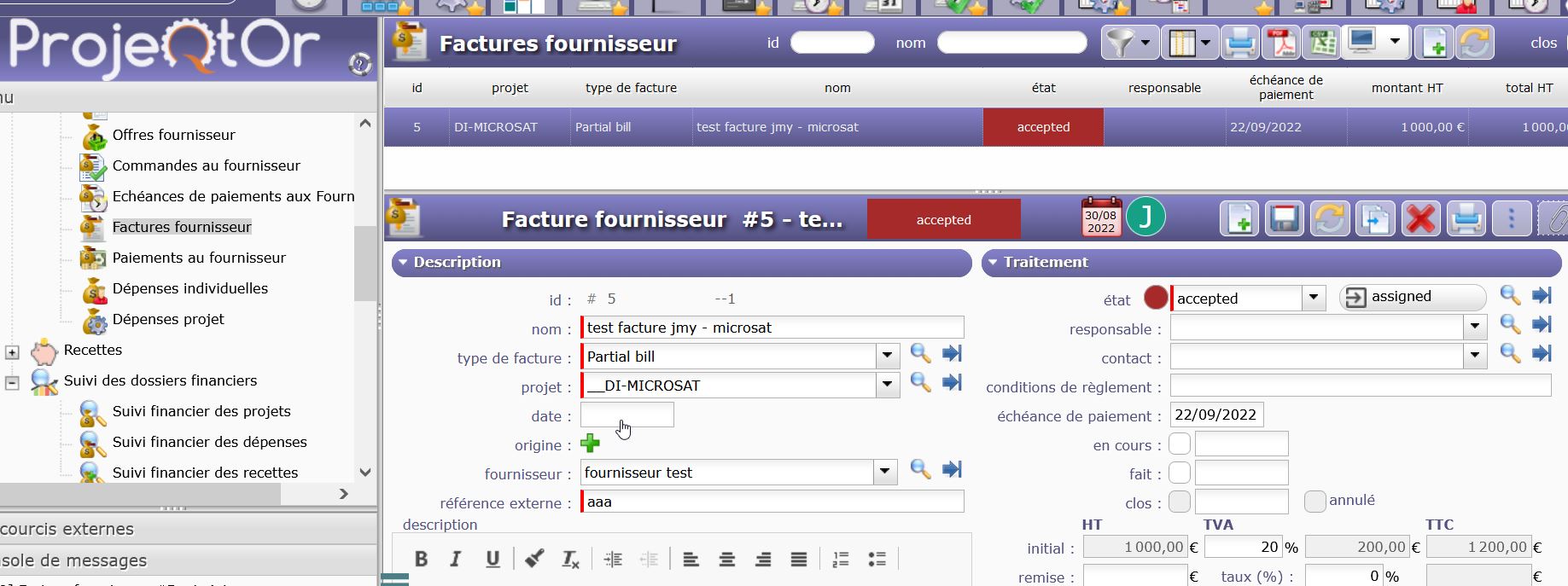
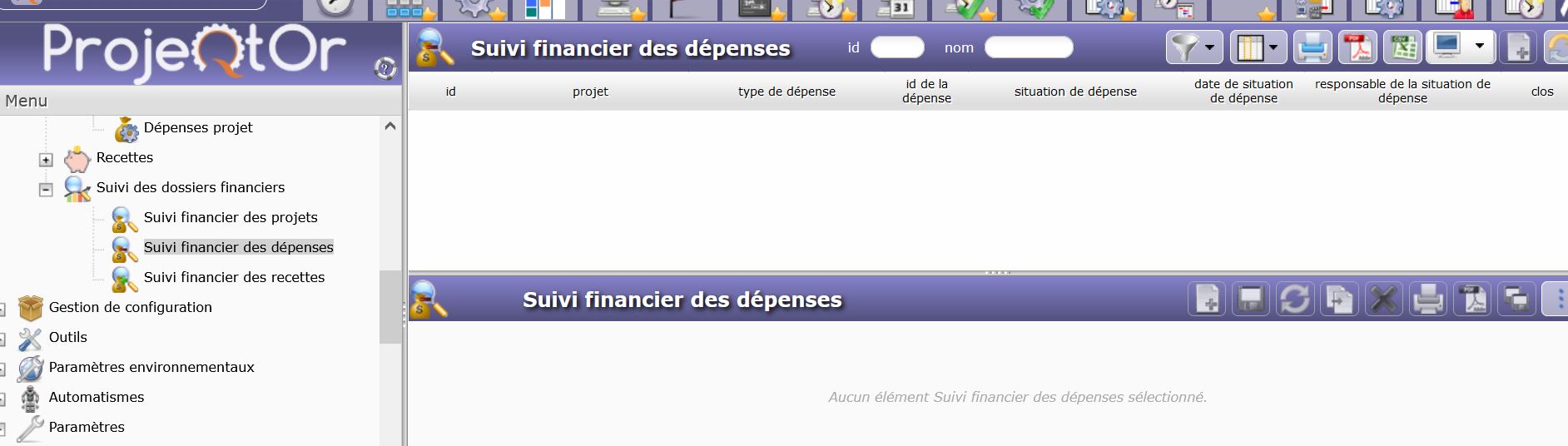

Financial Situation is a very specific feature : on almost every Financial item (except expense), you can define and historise Financial situation

Then, you'll see for each project having some finacial situation de last situation for the project, and when you click, you have access to the detail
OK, I get it (Well I think I get it) . Then it is only if in the item (for instance in an 'order to provider') some data has been inputed in the part 'historique des situations du dossier financier' that something will show up in the 'financial situation' screens.
I have to play with it and figure out if it might be useful to me, I'm not sure
But it could be useful to explain this a little bit bette in the user manual
Thank you for your answer