
Welcome to ProjeQtOr new Forum. We migrated old forum to the new website.
You will find all your posts here, with your usual account.
Just one point : you’ll have to reinitialize your password. Use “Lost password” feature.

Hi,
I want attach 10 mb files in the attachment but currently tool allowing max limit 2 mb to attach.
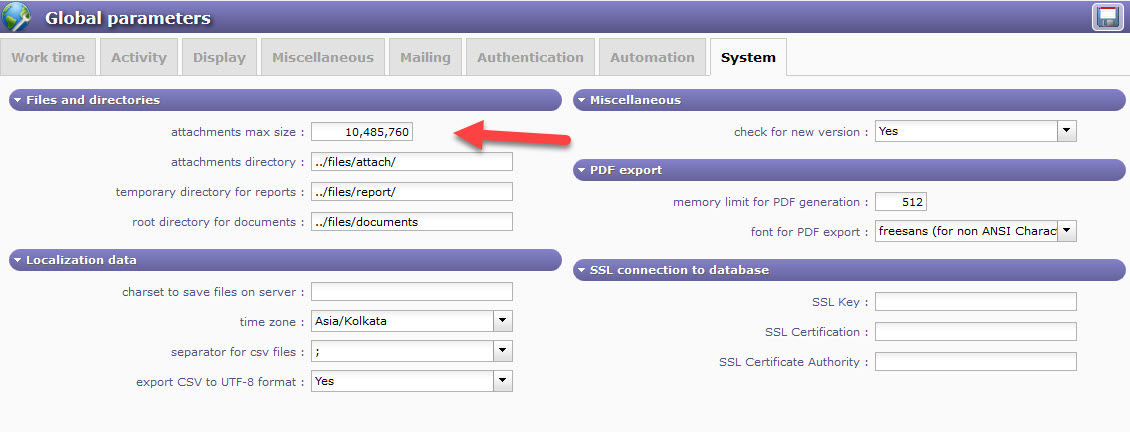
I have configured attachments max size as "10485760" bytes under Global Parameters > System tab.
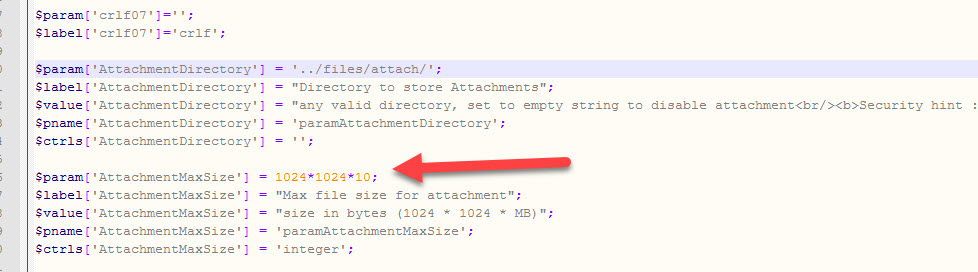
Also I have configured attachments max size as "1024*1024*10" under config.php file.
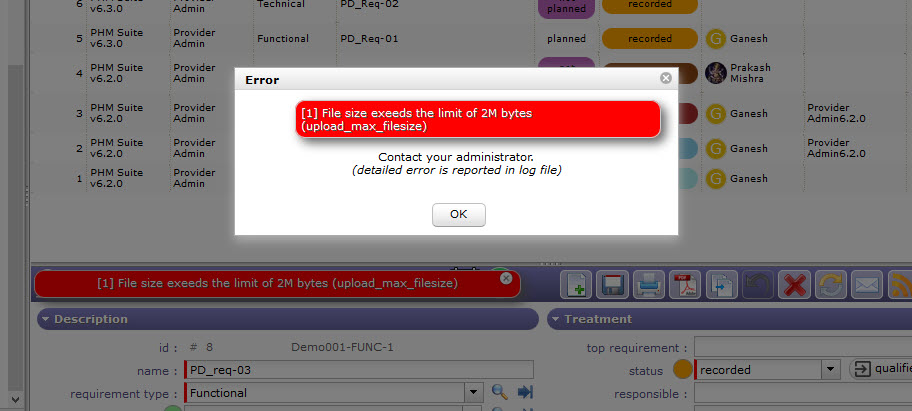
But still when attaching 10 mb file, getting error message as "File size exceeds the limit of 2M bytes".
Please guide me where else configuration required to increase the attachment size limit and whats need to be configure.
Below are some attachments.
Thanks in advance

Hello,
I want attach 10 mb files in the attachment but currently tool allowing max limit 2 mb to attach.
For increase size limit for attachment you have to check 3 points.
On your configuration php : check upload_max_filesize and post_max_size.
Then on Projeqtor in global parameters : attachments max size.
In your case, I think Projeqtor is limited by parameters in configuration php.
Hi,
I have already configured attachments max size to 10 MB under Projeqtor > global parameters.
But i am not found "upload_max_filesize and post_max_size" parameters in config.php file as you mentioned below. This file contains "AttachmentMaxSize" parameter where I have already updated to 10 MB.
Note: The config.php file I used, has taken from projeqtortool path
Please let me know this is the right file needs to configure or else any other file.
Please provide me the complete path and file name that needs to be configured.
Thanks

upload_max_filesize and post_max_size are PHP parameters.
You must change values in PHP.ini
Hi
Thanks a lot for giving solution. Now its worked for me.