
Welcome to ProjeQtOr new Forum. We migrated old forum to the new website.
You will find all your posts here, with your usual account.
Just one point : you’ll have to reinitialize your password. Use “Lost password” feature.

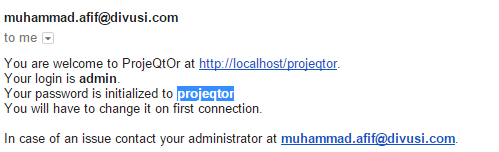
Hi recently im trying to send the admin some message like this :
You are welcome to ProjeQtOr at http://localhost/projeqtor.
Your login is admin.
Your password is initialized to projeqtor
You will have to change it on first connection.
how to change the location of projeqtor from "http://localhost/projeqtor." to another url that have been broadcasted

Message is automatic from current url.
You cannot change this.
To get correct message, just sent it after connecting from remote access, not from local instance connected on server.
but the projeqtor is i put on linux server,
and then i access projeqtor from the other computer browser
it still giving that url
please help me
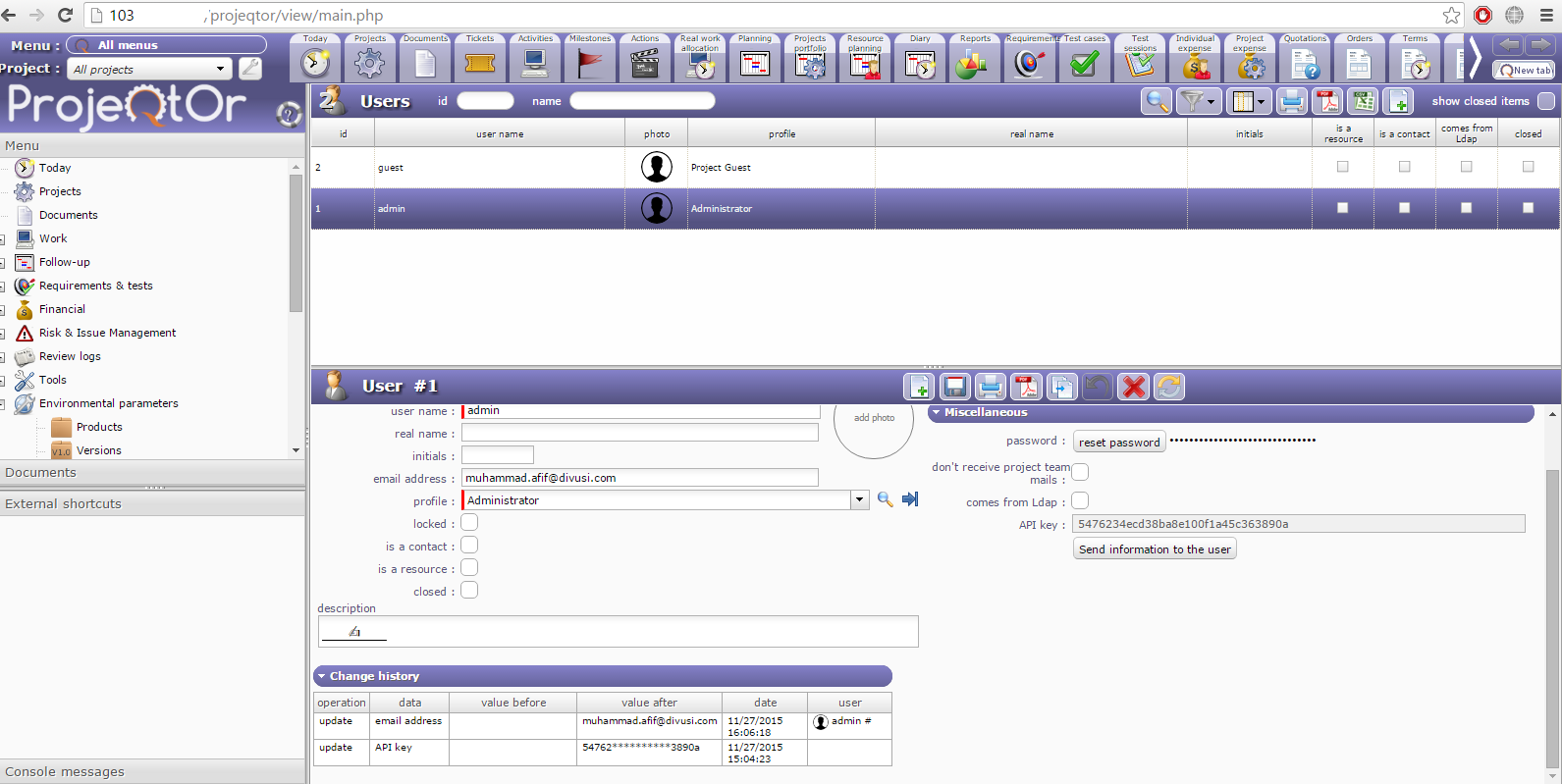
It may be a specific server configuration.
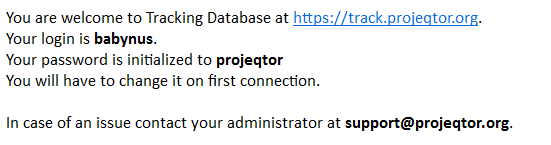
Works fine for me, for intance on track.
You may check what contains the $_SERVER in php variables.
Maybe your "hostname" is not properly configured with correct domain name.
You can have a clean workaround : go to Global Parameters, and in the "body of mail to user" field replace {url} by your own value.
where we can check the $_SERVER in php variable? (im sorry im still newbie in linux)
where to configure our hostname?
where to change that global parameter?
To test $_SERVER variable, you need to write a small php file that you will store on the web root of your server.
For instance you can store it as test.php directly at the root of web root.
Content of file should be :
That's all.
There call it from browser as http://yourserver/test.php
Content of $_SERVER will be displayed.
REMOVE THIS FILE AFTER TEST, AS IT MAY BE A SECURITY LEAK THAT WILL GIVE INFORMATION TO POTENTIAL HACKER.
To configure hotname :
To display current value : hostname
To change it temporarily : hostname NEWNAME
To change it permanently : edit /etc/hostname and reboot
To change Global Parameter :
In ProjeQtOr, go to menu Parameters >> Global Parameters
thanks a lot admin babynus :). it worked
but then projeqtor return this message when i try login
Ldap connection error
Contact your administrator
where can i unset all the user login setting, from using ldap to not using ldap
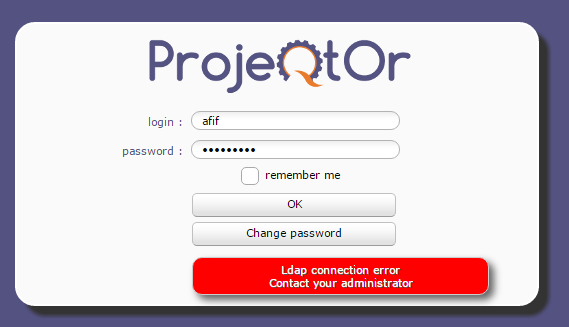
In database, for table "resource" set isLdap to 0 for users who will not use LDAP to connect.
(You can also define this value is the screen User if you can still connect as admin)
Also notice that new users who are not know is ProjeQtOr will try an Ldap connection if in Global Parameters you set "connection with LDAP user" to Yes.
how to open connection to database in linux? is there some kind of phpmyadmin in linux or not?
, im currently using nginx php5 mysql
im so sorry im still newbie in linux
phpMyAdmin is not intalled by default.
You have to get it on PhpMyAdmin website and install it (as easy as ProjeQtOr : unzip archive in web root).
You can also try TOAD For MySql client.
(I really like it)
so its like sudo apt-get install php5-phpmyadmin?
is TOAD is integrated with GUI with it? or it just text based, just like linux ?
so its like sudo apt-get install php5-phpmyadmin?
Yes, and this solution (apt-get) is better and quicker.
is TOAD is integrated with GUI with it? or it just text based, just like linux ?
No, it is a client you install on Windows (don't know if it's available for linux)
BTW is there some kind of benefit or diference(s) between phpmyadmin and TOAD?
I'm kinda curios 🙂
Completely different :
=> phpMyAdmin is a web application that you install on your server, you have nothin to install on client, but hackers may reach your database through phpMyAdmin if access is not correctly secured. Interest is that you don't have to open access to database outside localhost as acces are done locally by phpMyAdmin (installed on server).
=> TOAD is a heavy client application that you install on your desktop (like word or any other desktop application). But you have to open remote access on your database to allow this kind of access.
so i'd say that using TOAD more secure than just using myphpadmin tought, cause TOAD using server-client connection from our PC...
but if i want to use TOAD how to connect to mysql server that been put on linux thought?
so i'd say that using TOAD more secure than just using myphpadmin tought, cause TOAD using server-client connection from our PC...
No, not really, as it involves allowing remote connections, which is not really secured.
Best could be phpMyAdmin with security on the directory.
Something like a .htaccess containing :
AuthName "PhpMyAdmin"
AuthType Basic
AuthUserFile ".htpasswd"
require valid-user
AuithUserFile should be changed to secure path and .htpasswd correcly generated (search in the web for "how to generate .htpasswd")
but if i want to use TOAD how to connect to mysql server that been put on linux thought?
You need to allow remote access on MySql server. This is not very easy, nor secure. You'll find some tutorials on the web ( http://www.cyberciti.biz/tips/how-do-i-enable-remote-access-to-mysql-database-server.html)
phpMyAdmin is not a bad alternative 😉