
Welcome to ProjeQtOr new Forum. We migrated old forum to the new website.
You will find all your posts here, with your usual account.
Just one point : you’ll have to reinitialize your password. Use “Lost password” feature.

Hi Expert,
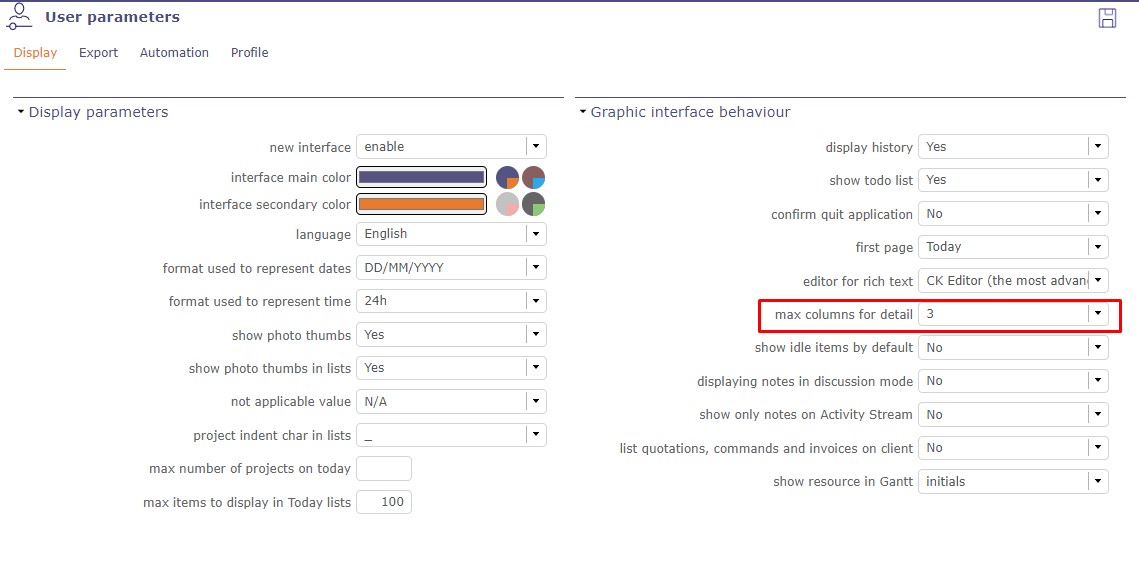
I need to understand functionality of "max columns for detail" in User Parameter. Please elaboration with example, so i can use it properly. I don't get it that how to check it after change parameter in it.

Hello,
This user parameter allows you to have either 1, 2 or 3 columns in details area for an element.
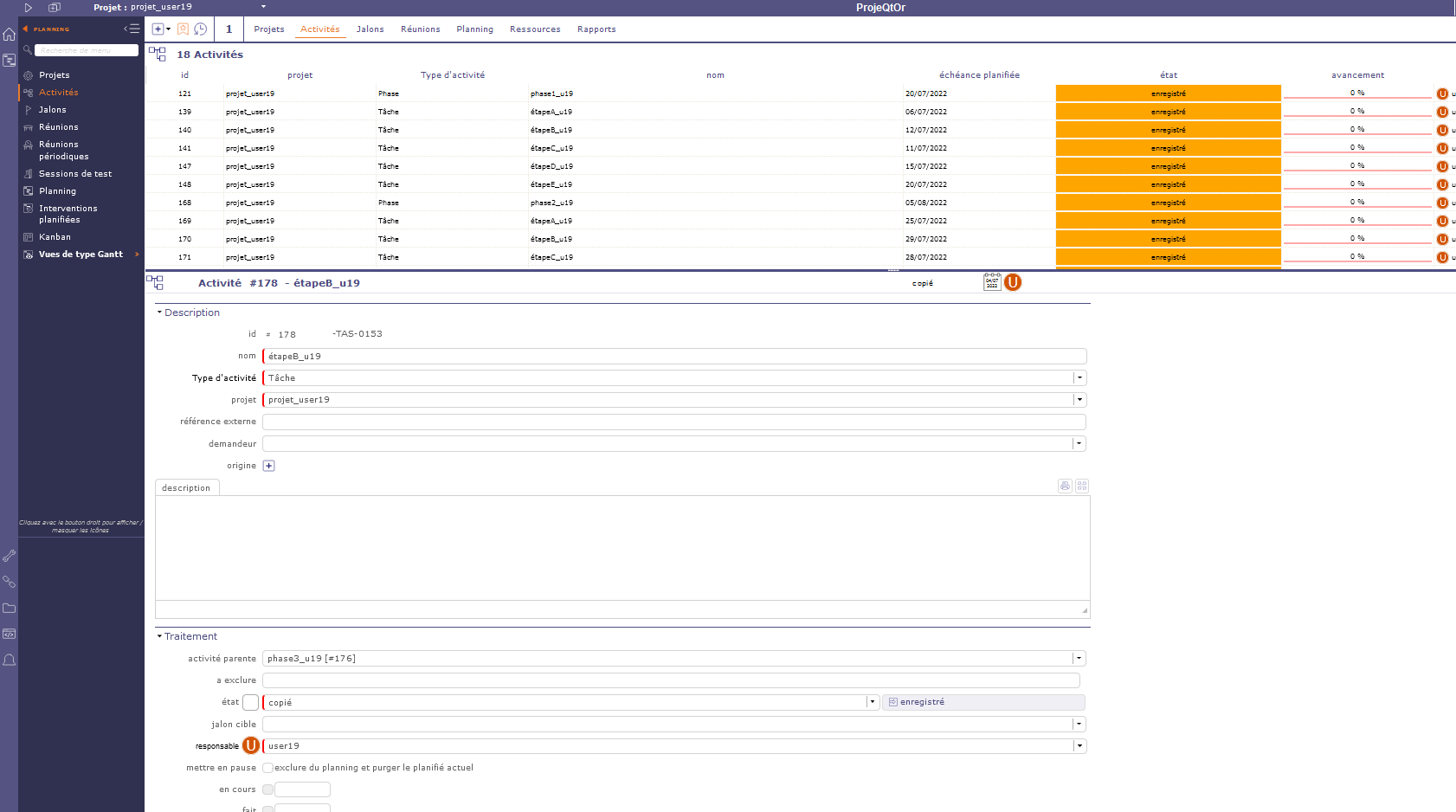
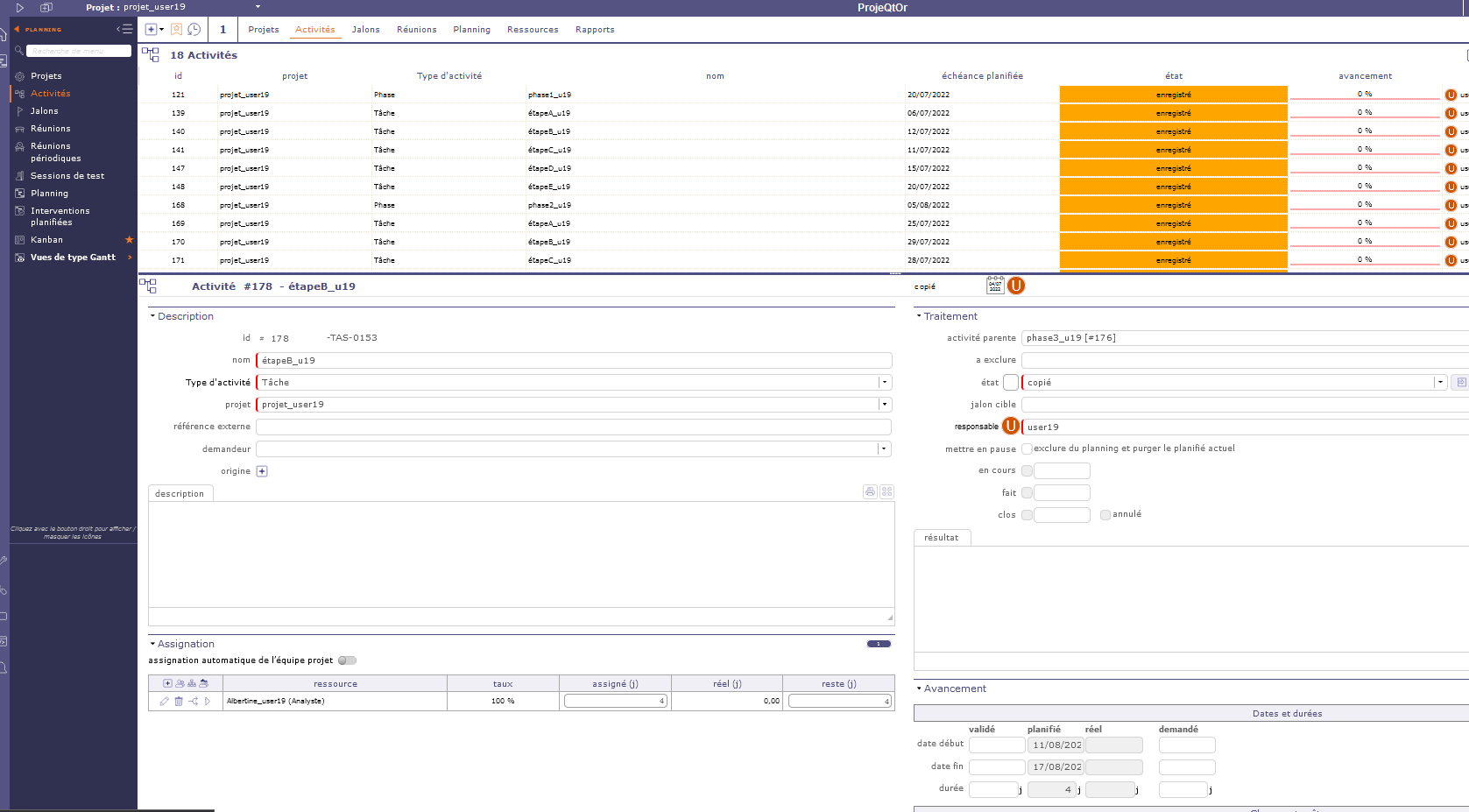
Here are pictures to show you the difference when you are in horizontal display mode :
1 column :
2 columns :
3 columns :
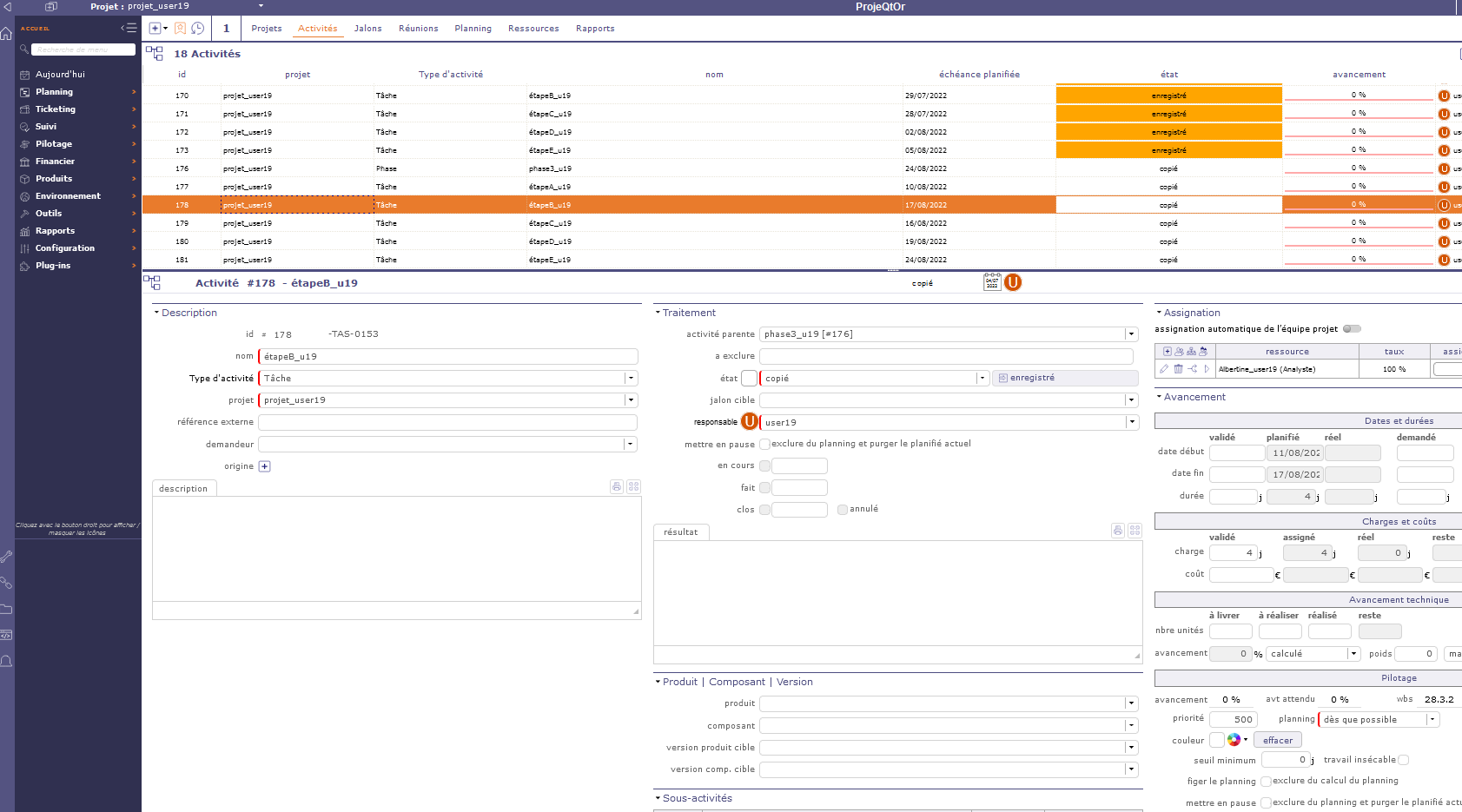
Hope it helps. 🙂
Thanks so much for giving nice understanding. I checked for 1,2 & 3 columns, in my case it is not working, if I set parameter as 3, it's shows only 2 columns! What could be the reason?
For 1 & 2 it's working fine.
Hello,
It probably has something to do with your screen resolution.
I just tested it on a "small" screen, and even if I force 3 columns, I do see indeed only 2 columns.
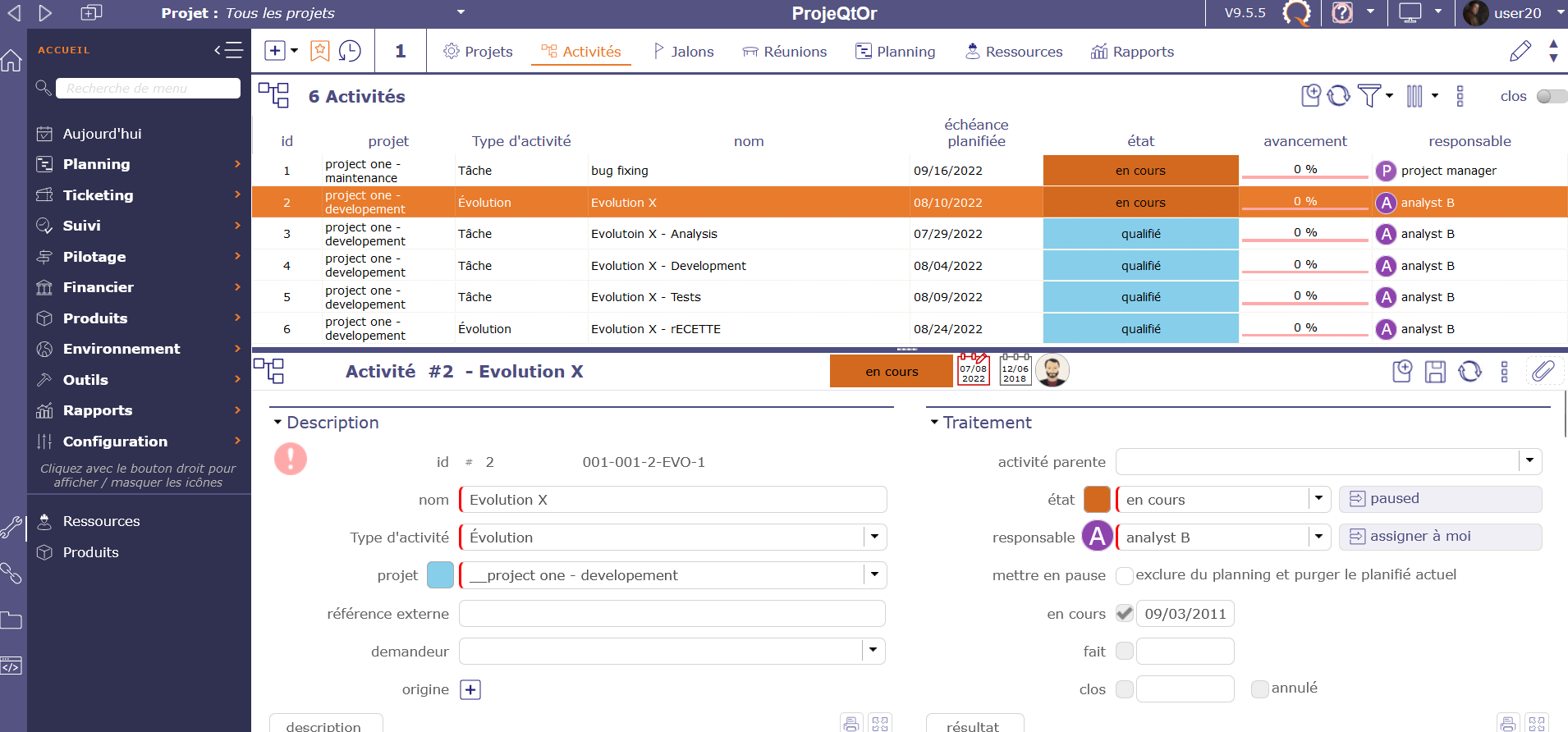
Display is really matter of your own preferences. And it can also depends on your own use of ProjeQtOr. As for me, depending on the projects I'm working on (and my computer screens...), I prefer a vertical or horizontal display, with or without tabs.
ProjeQtOr really allows you to set it just as you like it (depending on your device capabilities, of course) 🙂
Yes, you are right, I could see even more than 3 columns too ! when I zoomed out.