
Welcome to ProjeQtOr new Forum. We migrated old forum to the new website.
You will find all your posts here, with your usual account.
Just one point : you’ll have to reinitialize your password. Use “Lost password” feature.

Hello,
in our PorjeQtOr installation I'm a project leader and I'm able to create projects. We have a project with type template which we want to use for new projects. But although I'm assigned to our template project as an project leader and being able to create new projects I'm not allowed to copy the template project because of missing rights - which right(s) do I need therefore?
Thanks in advance
Ronny
Maybe it's because I'm not allowed to change a meeting from one project to another? But I don't know which right to set to do that...

To copy a template, you need to :
- be a project leader in "Projector" terms : be a user with default profile defined with code 'PL' (as project leader)
- have rights to create a project
Hello Babynus,
thank you for your reply. Unfortunately that doesn't work for me: I do have the standard profile "project leader" and I'm able to create projects. But when trying to copy an existing project I'm getting the error message that I do not have the right to create projects...
Best regards
Ronny
Maybe your project is sub-project of another and you do not have right to copy as sub-project of this parent.
So you need to change parent project on copy.
Following procedure:
1. creating new project without top project => worked
2. trying to copy that new project => error message about missing rights
Ronny

Assign yourself (or the user who must have coopy right) to the project, or make it a subproject to one you (or the user who needs to copy) is assigned.
When creating a new project it's automatically assigned to me...
Any new idea on this? A colleague without admin rights tried unsuccessfully to copy a project he owns...
Hi,
Rights are not required on the source project, but on the target.
Even for projects you manage, you cannot copy to another project you don't manage.

Hello,
Babynus has already answered. Unfortunately, we cannot invent new solutions to please users.
We do not replicate this behavior. If you have the rights to create, you have the rights to copy. And it works very well.
On the other hand, as we explained to you before, it is more than likely that you want to copy the element to a place where you do not have rights.
If this is really not the case, try to provide us with more details: screenshot, log, browser console...
Hello,
I don't want to get a new solution as what I want should already be working. As I wrote I did the following procedure (as a project leader):
1. creating new (standalone) project => WORKED
2. trying to copy that new project => ERROR:
Ungültiges Steuerelement

Sie haben nicht das Recht zum Erstellen (Projekt)
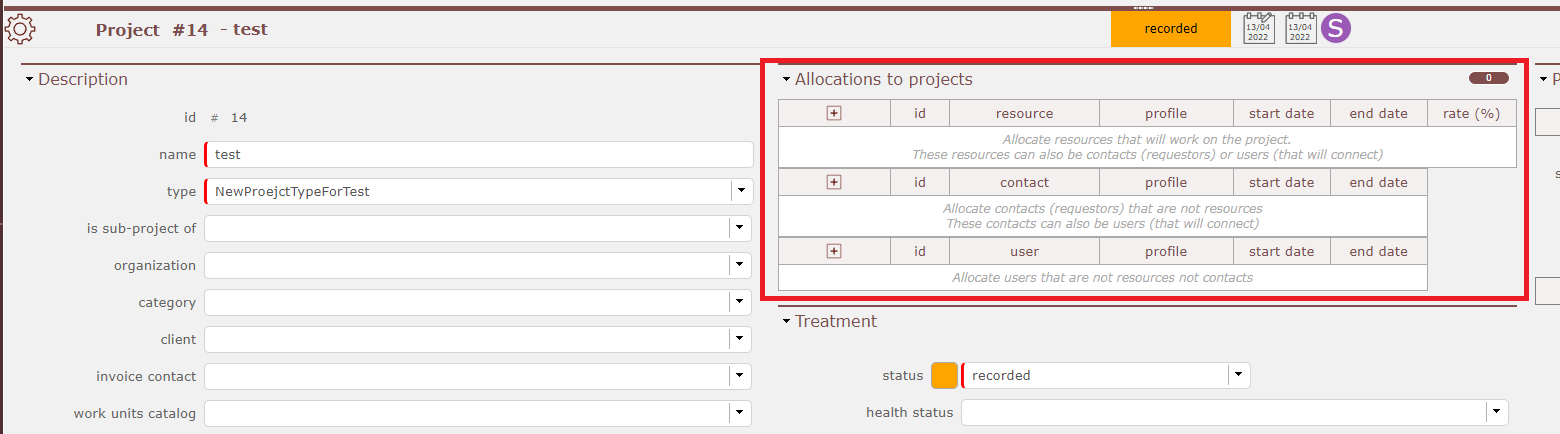
Are you sure your user which makes the copy is listed in "Allocations to the project" ? And not just set as manager ?
Try it in the template and if it is not working in the target project, wehre the copy of the template shall be a subproject.
Please post Message with interface st in English.
We don't read Russian ... 
Sorry for posting in GERMAN (NOT Russian!!)
So again what I did:
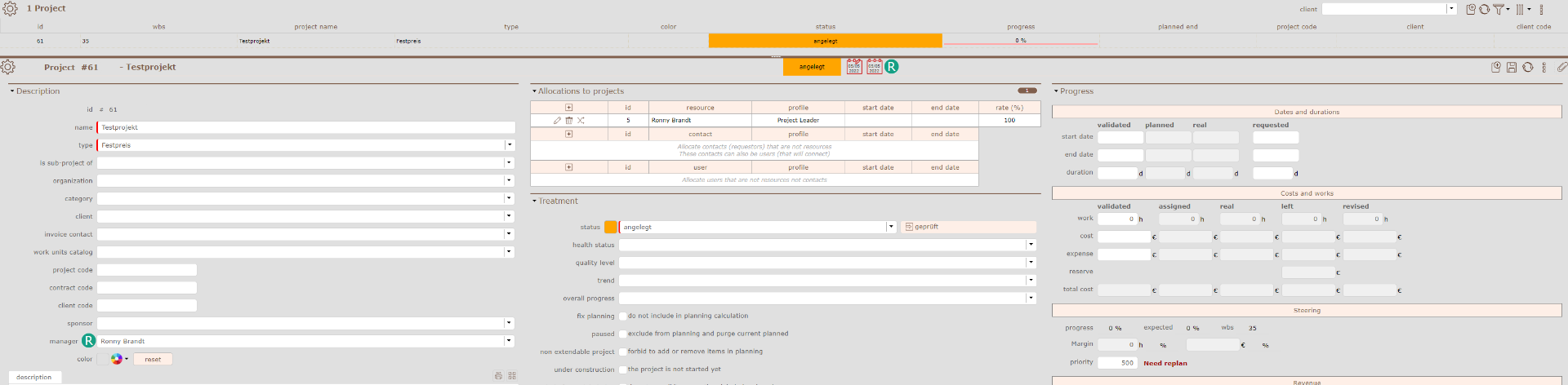
1. Created new project "Testprojekt":
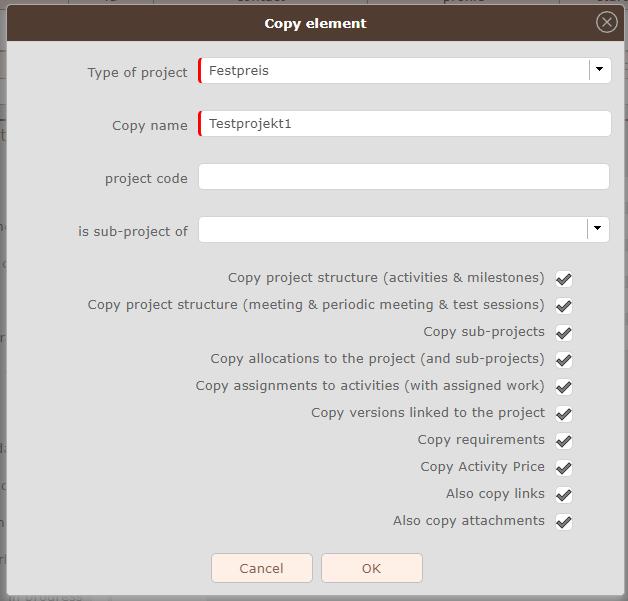
2. Trying to copy project to "Testprojekt1":
3. Result: Error message:

My user:
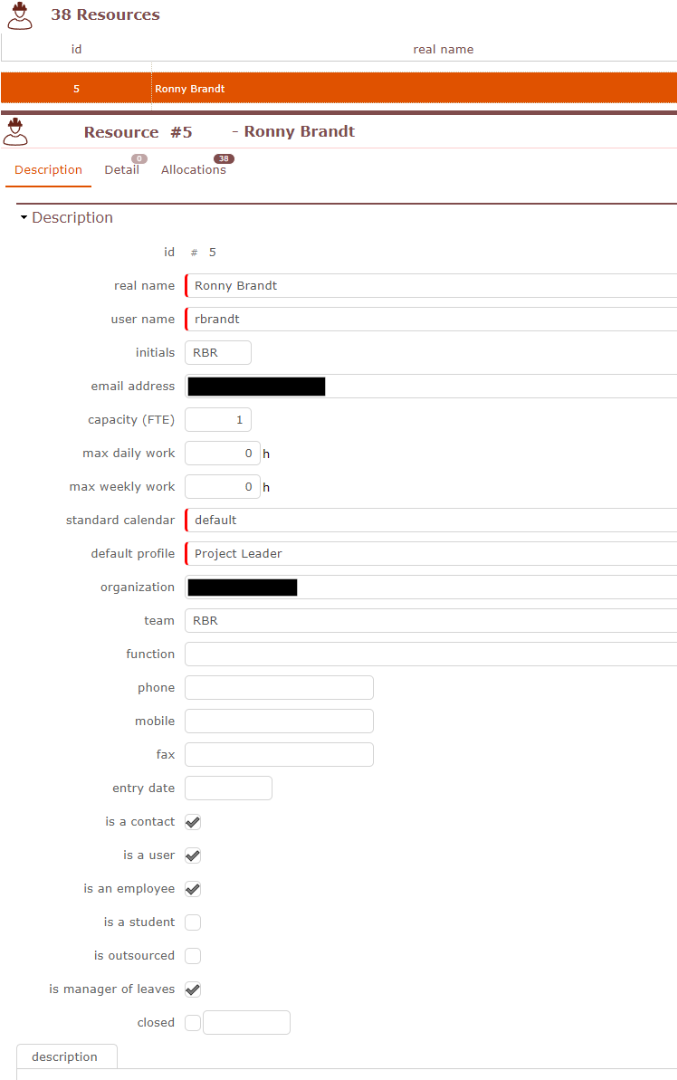
Hope that helps...
Ronny
Can you please try without checking any option ?
Do you have the same message ?
Yes, same message
Do you have some restriction of type of project per profile ?
Possible this profile cannot create projects of the selected type.
No, I'm able to create projects of this type but not to copy them.
Which version of ProjeQtOR are you using ?
V9.5.3
I think you changed some habilitations for the project leader profile (possibly you just changes access modes)
It's difficult to analyse this through forum.
You can tests that default configuration works fine for copy of templates on Demo : https://demo.projeqtor.org
Connect as Manager (he is a Project Leader).
Go to screen project, apply filter for type "Template" : you see all templates in the DB.
Select any template project : you may not be able to change data of the template, but you can copy it into new projets.
Copy Works.
Within the ProjeQtOr demo my proceeding works. Unfortunately I'm not able to compare the access rights because they are not visible within ProjeQtOr demo...
here is a capture of the access modes as they are by default in ProjeQtOr so that you can compare
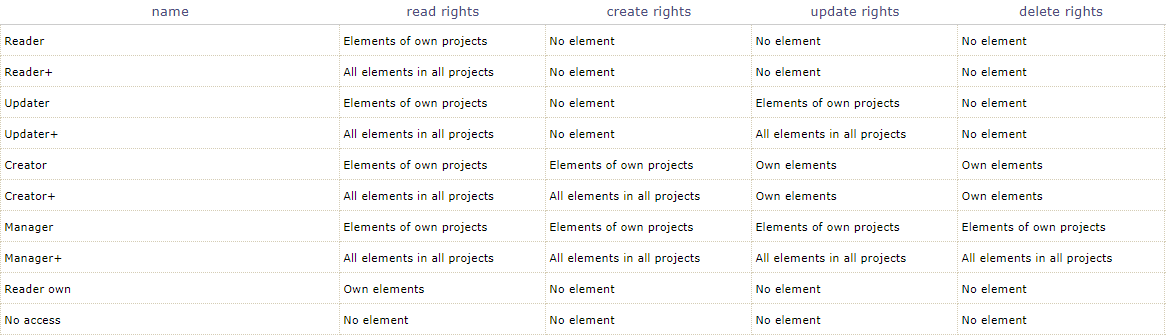
They are the same within my configuration