
Welcome to ProjeQtOr new Forum. We migrated old forum to the new website.
You will find all your posts here, with your usual account.
Just one point : you’ll have to reinitialize your password. Use “Lost password” feature.

Greetings.
I have the following queries:
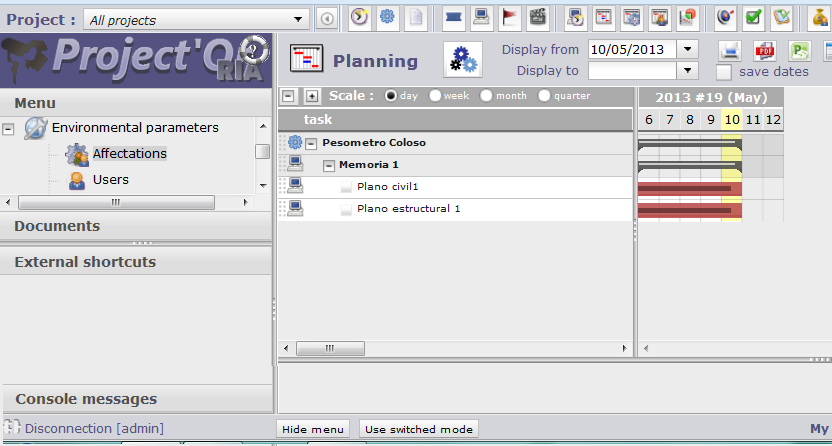
1. - I have defined profiles Administrator, Supervisor and Project Leader. In a test project, the Admin and Project Leader can see the Planning and Resource Planning, but the Supervisor can not see, why?. I tried placing the supervisor as a resource or project manager and can not see the planning. Deputy images.
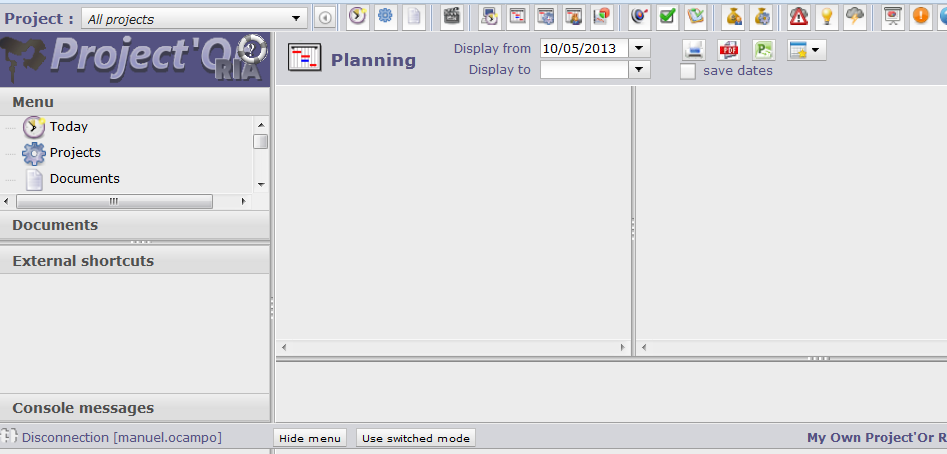
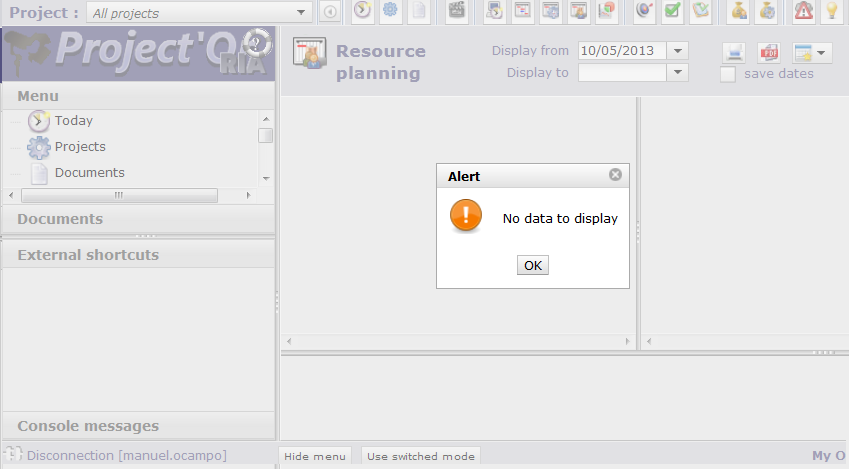
2.- How can you incorporate this week working in planning?
Monday to Thursday: 8:00 to 13:00 14:00 to 19:00 10 hours daily
Fri: 8:00 to 13:00 hrs working 5
3.- In my team we have double functions (eg ing. A and Mr. B) depending on the project. In a project A can Ing To be leader, while I can be a project B only member. When defining the profile of this:
Mr. A. Project Leader
In project A, you can change everything about your project.
In project B, you can change the same. When it should only do so in the assigned task.
I think I should define:
Eng A1. Proyeto Leader
Ing A2. Member of project
Both with the same contact email, and the user must enter second corresponds.Am I right?

1) It all depends on access rights.
Planning will gest visibility set to Activity in "Access mode to data screen"
=> The default access profiles with a + will see all projects, without the + will only see data of affected projects.
In your case it is more likely that your supervisor has access to "his projects", but is affected to no project. Adding the affectation should fix this issue.
2) You can't. Every day is defined with the same work period.
3) You're right.
An evolution is planned (#529) to be able to define a different profile/role on each project, but it is planned only on V3.8.