
Welcome to ProjeQtOr new Forum. We migrated old forum to the new website.
You will find all your posts here, with your usual account.
Just one point : you’ll have to reinitialize your password. Use “Lost password” feature.

Hello,
I installed a new CentOS server.
Here is my configurations:
projeqtor v4.0.6
centos 6.5 64bit
httpd 2.2
php 5.3
mysql 5.1
I don't have a taskbar for create a new item (see in attachment). I reinstall several times (x5) and I have the same error...
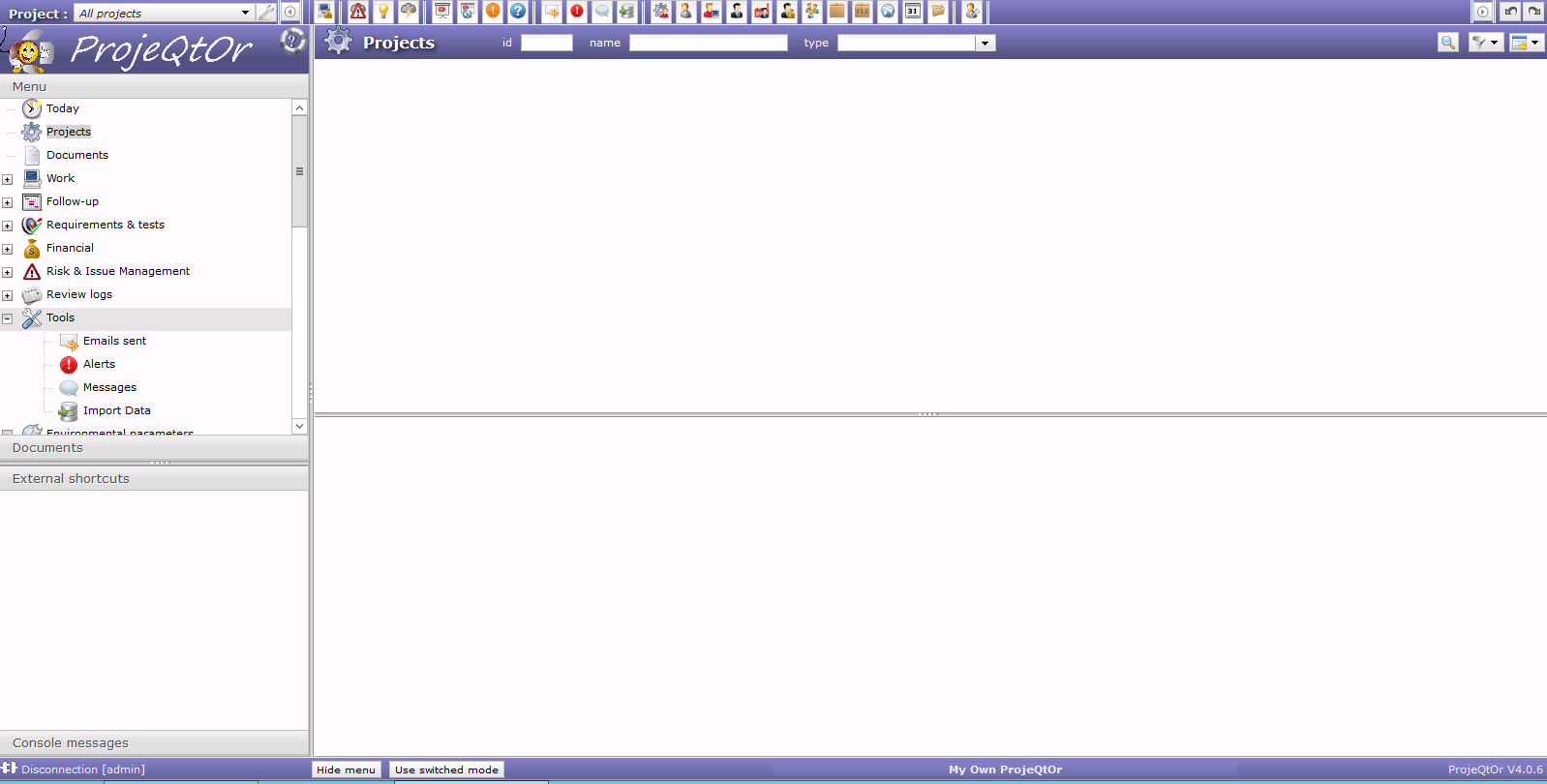
When I installed on Debian server I don't have any problem.
Can you help me please.
Thanks in advance..

Hi,
It is probably an missing php module.
First check for requirement, as defined in the README file :
PHP configuration advised :
register_globals = Off ; securite advise
magic_quotes_gpc = off ; security advise
max_input_vars = 4000 ; must be > 2000 for real work allocation screen
max_execution_time = 30 ; minimum advised
memory_limit = 512M ; minimum advised for PDF generation
file_uploads = On ; to allow attachements and documents management
PHP extensions required :
gd => for reports graphs
imap ==> to retrieve mails to insert replay as notes
mbstring => mandatory. for UTF-8 compatibility
mysql => for default MySql database
mysqli => for default MySql database
openssl => to send mails if smtp access is authentified (with user / password)
pdo_mysql => for default MySql database
pdo_pqsql => if database is PostgreSql
pgsql => if database is PostgreSql
php-xml => for xml parsing
You likely have some error in the log file.
Please report it here.
In effect, php-xml module was missing. The problem is resolved.
However I checked with the readme.txt file, It's not rated to install this module.
Can you add the module in readme file.
Thanks a lot babynus
Hi,
requirement is added in readme file in V4.1

Hello to all,
I've just installed a production server with the following config:
OS: CentOS release 6.5 (Final) x86_64
Web Server: httpd-2.2.15
MySQL: MySQL 5.6.17
PHP: PHP 5.3.3
ProjeQtOr: V4.2.3
I've detected that the parameters.php file can't be written.
We tried several locations, with "777" permissions, and nothing happens.
The last place I've tried is the folder where we have ProjeQtOr's log files, that are written with success, replicating the permissions.
The parameter location file is pointing to the right location.
I do'nt have any error on log's files, no matter the "log level" I set.
Can you please advice?
Thanks in advance.
With rights on 777, there shouldn't be any issue to store parameter.php file.
Anyway, what you can try a chown to give onwenrship to php user (user launching PHP).
With rights on 777, there shouldn't be any issue to store parameter.php file.
Anyway, what you can try a chown to give onwenrship to php user (user launching PHP).
babynus, it looks like a SELINUX issue. One has to add specific permission to SELINUX so that the PHP can access the filesystem outside /var/www/html.
I'm not planning to change much the parameters.php file. If needed, will edit it by hand. This way, won't have to mess around with SELINUX.
Hi,
Glad to know you foound source of the issue.
Just to know, parameters.php file will not have to be changed after install.
All parameters that can be changed afterwards are stored in database...