
Welcome to ProjeQtOr new Forum. We migrated old forum to the new website.
You will find all your posts here, with your usual account.
Just one point : you’ll have to reinitialize your password. Use “Lost password” feature.

Good evening,
I experienced several issues in creating new user /resource (projeqtor 8.2.3 and debian stretch)
At first, after creating the database an logging correctly as admin (admin/ admin) I was'nt able to change the password of admin user (from admin to another).
The attempt led to a mask (similar to the one of the normal login / password) but with new-password / validate password refusing of accepting the new string and wrongly claiming for length issues or equality to default pw; but I was able to return to the admin user .
Later, from the admin istance, I added a new user and resource (master) and tried without success to login as master. I logged in again as admin, went in user area, I reset the pw and copied the autogenerated pw for master. Logged out and tried again to login as master with the generated pw - the login was accepted but it came immediatly out the mask for validating a new password and again the mask refused to accept the new pw for alleged wrong length . IT was impossible to go out from that mask.
EVERY new istance to start or login projeqtor is now blocked from this password validation mask until I reinitiate the program erasing parametersLocation.php from tool.
in that way I'm only able to login again but admin/admin.
May I suggest to manage the user passwor directly from the admin istance? (I tried also to change pw directly from mtsql record but it remained the same way -the mask)
Thanks in advance for any solution or suggestion to solve,
David
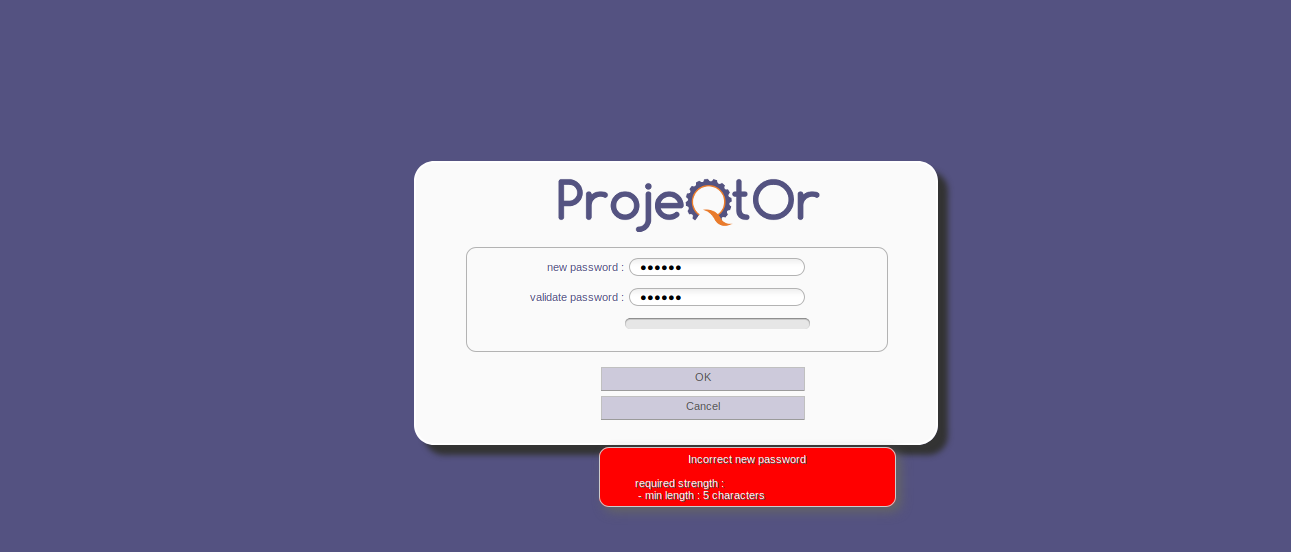
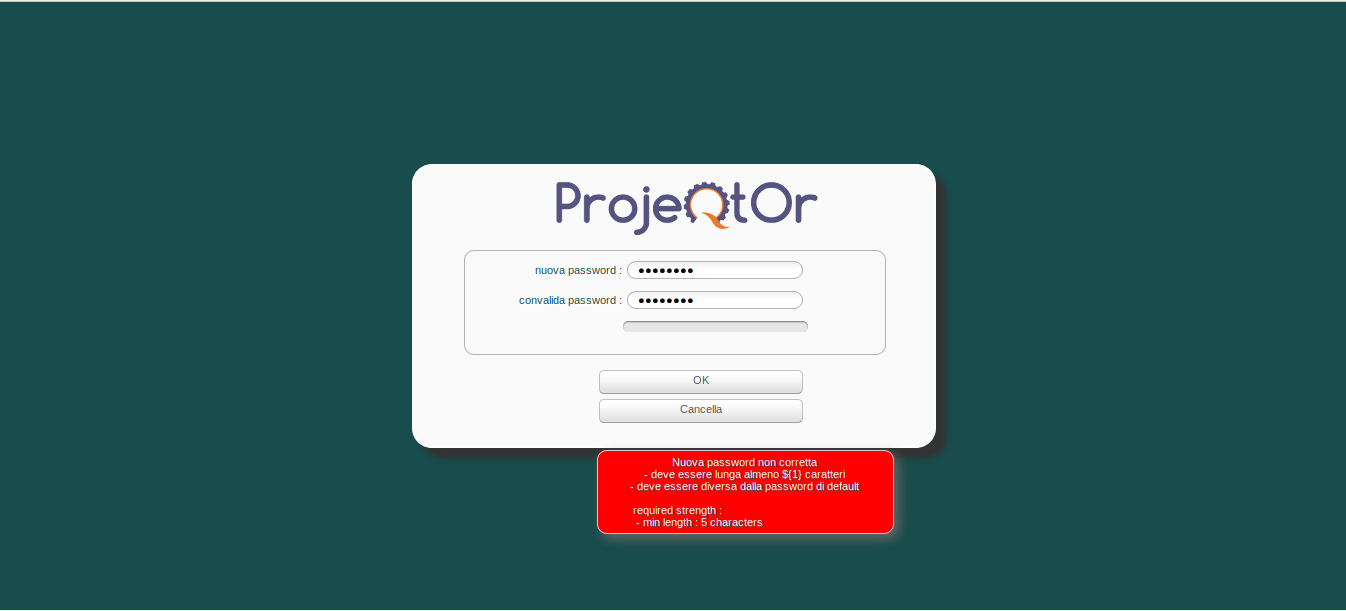

It ssems you have some javascript issue.
When entering password, you should have the progress bar increase when you enter more and more streghtened password
(number of chars > 5, numbers and letters, special characters)
Please check for error in browser console and report any error here.
(also be sure to disable possibly interfering password management extension)