
Welcome to ProjeQtOr new Forum. We migrated old forum to the new website.
You will find all your posts here, with your usual account.
Just one point : you’ll have to reinitialize your password. Use “Lost password” feature.

I just upgraded to the latest version and I got 2 problem related to pageview.
The first one : Button without icon on several pages like screenshoot below :
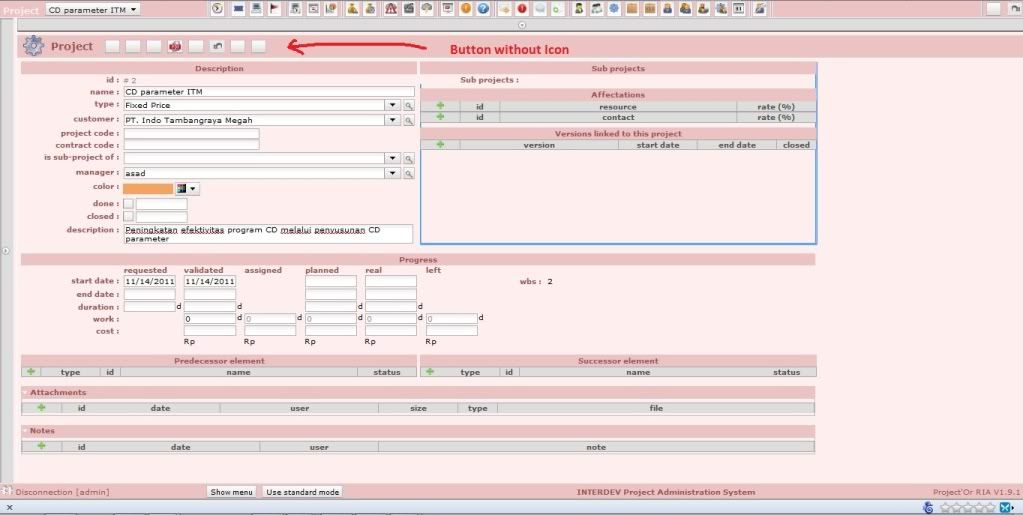
The second one : There is no side scrollbar. The page size taller than screen size, i can see the rest of the page at the bottom page. Below is the screenshoot :
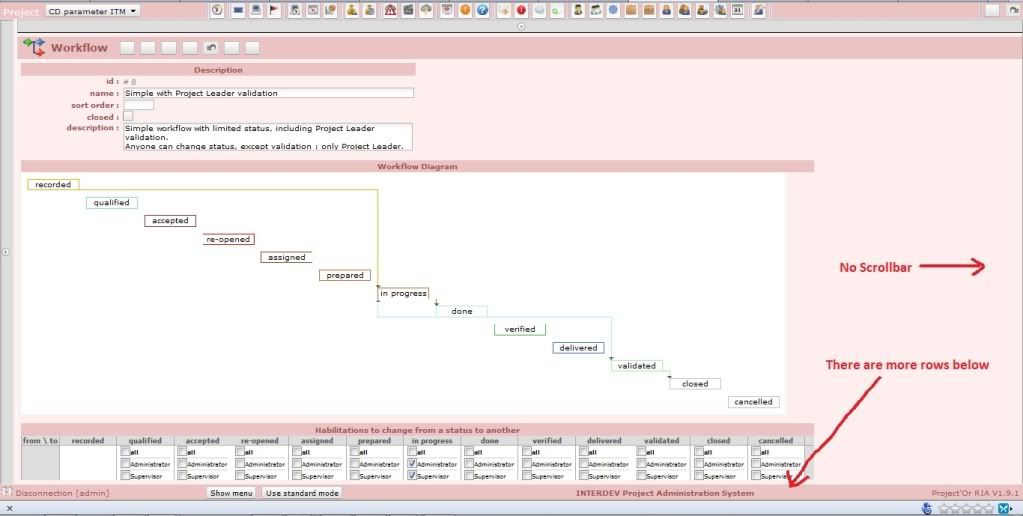
Full image link :
Anyone can tell me how to solve these problems???

Hi,
First issue is due to your php server : too slow to serve pages.
Most a the time, a simple refresh of the page (F5) corrects te issue.
Second issue is a known issue that I have never been able to reproduce (and so not able to correct), but identified by several users.
In some cases, re-installation have correted the issue.
Any information about condition of production will help. Thanks.

Hi ! and a Happy New Year !
I've got the same.
It doesn't work at all on Firefox 9.0.1 (even if cache is empty) and works partialy on IE 8 (8.0.6001), the scroolbar is présent but show only upper part of diagram (the part visible initialy at page load), and nothing about detail of workflow.

As I cannot reproduce, I'd like you to help me :
- either give me any url where I could try the issue
- or try and debug (for instance with FireFox using Firebug plugin, or with Chrome):
On /view/js/projector.js, add after line 475
console.log(data);
it should look like
load: function(data,args){
          // update the destination when ajax request is received
          // cleanContent(destination);
    	  console.log(data);
          var contentWidget = dijit.byId(destination);
Then refresh cache of browser (F5), open workflow display until you get the error, open the browser console (clear it if not empty), and hit the refresh application button.
You should get new date in the console ; just copy it and send it to me.
Thanks in advance.
Hi,
Are you still facing this issue ?
Could you give me any hint to be able to fix it ? (see request in above post)
Thanks