
Welcome to ProjeQtOr new Forum. We migrated old forum to the new website.
You will find all your posts here, with your usual account.
Just one point : you’ll have to reinitialize your password. Use “Lost password” feature.

Hello,
We have a problem when saving ticket form : the selected product is not saved
Steps :
- Modify ticket
- Select product + modify description for example
- Save ticket
- Open an other ticket
- Reopen the first ticket => the product is empty (modification of description is ok)
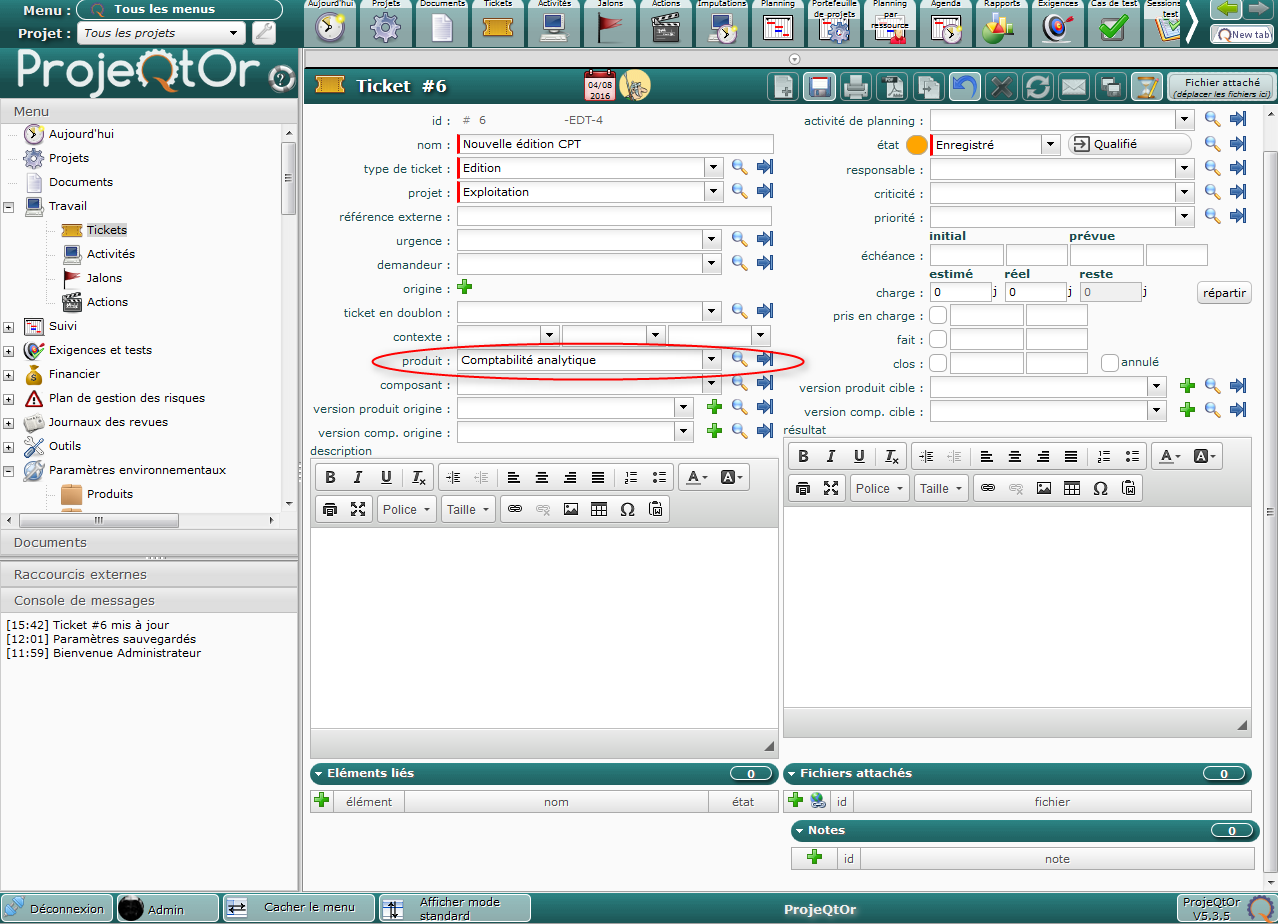
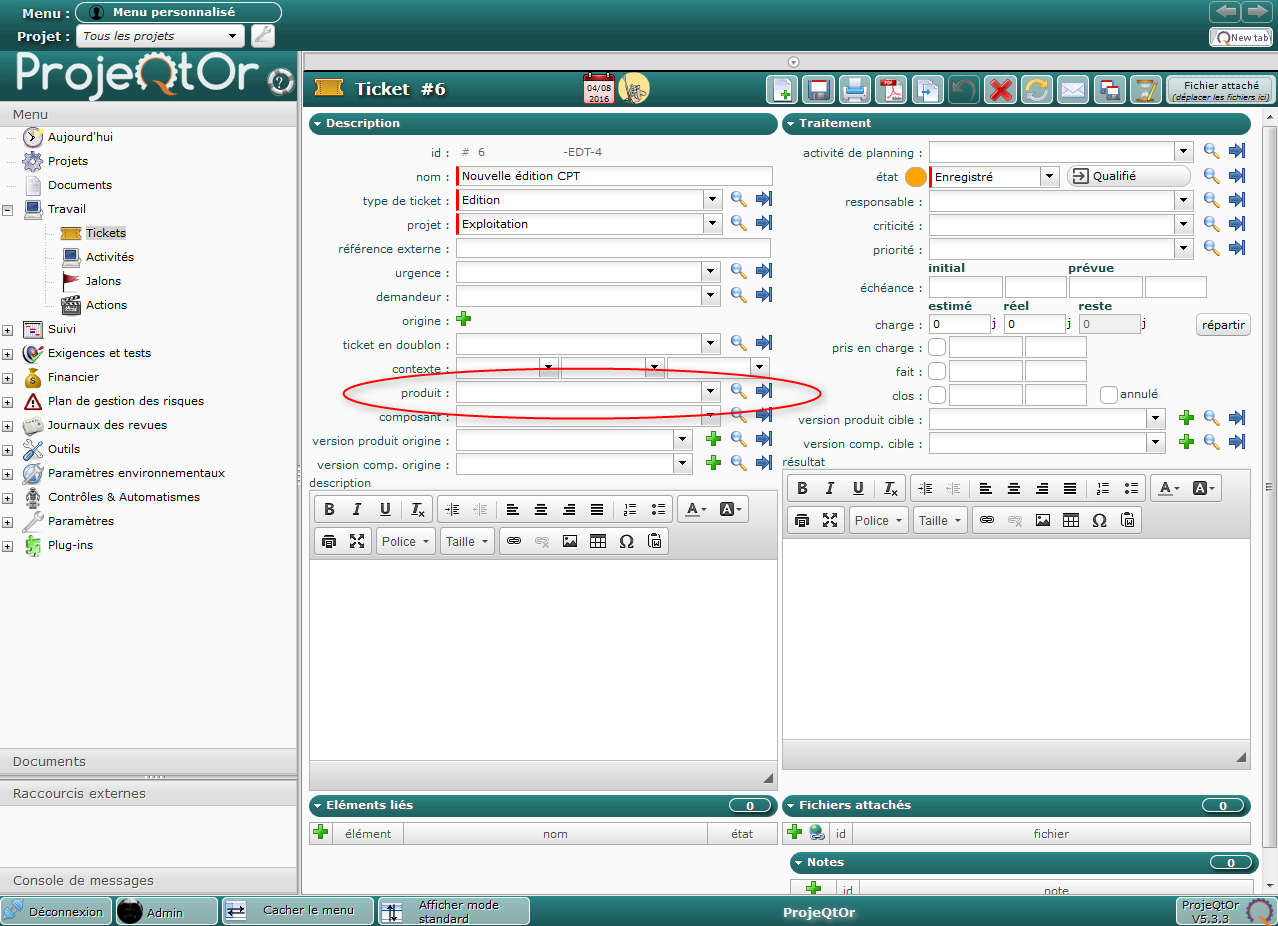
See attached screenshots :
Screenshot1 : before clic on "Save" icon
Screenshot2 : after reopen
There is no error in log file.
Projeqtor version : 5.3.5 (same problem with 5.3.3)
Browser : firefox 47.0 (same problem with Chrome)
Thanks

Strange, I cannot reproduce, even on V5.3.5.
Do you have any error on ProjeQtOr log file, on browser console, or on Apache error log ?
When you re-open the ticket, does the previouly selected product appear in the products list ?
NB : this list has changed on V5.4, so issue should not be reproduced on V5.4.3 or later.
So If you have the opportunity to upgrade (for instance on a test environment), I would be glad to know the result.
Thanks Babynus for your answer.
There is no error in Projeqtor log file, neither in browser console.
It seems like product isn't saved. When we re-open the ticket, the previously selected product is not in the list.
We will make a test with v5.4 at the end of august. We will tell you the result after the test.
Same problem with v5.4.
Nevertheless, we found a workaround : if a version is selected on the project, the product is saved on the ticket.
So, at least one version must be selected on a project if you want to select a product in a ticket.
Very strange, because I canot reproduce the issue.
Product is always saved.
Can you try and reproduce on Demo ?
The problem occurs only when we use the "magnifying glass" icon to select a product. This icon is displayed with administrator profil.
This profil is not available in demo.
I can try to explain with more precision the way to reproduce the problem :
- connect with admin user
- create a ticket
- choose a project with no version
- use the "magnifying glass" icon to select a product
- save
- close
- reopen => no more product (product is not saved)
Thanks for the use case.
I could reproduce this way.
Issue recorded as Ticket #2284