
Welcome to ProjeQtOr new Forum. We migrated old forum to the new website.
You will find all your posts here, with your usual account.
Just one point : you’ll have to reinitialize your password. Use “Lost password” feature.

Previous to v8.2.x it was possible to click on a link between tasks in project planning mode.
A window popped up where you could edit link properties like delay, type, etc or remove the link.
This feature is no more available since v8.2.x, only the link line highlights orange on mouse-over, no click action.
Tested with Firefox, Chrome, Safari.

Hello,
I can't reproduce your mistake, for us it work.
Try to refresh your browser cach.
Send screenshot of your Projeqtor log files and your browser console.
If you can't fixed your issue try too updated to Projeqtor last version
Thanks for the quick reply.
Currently using v8.3.1, same behaviour.
Log file with log level 7 shows nothing unusual when clicking on tasks link:

Browser console does not show warnings or errors.
XHR response after click on link also looks quite valid:
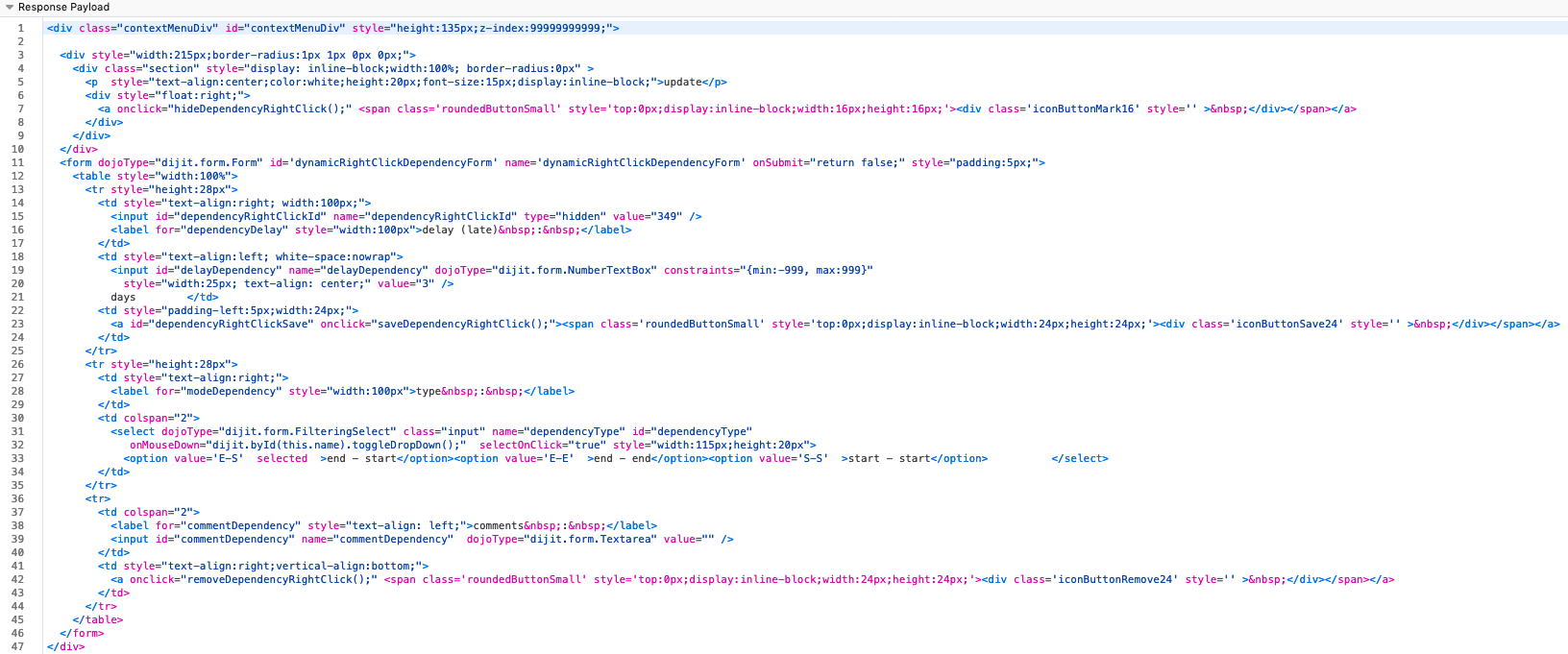
Only the included
Test browser: Firefox 72 on MacOS 10.13
Thanks, Klaus

Hello, i could not reproduce in v8.3.2
under firefox and chrome

There was no change on that side on V8.3.
The behavior you face is very strange, moreover because we cannot reproduce it.
did you try to right-click on the link ?
(botch click and right click should work)
Ok seems I found a way to reproduce even in online demo.
The issue is related to how the "Activity stream" frame is displayed.
Steps to reproduce:
- Go to planning view, make sure "Show list top" layout is selected
- Make sure "Activity stream" frame is displayed 'vertically' (e.g. right lower edge)
- Click on task link element, popup appears
- Click on "Activity stream" icon in the frame to display frame 'horizontally'
- Click on task link element, NO popup appears
Same applies if "Activity stream" frame is hidden.
HTH
Klaus
You are right !
thank you for finding this use case and for describing it well.
Ticket #4433 created.