
Welcome to ProjeQtOr new Forum. We migrated old forum to the new website.
You will find all your posts here, with your usual account.
Just one point : you’ll have to reinitialize your password. Use “Lost password” feature.

Hi,
Looking like in v.3.0 something changed in PDF/printing. If before it have been possible to print the full width of wide page using Bullzip (and will be automatically scaled to fit the page), now it trankating page the same way as create PDF option.
Regards,
Evgueni

Could you explain more explicitly what is PDF/Print ?
Does it mean Print and then export to PDF (with external tool) or export to PDF (internal function) and then Print generated PDF ?
Which item do you try to print/export ?
There was a change in PDF export for planning and resource planning on V2.6.0, but nothing in V3.0.0.
I mean in both cases: 'Export to PDF' and 'print report'.
Good sample - work->work monthly report. It will create just 11 columns for Export to PDF from 32 columns I have
Regards,
Evgueni
I cannot reproduce.
Could you post a print screen ?
Screenshot enclosed
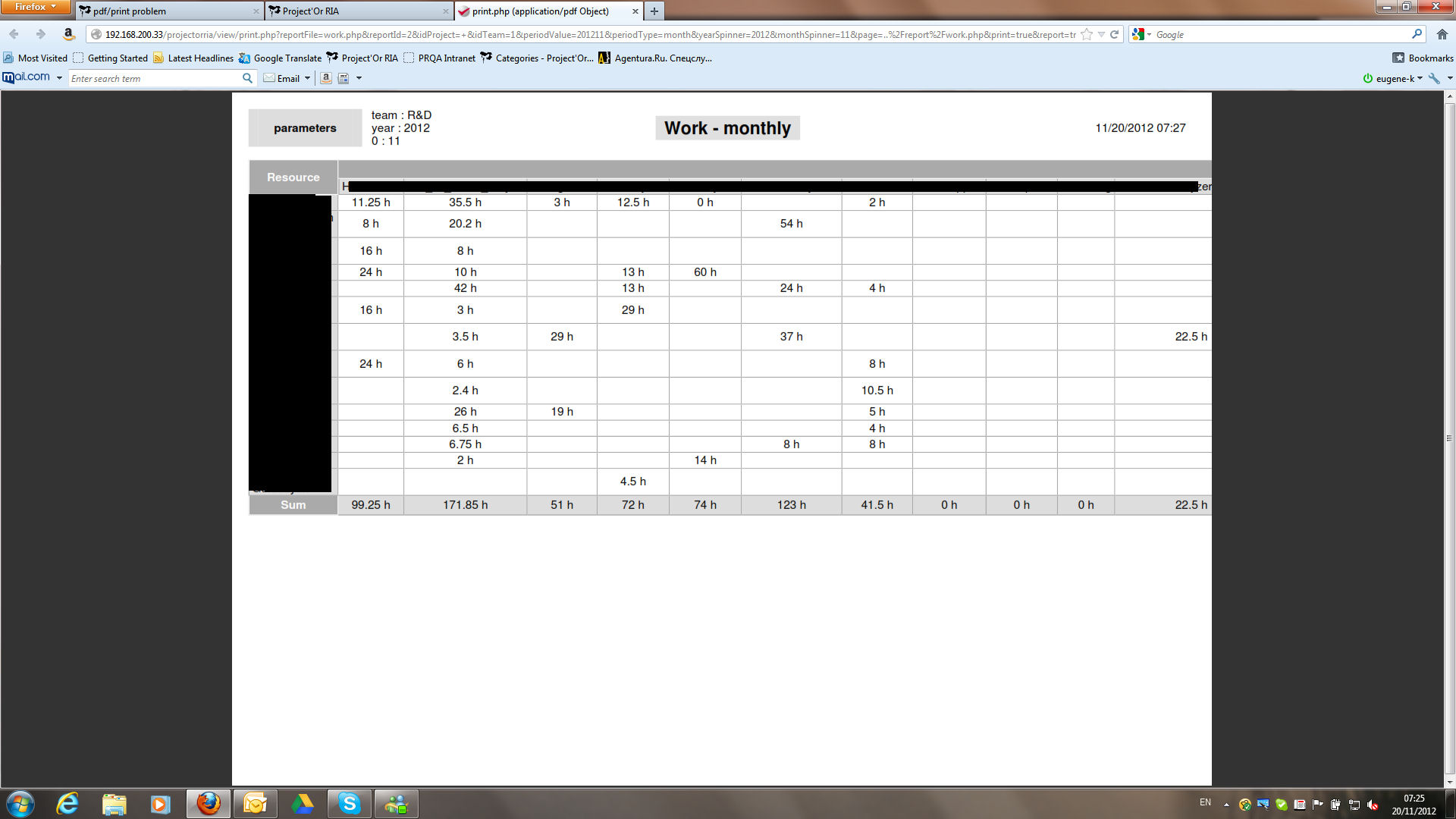
Thnaks.
I'll investigate.
Do you have traces (print screen) of previous behavior ?
no, unfortunately not
It does not seem to be a regression from V3.0 :
- no change on this side int his version
It seems global for PDF transformation : no automatic line break generated to avoid page overflow.
Ticket #905 registered to treat this point.