
Welcome to ProjeQtOr new Forum. We migrated old forum to the new website.
You will find all your posts here, with your usual account.
Just one point : you’ll have to reinitialize your password. Use “Lost password” feature.

Hello,
in Planning view, advanced filters propose tags as criteria.
But entering tags = doesn't restrict project list to project with tags .
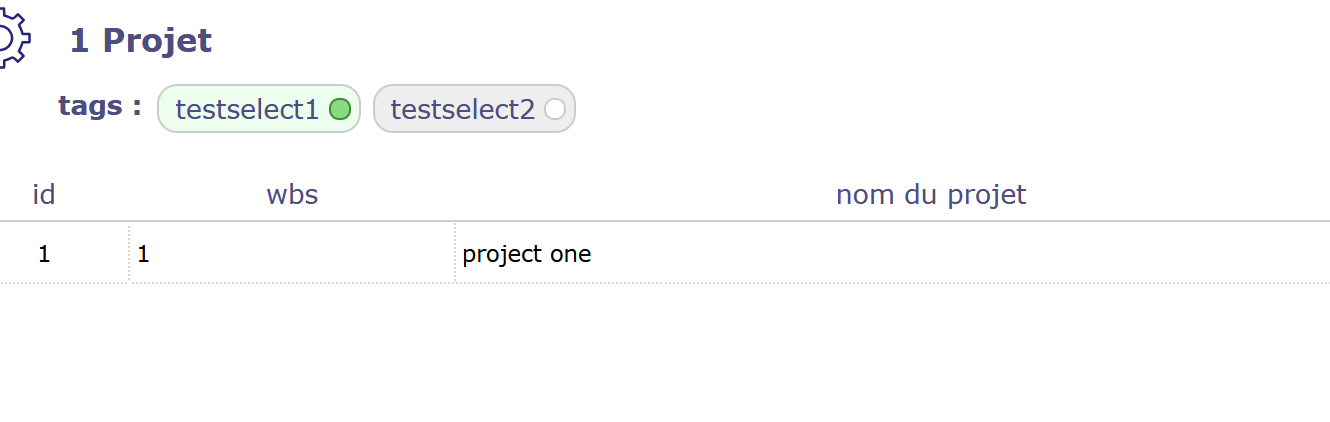
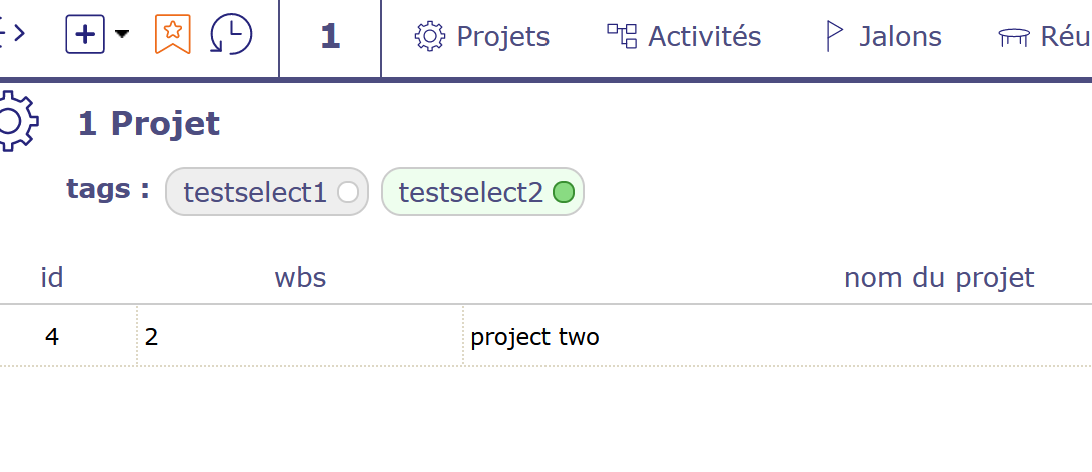
For example, i set tags testselect1 for projet one and testselect2 for project two.
I open planning and create custom filter as "tags contient testselect1".
All projects remains visible :
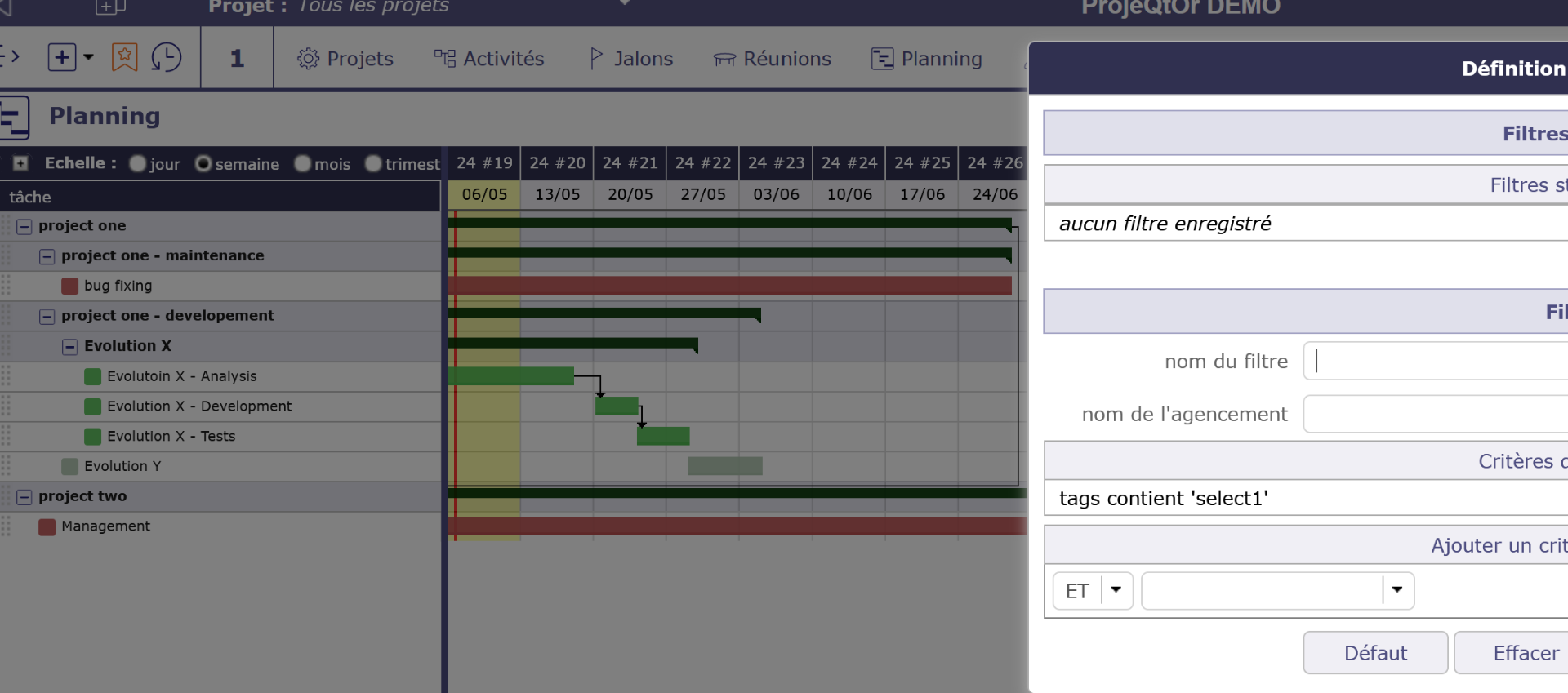
If i quit planning and come back, no project are shown. I need to suppress filter to get project :
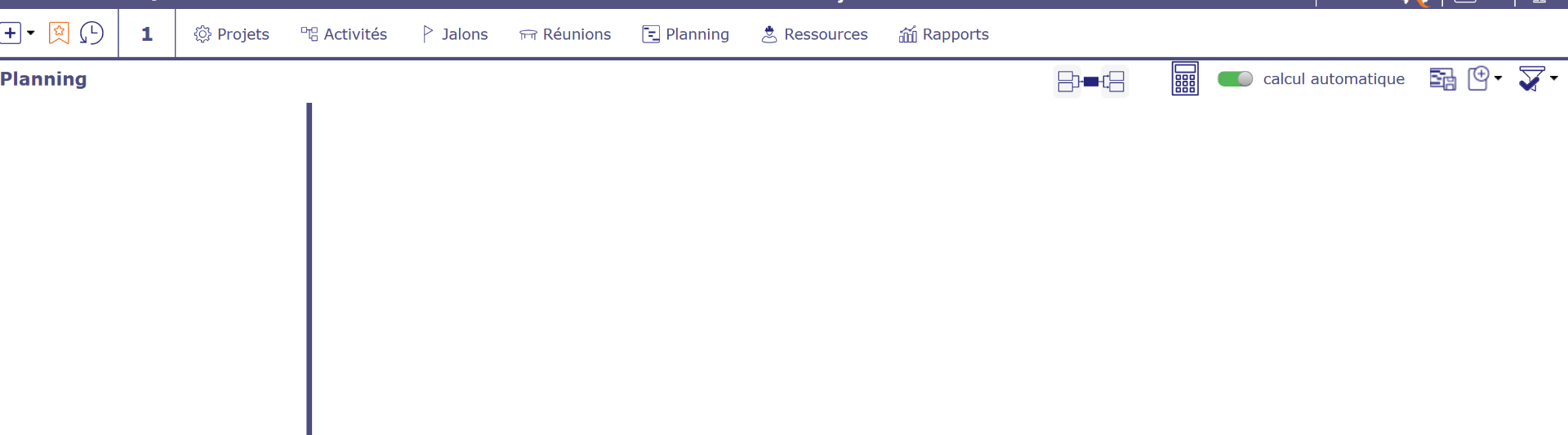
Regards,
PS : work fine in project list :

All filters in Planning apply on Activities, so youi'll get Activities with the tags.
Thanks,
so, if i use tags to mark some projects i have to reprot it on every project activities.
I see it is not too difficult to do that throught multiple update for activities.
Regards,
Other option : use project selector
- search for projects with the project selector option
- apply filter on tags
- select all and validate selection
You have selected all the projects you want, you can now go to Planning and see only activities of these projects...