
Welcome to ProjeQtOr new Forum. We migrated old forum to the new website.
You will find all your posts here, with your usual account.
Just one point : you’ll have to reinitialize your password. Use “Lost password” feature.

Hello,
I upgrade screen customization plugin to V 7.0 this morning.
Since upgrade, i can't see planning : i get error in log (see attachment).
i try to reinstall V6.6 but still get error.
I reinstall V7.0.
Error persist.
I can see portfolio planning but not planning anymore :
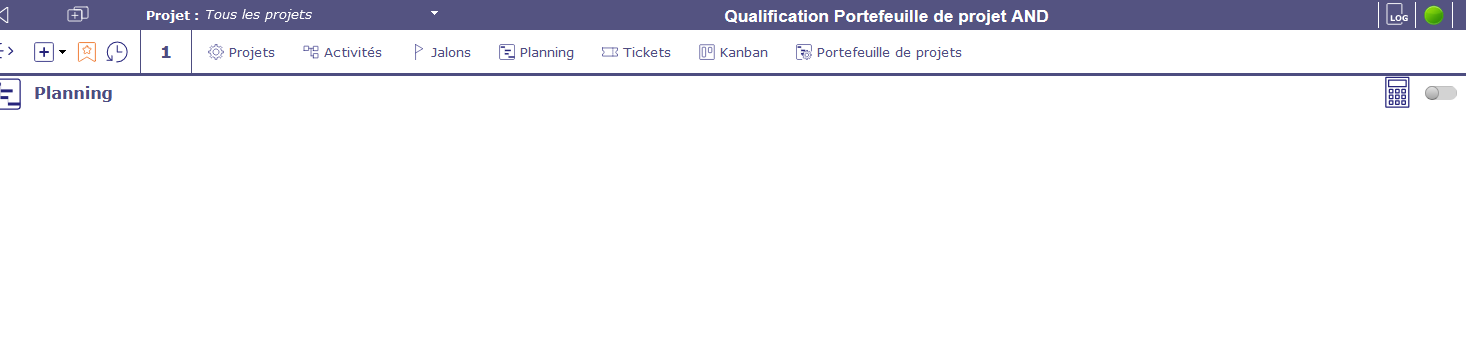
Strange, after error occurs, can't close menu... even if i change screen (project or activity for example).
Need to deconnect/reconnect to be able to open / close lateral menu anymore...
If i open Planning another time after reconnect (and only planning, doesn't occurs with opening otthers screens), i'm stuck with lateral menu.
Probably linked to upgrade to scren customization plugin V 7.0.
I got the same issue when i open "screen customization" menu.
No error in log but lateral menu stuck...
Issue occurs only with admin profile.
*Works fine with others profiles...
Any idea ?
More and more strange !
Works with account admin, but not with MY account (admin profile). ?????²
Found an error in browser console (fireFox), see attachment.This error occurs only with my account, not with admin account.
Find something...
It seems to be bad columnselector set...
I watch in database and found column "Id" as hidden with several others.
Set hidden to 0 for Id but not better.
Try setting hidden=0 for all "update columnselector set hidden=0 where idUser="<>",
Now it works !

This issue does not occur on V11.2.2.
Sorry, not new patch is plannned on V11.1.
(please concider subscribing to professionnal support is you need some fixing on V11.1)