
Welcome to ProjeQtOr new Forum. We migrated old forum to the new website.
You will find all your posts here, with your usual account.
Just one point : you’ll have to reinitialize your password. Use “Lost password” feature.

how to calculate %avancement of my project
thanks

ProjeQtOr is work driven.
So progress is automatically calculated from work.
On project, add activities.
On activities, assign resources (who will work) with assigned work (how much work days to execute the task).
Then resource enters real work in the real work allocation screen.
Project progress is then automatically calculated.
i create project and add activities but the same problem about progress
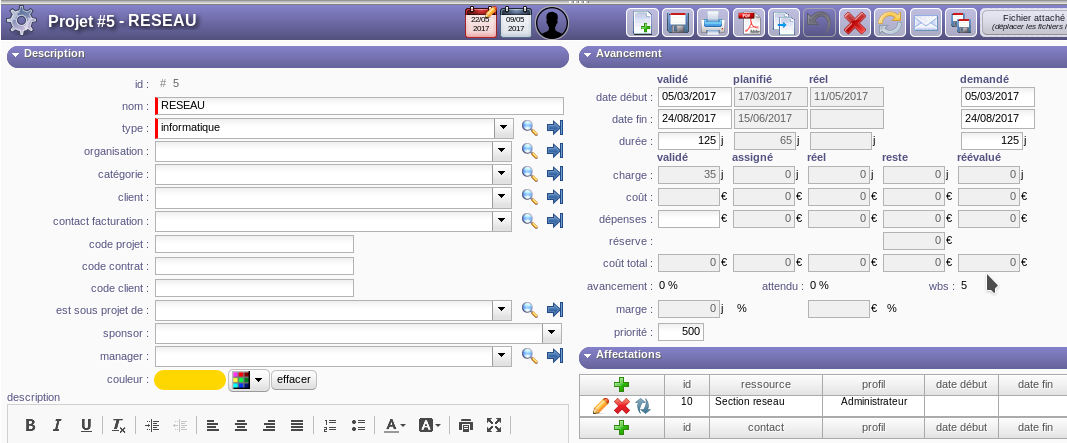
add activities
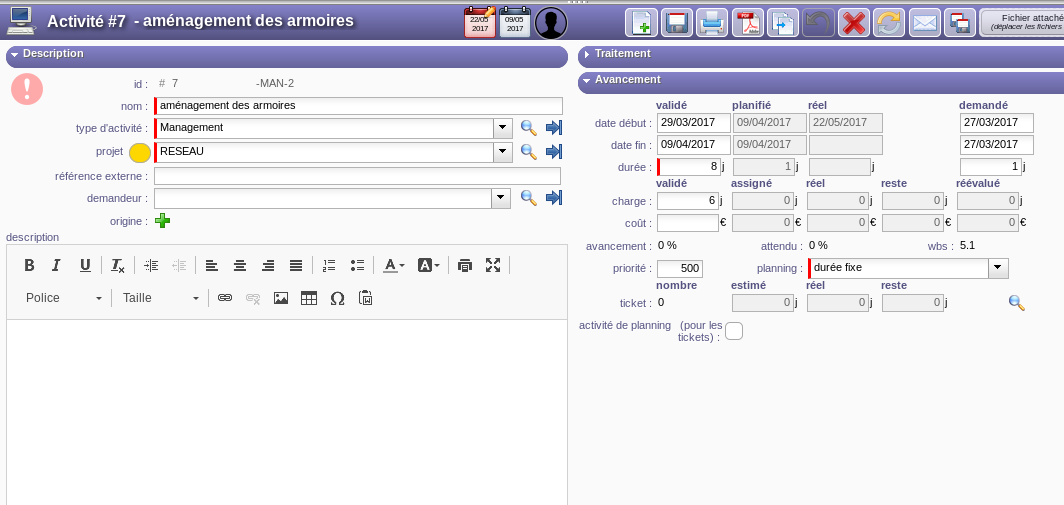
Create activity is not enough.
You have to assign work for resources to activities.
Then run planning calcuation.
HI
i can't put real date to my project and activities
thank you
Real dates directly come from Real Work input
(of from item lifecycle for activitites without work)
real work is inactif i can't put a value
thank you
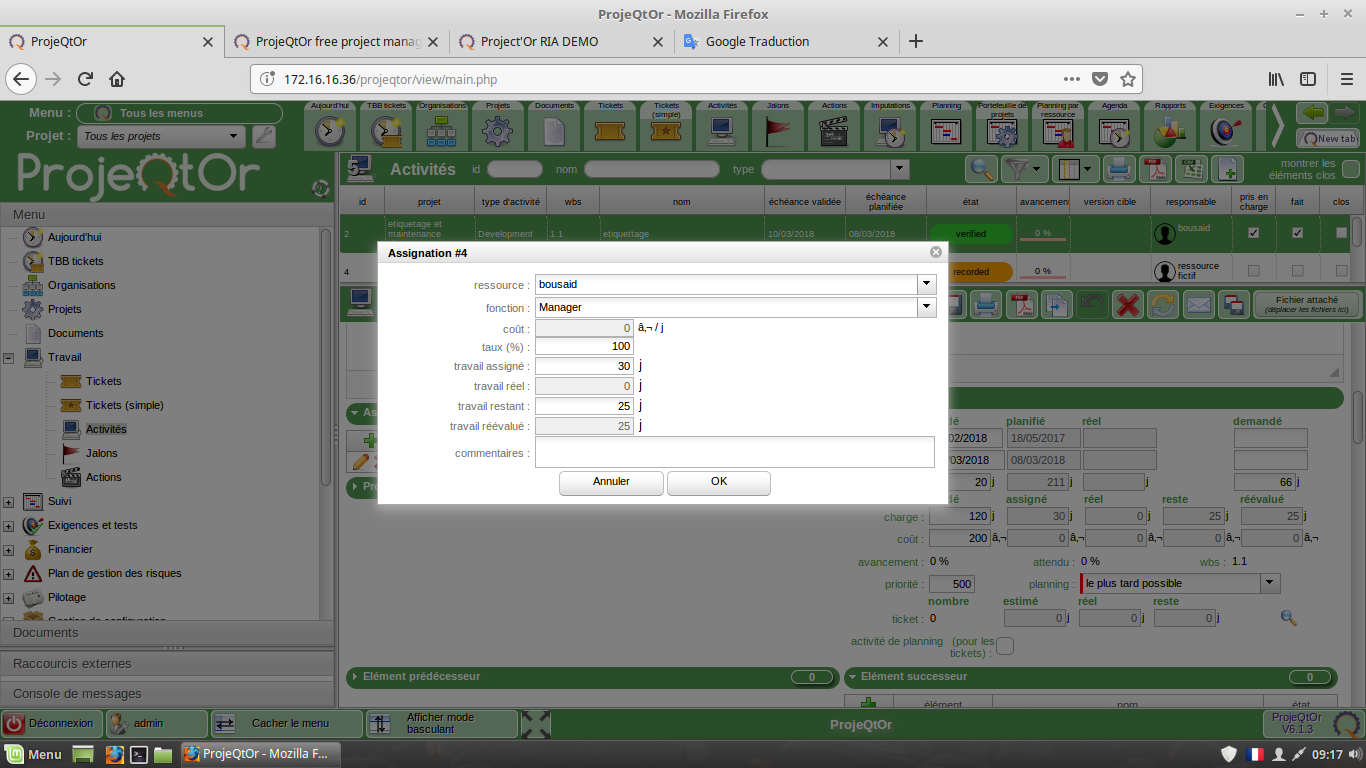
Real Work can only been entered on Real Work Allocation screen.
hi
please! when i add a ticket and save it i don't find button "commencer le travail"
thank you
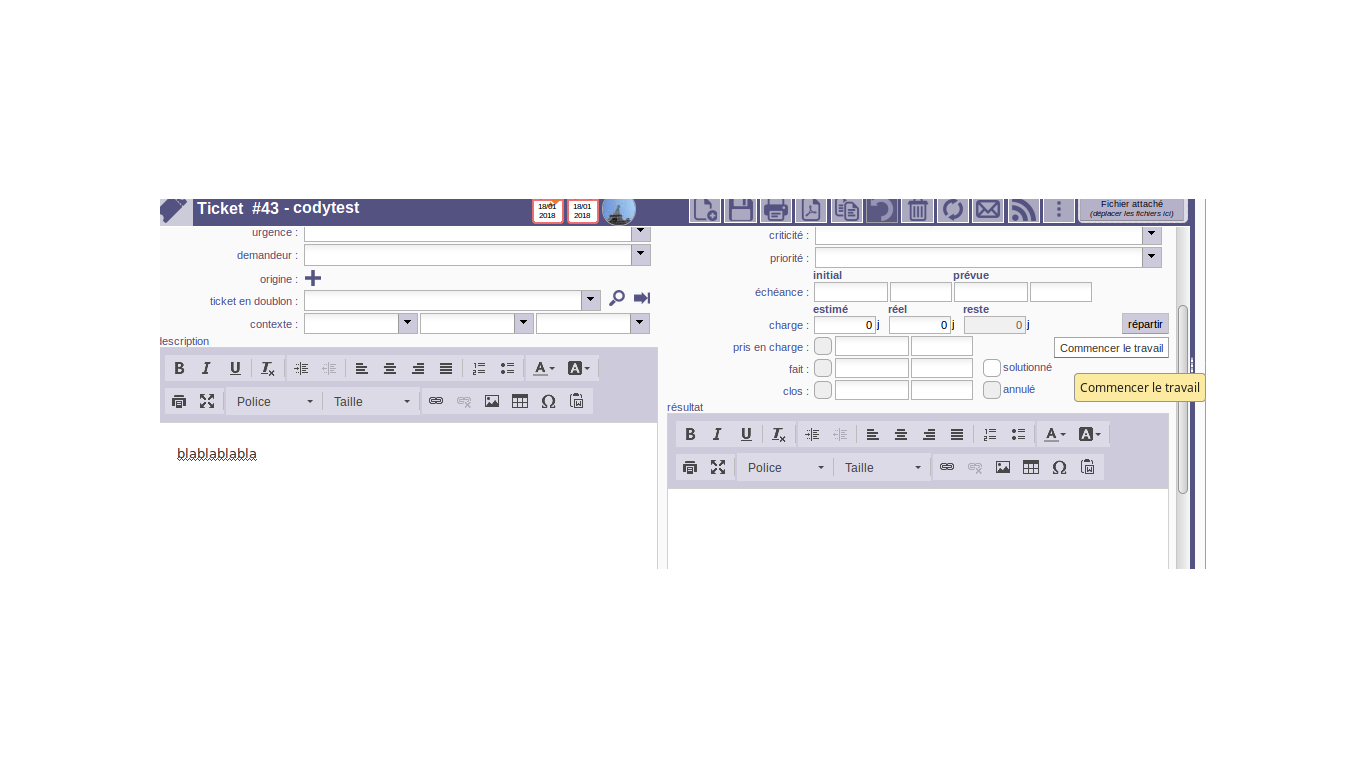
If you don't see the button, it means you don't have rights to enter work on ticket.
For instance, if global parameters are set so that "only responsible can enter work on ticket", if you are not responsible of the ticket, you cannot enter work.
Also if you're a user and not a resource, you cannot enter work.