

can you show detail of planned work (right click on task bar)

Which task bar?
Gantt task bar of second actiivty (which is incorrectly planned)
Sorry, I still don't get it. You want to see detailed planned work. I only filled in the validated start dated and end date which I have framed with the red rectangle. Isn't it what you mean by detailed planned work?
On the gantt bar (te one with WBS 16.1.2) , move the mouse cursor over the green bar and right click...
This will display detail of planned work.
Ah, I see...
Actually, the activity is ok now, I don't know what I have done. But the same problem occurs for other activities as well.
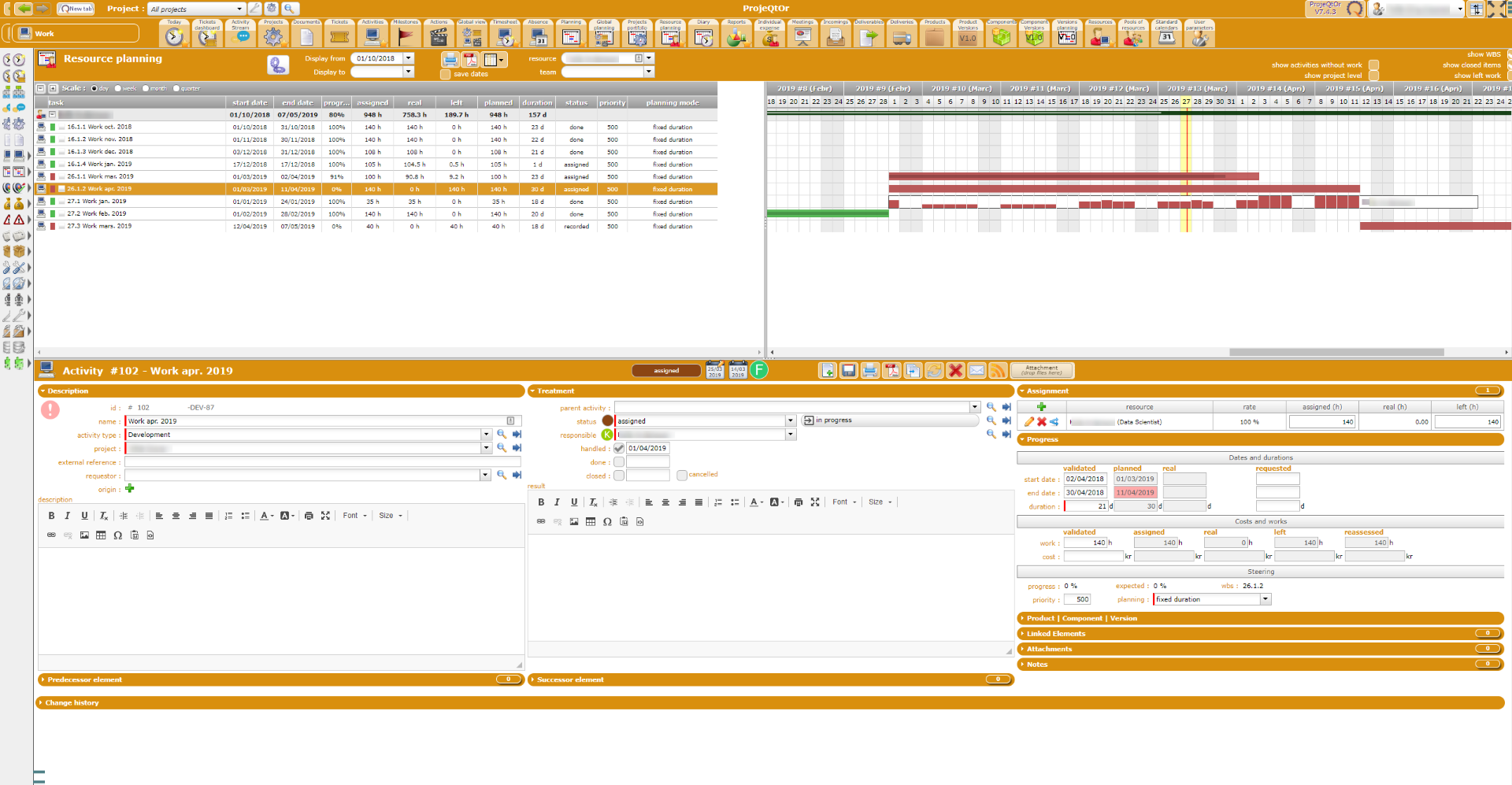
So please poste data for activities with the issue
I realized that I have misunderstood the project rate and the activity assignment rate for a resource. I changed some of them and now it looks much better.
Is there any way to remove all real work? I have to start over everything...
No.
You have to remove it manually.
:(, that'll be a hell of work.
I think I understand more how it works now. 🙂