
Welcome to ProjeQtOr new Forum. We migrated old forum to the new website.
You will find all your posts here, with your usual account.
Just one point : you’ll have to reinitialize your password. Use “Lost password” feature.

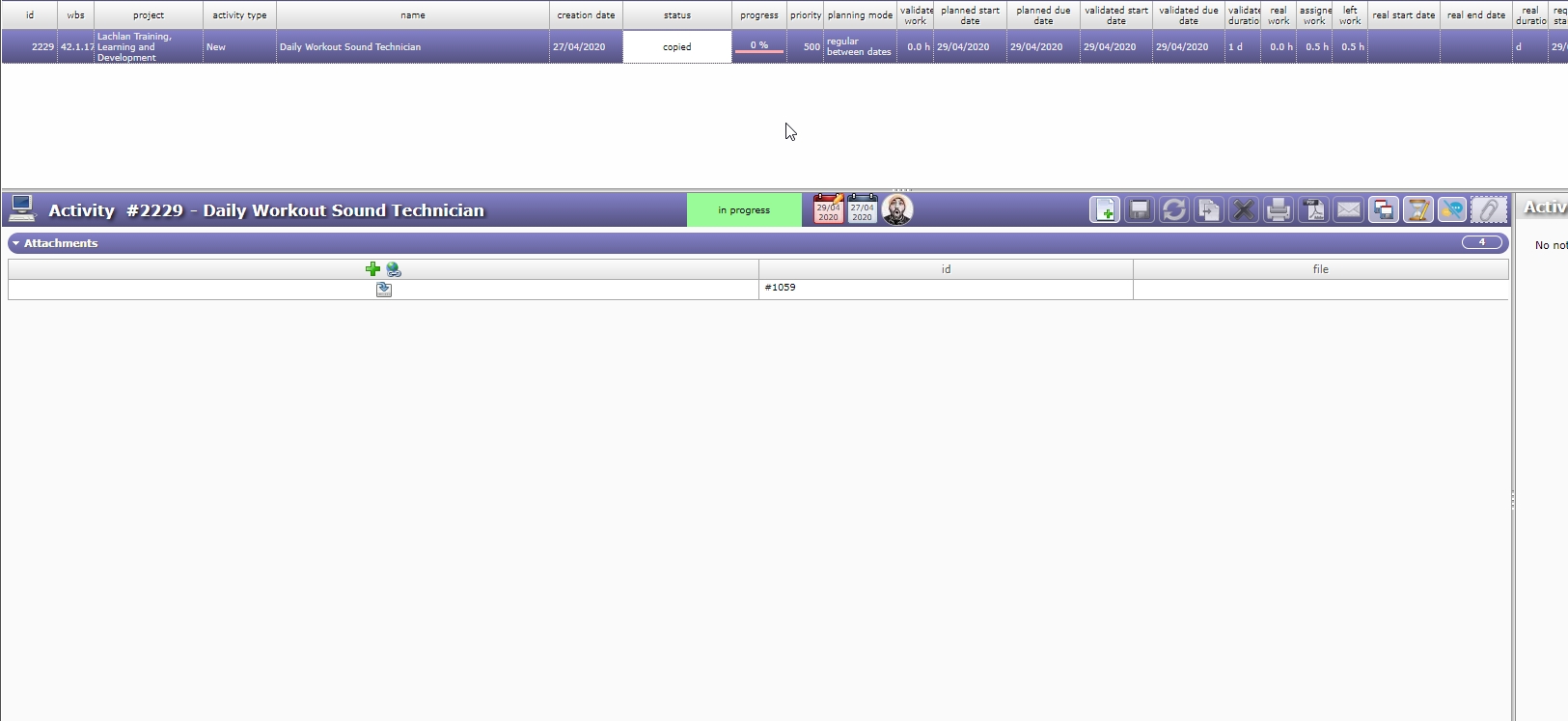
One of my workers was trying to attach a few images on his activity and when he did this the whole activity began acting weird and now this activity can not be viewed correctly
How do I correct this?

Hi,
Never faced this.
I guess you'll find some error in log file.
Please post it here.
It seems what happened was one of my resources (workers) was attaching files. The first two of them attached properly and then the third one created the problem. Not sure if this helps.
It seems you are useing an old version of projeqtor.
Try and migate to latest stable release.
I am using the latest version of 8.4.3
But the log is from very old version.
Log file now contains version number on each line, this one does not.
Looking at file name it seems is it log from december 2016...
so not the last one (difficult to find source of error here)
Please accept my apology, the reason why the log is very old is because I uploaded the wrong log. I have now uploaded the correct log of when the probably happened on the 29 April, 2020.
Please look at the correct log that I have uploaded relating to this problem and your assistance would be greatly appreciated of how to fix it.
Hi,
The log file shows 2 errors, but none seem relative to your issue.
First can be fixed in /model/IndicatorValue.php, replacing line 312 from
$pe=get_class($obj).'PlanningElement';
to
$pe=(($obj)?get_class($obj):'').'PlanningElement';
Second can be fixed in /tool/projeqtor.php adding one line after line 5003, this way
function searchAllAttachmentMailable($objectClass,$idObj){
  if (!$objectClass or !$idObj) return array(array(),array());
Please try and apply these patches to see it it fixes your issue (I'm not very optimistic about this)
I did as explained and the problem for this activity is the same.
Is there a way I can delete the images that were attached to the activity in the database and see if that fixes it. If so where in the database would I search for the images.
you must search in table "attachment"
Before deleting, please post here content of the line (it may help solve the issue).
Here is the content of the four images from the database. Can you spot anything unusual.

Hi,
Nothing strange about these attachments
It has happened again on three other activities. It seems to happen with the same user who is using an ipad tablet.
Can you check file name, on attachment table and in attachment directory.
It may include unexpected special characters.
Or possibly it is image format that is weird.
Could you please post here one of these images (it it does not contain confidential information)
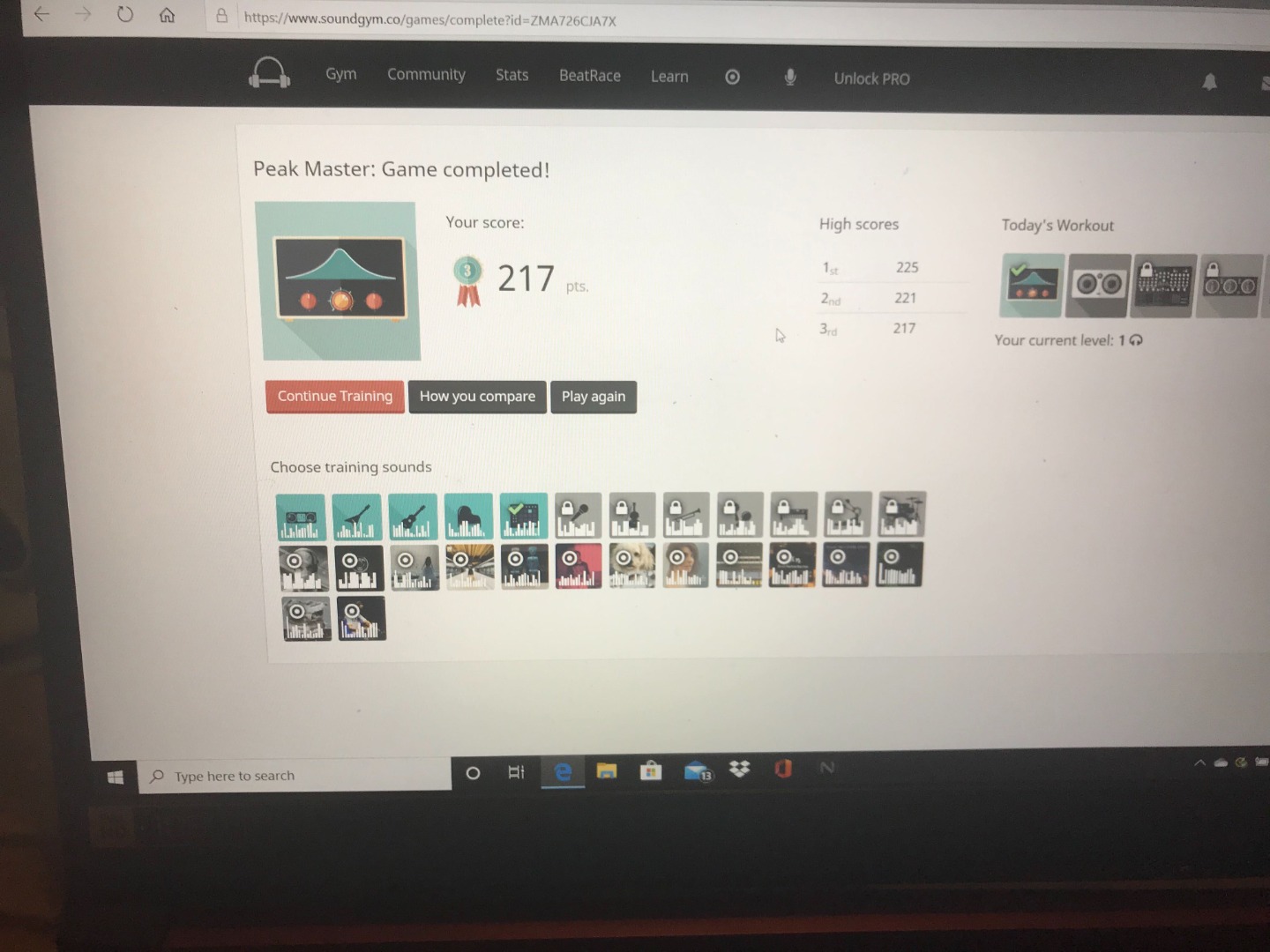
The images are being taken from an iPad and when I test it, it does not upload correctly. If I upload another different image the attachment works fine. I am attached the image that seems to always create the problem. Please help.
Hi,
The image provided does not seem to be the problem.
I attached it without issue.
You can have a look at Ticket #2 on demo.projeqtor.org.
Possibly it comes from how the user adds the image.
Could you give hints abot the way the image is added to the item ?
Could the user try and add an image on some ticket on Demo with his iPad ?
There has to be a problem with the image. Have a look at this video of how the upload of the image behaves.
https://www.dropbox.com/s/vgpgghx19yxqj09/attachment_problem_withimage.mp4?dl=0
About the questions
Possibly it comes from how the user adds the image.
I tried it on my PC and while it does not corrupt the entire activity the upload of the image behaves in an unusual way. See video
Could you give hints abot the way the image is added to the item ?
I watched him upload the image and he uses the attachment feature the same way as you would expect. There is nothing wrong with the way he is uploading as even when I test it on my computer a problem occurs. Yet when I use another image on my computer it behaves correctly.
Could the user try and add an image on some ticket on Demo with his iPad ?
What do you mean by Demo? What is this where is it?
I had my worker upload the same photo on the demo version.
They logged in as manager and in Action #3 - Lachlan
they uploaded 4 different files. Had no problems.
What do you think is causing this then?
Very strange.
Possibly it is due to some backend treatment of the file.
For instance, virus analysis of the image, charset encryption, problem with name of file, missing module.
What is the OS of your server ?
What is you PHP server and web application ? (apache with PHP module, nginx + PHPfrm, else ?)
Did you have a look at apache error logs ?
Is there any other solution or help you can provide me with this. Seems to still happen with my staff member using the ipad and uploading the photos.
Really hard to analyze as we cannot reproduce and your user cannot even reproduce on our Demo so that we could have a test case.
Possibly it is an item on your network that changes the image (antivirus, proxy, firewall).
A disappointing outcome as when they did it on the demo of projeqtor nothing change regarding proxy or networking. That means it cannot be from the user's point, but something to do with our installation or files of projeqtor.
Sure.
Have a look at file stored on server from attached file : has it something weird ? (special characters or else)