
Welcome to ProjeQtOr new Forum. We migrated old forum to the new website.
You will find all your posts here, with your usual account.
Just one point : you’ll have to reinitialize your password. Use “Lost password” feature.

OK I tracked it down:
First installation screen, all green
Then it creates the database but the tables.sql are not executed.
A test to pupulate the database out of projeqtor/db fails due to non existent "if !exists create table" statements
In fact i have no idea how this can work as I did not find any create_tables.sql or such.
Tks - wili

Hi,
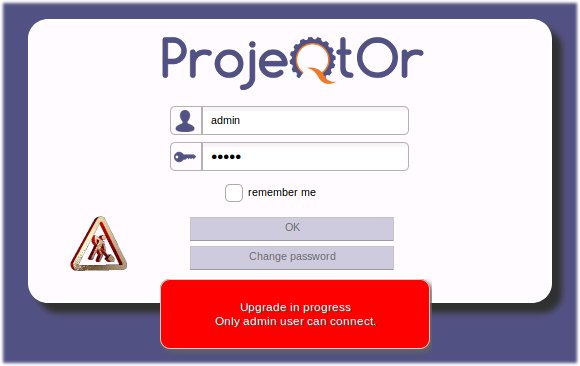
After configuration, you must connect to the application with account admin/admin.
This will populate the DB.
OK not possible to add attachments - reply by mail
You must give write access to PHP user on some folders :
- at least on projector/files and all subfolders.
NB : better grant all access to projeqtor structure during installation.
root@pm:/home# chmod -R 777 projeqtor
(includes files structure)
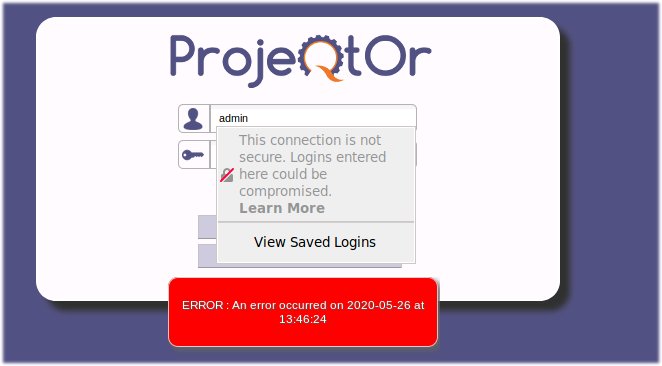
login admin/admin
ERROR : An error occurred on 2020-05-26 at 20:26:27
phpmyadmin: no tables found
Please show error logged in projeqtor log file.
(the message "ERROR : An error occurred on 2020-05-26 at 20:26:27" indicates that detail of error can be found in log file with that timestamp)
During installation, you must give to php user write access to projector structure.
On linux Debian / Ubuntu:
chown -R www-data: /var/www/html/projeqtor
chmod -R 755 /var/www/html/projeqtor
Thank you - that did it - finally - with mariadb.
I think it would be good if you publish the install instructions more detailed.
##########################################
here is my install log for a debian10 buster
apt install -y apache2 php libapache2-mod-php zip postgresql postgresql-contrib php-gd php-mbstring php-pgsql php-xml php-zip php-imap
a2enmod ssl
a2ensite default-ssl
systemctl restart apache2
# su - postgres
# createuser projeqtor
# ALTER USER projeqtor WITH ENCRYPTED password 'MyPASS';
# CREATE DATABASE projeqtor OWNER projeqtor;
# q
# exit
# Funktioniert so nicht - also mit Webmin
sudo -u postgres psql -c "CREATE ROLE projeqtor LOGIN PASSWORD 'MyPASS';"
sudo -u postgres createdb projeqtor -O projeqtor --encoding='utf-8' --locale=de_DE.utf8 --template=template0
echo 'local all projeqtor peer' | sudo -u postgres tee -a $(sudo -u postgres psql -t -P format=unaligned -c 'show hba_file') > /dev/null
# /etc/postgresql/11/main/postgresql.conf
# listen_addresses = '*' # listen on all IP's;
# /etc/postgresql/11/main/pg_hba.conf (at the end)
# host all all 0.0.0.0/0 md5
sudo service postgresql reload
## create an email sender for projeqtor
adduser admin --shell /bin/false --gecos "" --disabled-password
# projeqtor disk space
adduser projeqtor --shell /bin/false --gecos "" --disabled-password
cd /home/projeqtor/
mkdir files
mkdir files/attach
mkdir files/log
mkdir files/config
chown -R www-data:www-data /var/www/html/projeqtor
chmod -R 755 /var/www/html/projeqtor
# /etc/php/7.3/apache2/php.ini
memory_limit = 1024M
max_input_vars = 4000
max_execution_time = 60
file_uploads = On
upload_max_filesize = 128M
register_globals = Off
magic_quotes_gpc = Off
request_terminate_timeout = 0
suhosin.post.max_vars = 4000
suhosin.request.max_vars = 4000
# php --info | grep error
ProjectSite="http://192.168.100.19/arm64/lxcPM"
cd /var/www/html
wget $ProjectSite/projeqtorV8.4.4.zip
unzip projeqtorV8.4.4.zip
rm projeqtorV8.4.4.zip
# Set-up :
# - Unzip projeqtorVx.y.z.zip to the web server directory
# - Run application in your favorite browser, using http://yourserver/projeqtor
# - Enjoy !
# Configuration :
# - At first run, configuration screen will be displayed.
# - Default parameters may work for a test instance.
# - For MySql, default user is 'root', default password is 'mysql' but may also be '' (blank) on some xAMP stacks.
# - To run again configuration screen, just delete "/tool/parametersLocation.php" file.
# - On first connection, database will be automatically updated.
# - login : admin/admin
# install mariadb
apt update && sudo apt -y upgrade
apt -y install mariadb-server mariadb-client
apt policy mariadb-server
systemctl status mariadb
# mysql_secure_installation
apt-get install php-mysql