
Welcome to ProjeQtOr new Forum. We migrated old forum to the new website.
You will find all your posts here, with your usual account.
Just one point : you’ll have to reinitialize your password. Use “Lost password” feature.

Hi,
Log with admin account with full access right to all, HR modules access doesn't appear. Do I miss something ?
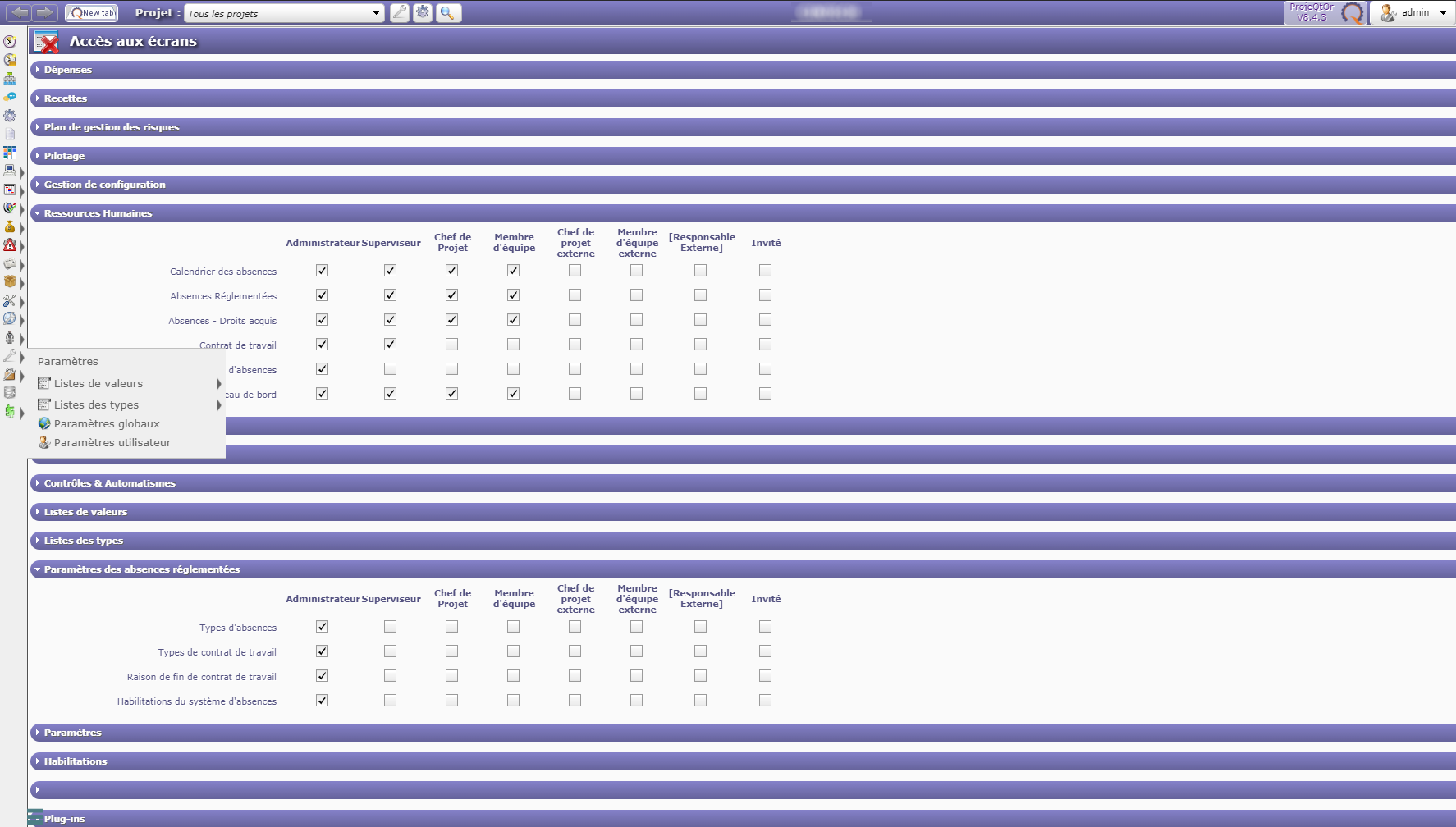

Go to Access Rights > Modules and activate HR module 😉
I forgot to tell that HR module is already ON, and it can be accessed by vacation manager only, not by admin with full rights
As a matter of fact, it looks like only "employee" can access HR module.
as "Admin" is not an employee, access seems to be locked even with all rights on
Yes, you're right.
User must be an employee to see HR feature.
Case of Admin user may be specific.
We'll try and improve this
*Friday bump* 😛
any ticket to follow ?
Ticket #4903 recorded
Hi,
After small analysis, it appears that existing system is consistent.
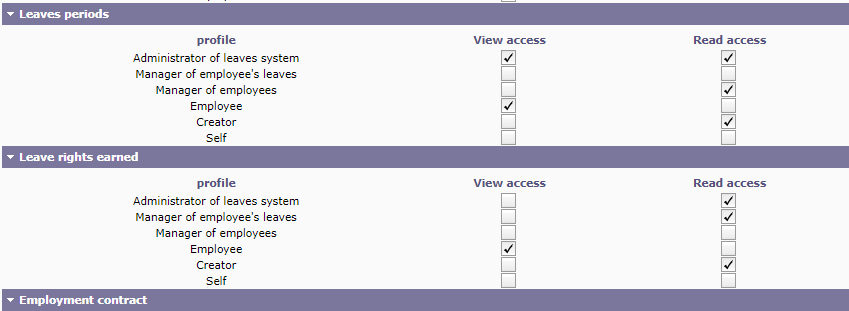
You just have to give rights on specific Leave System Habilitation
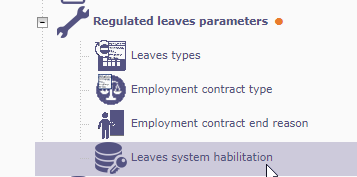
So giving correct rights to Administrator will solve your issue, no need to be an employee.
Ticket #4903 cancelled.
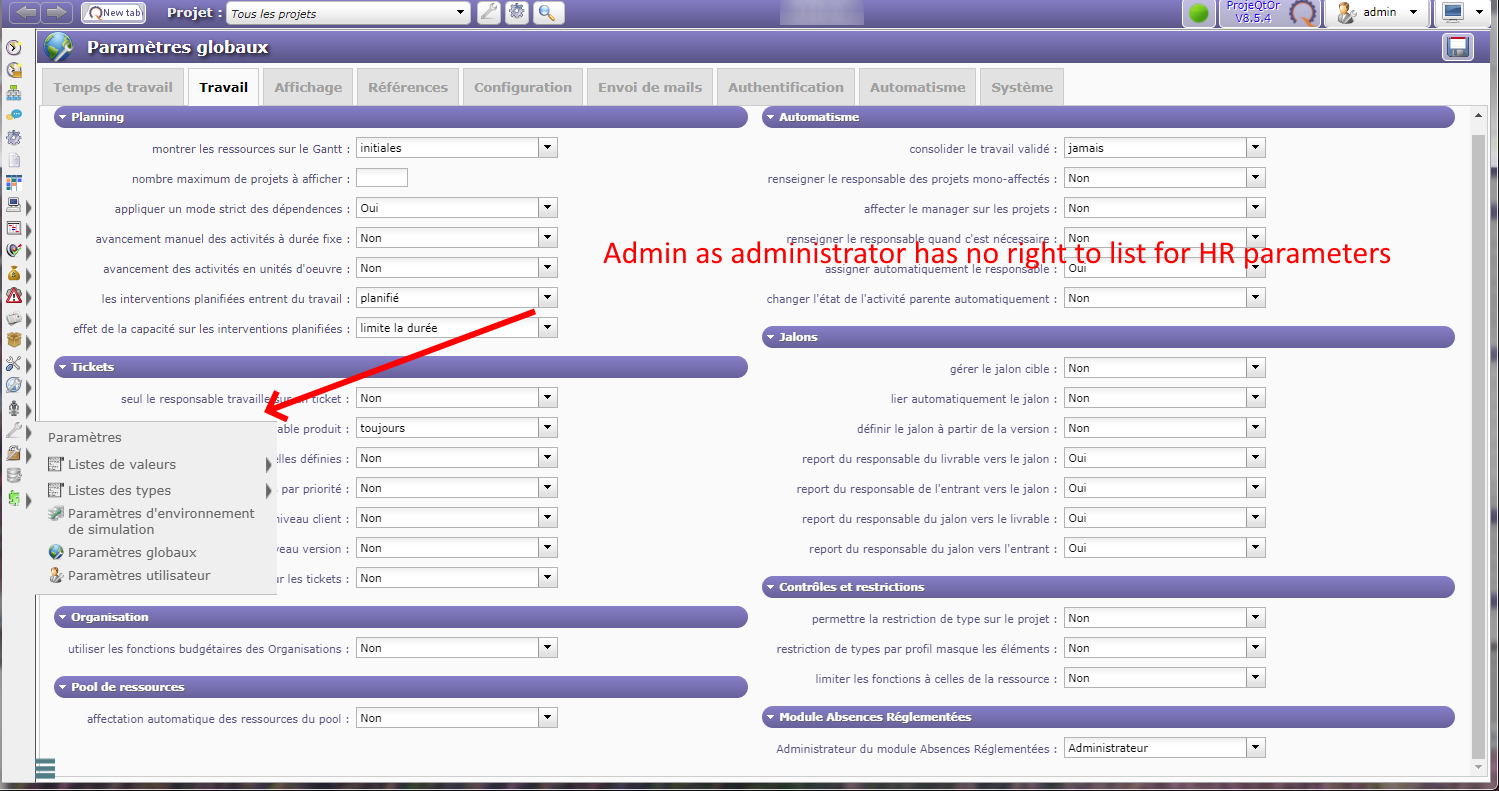
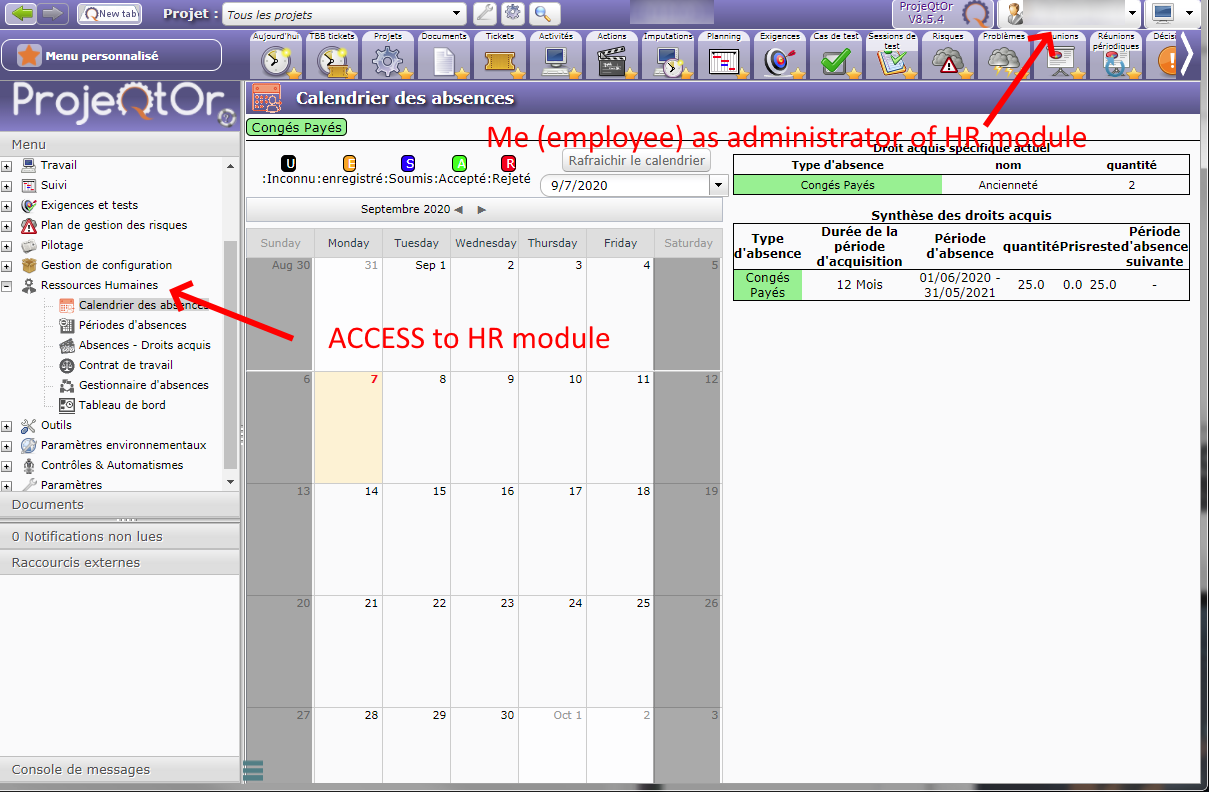
Hi ! Well, I Guess there is a bug somewhere ... If I put administrator (so not employe) as administrator of leave right module, I've got no leaves menu access at all (see my first post)So I put my own account as HR module admin (employee) to have access to that module and give all access...The fact is "administrator" seems to have all needed rights !!! but sorry can't access them :/Please Check ScreenshotsAdministrator as admin of HR module (no employee) no access to HR module nor HR module config
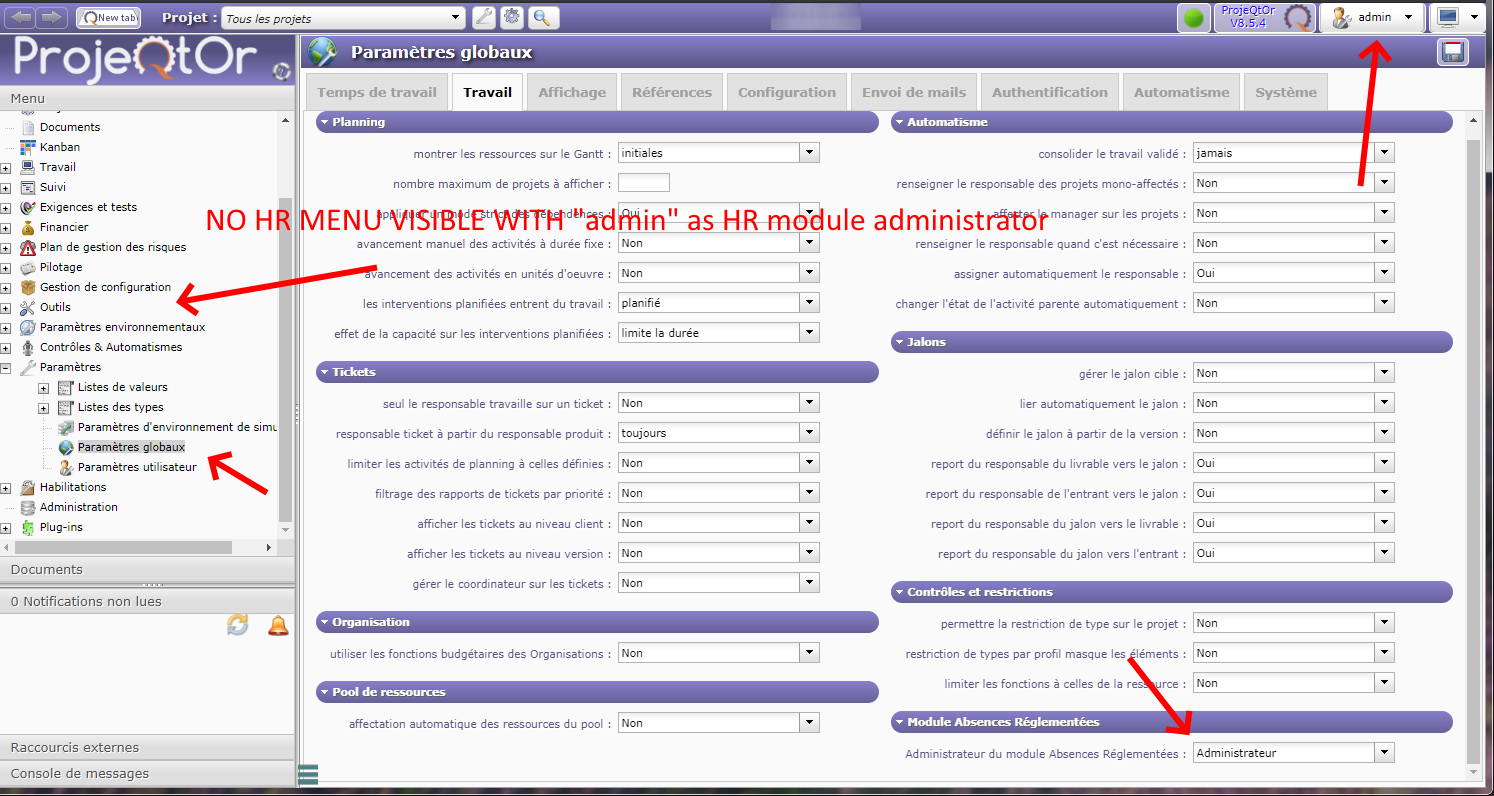
Me as admin of HR module Access to HR module and HR config menu
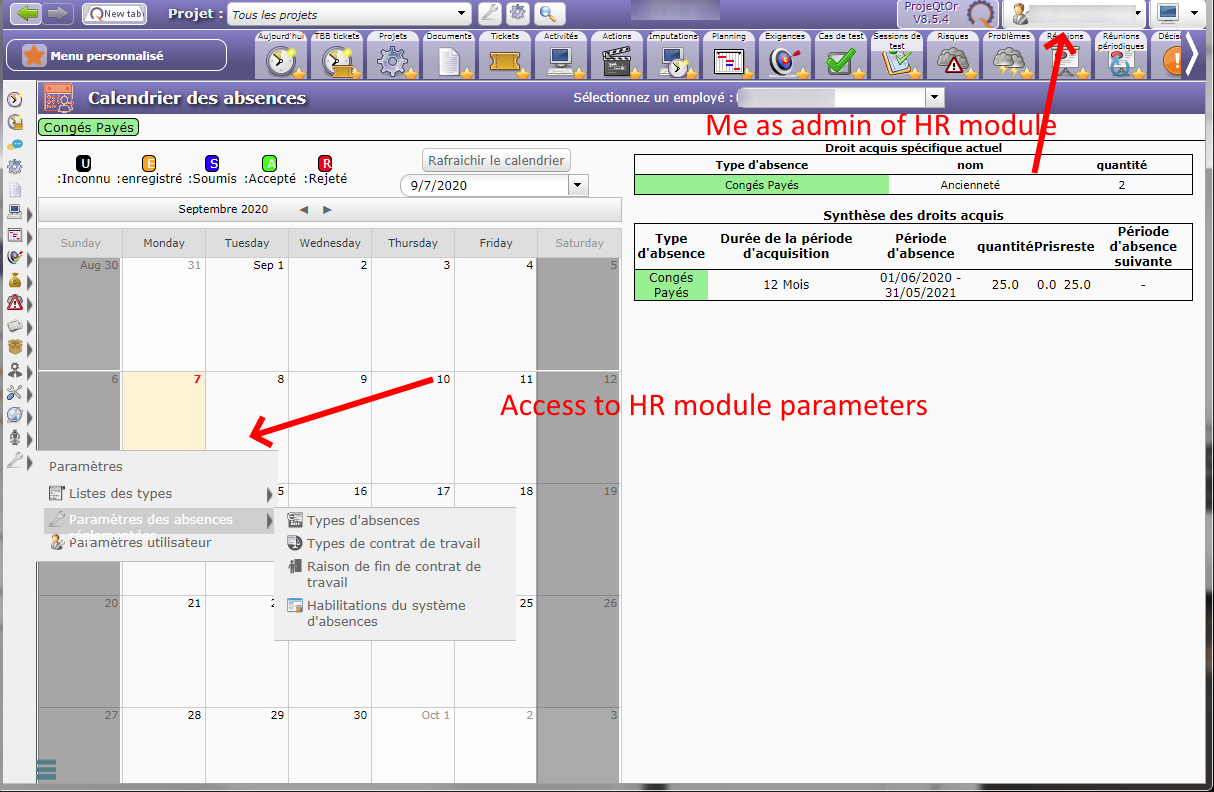
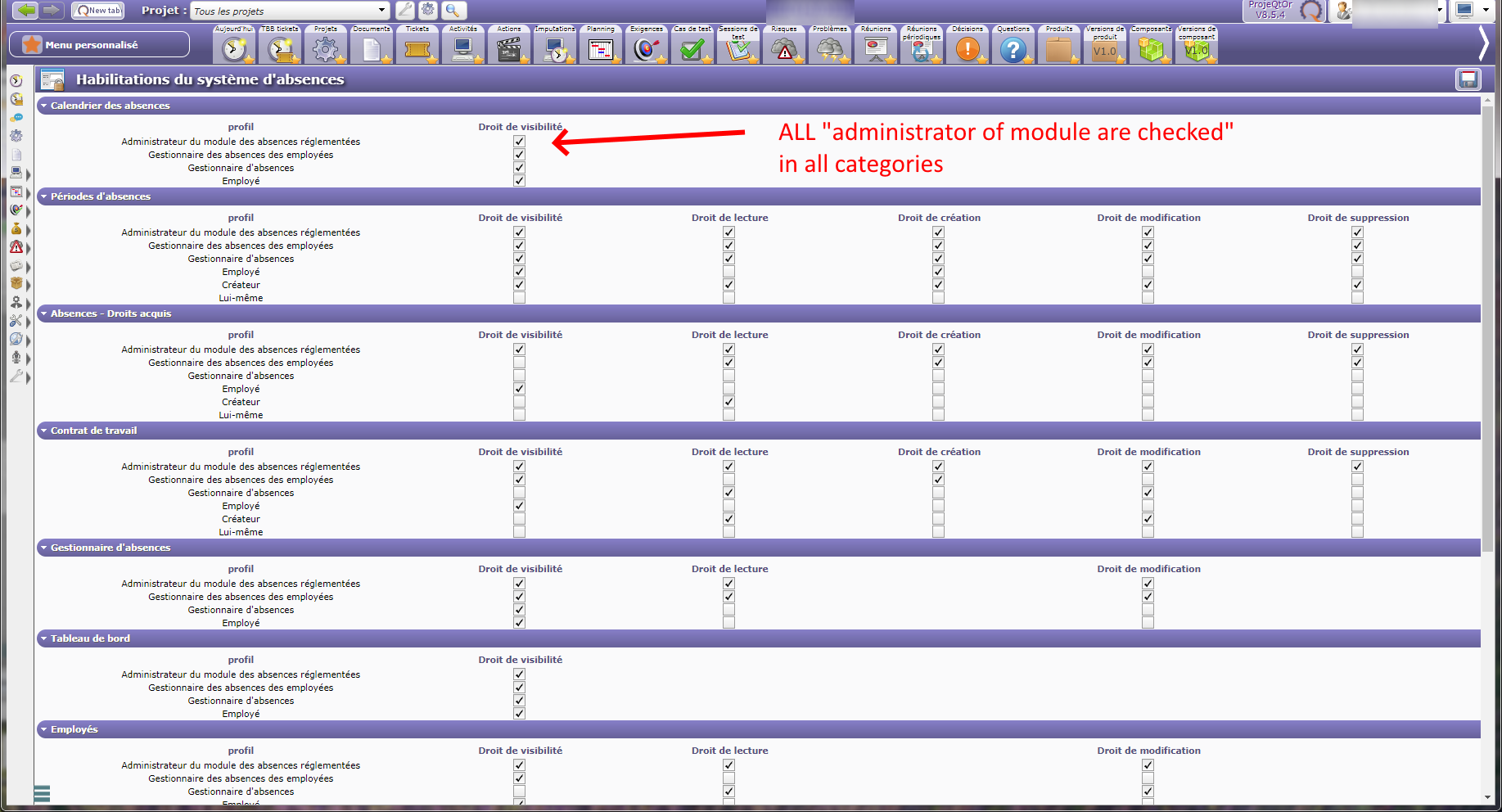
ALL RIGHTS are given to "administrator of HR module" , not working if HR module administrator is defined as 'admin' (not employee)
There must be something else...
With admin with default access, defined as HR module administrator, not being an employee, I correctly have access to HR module and parameters
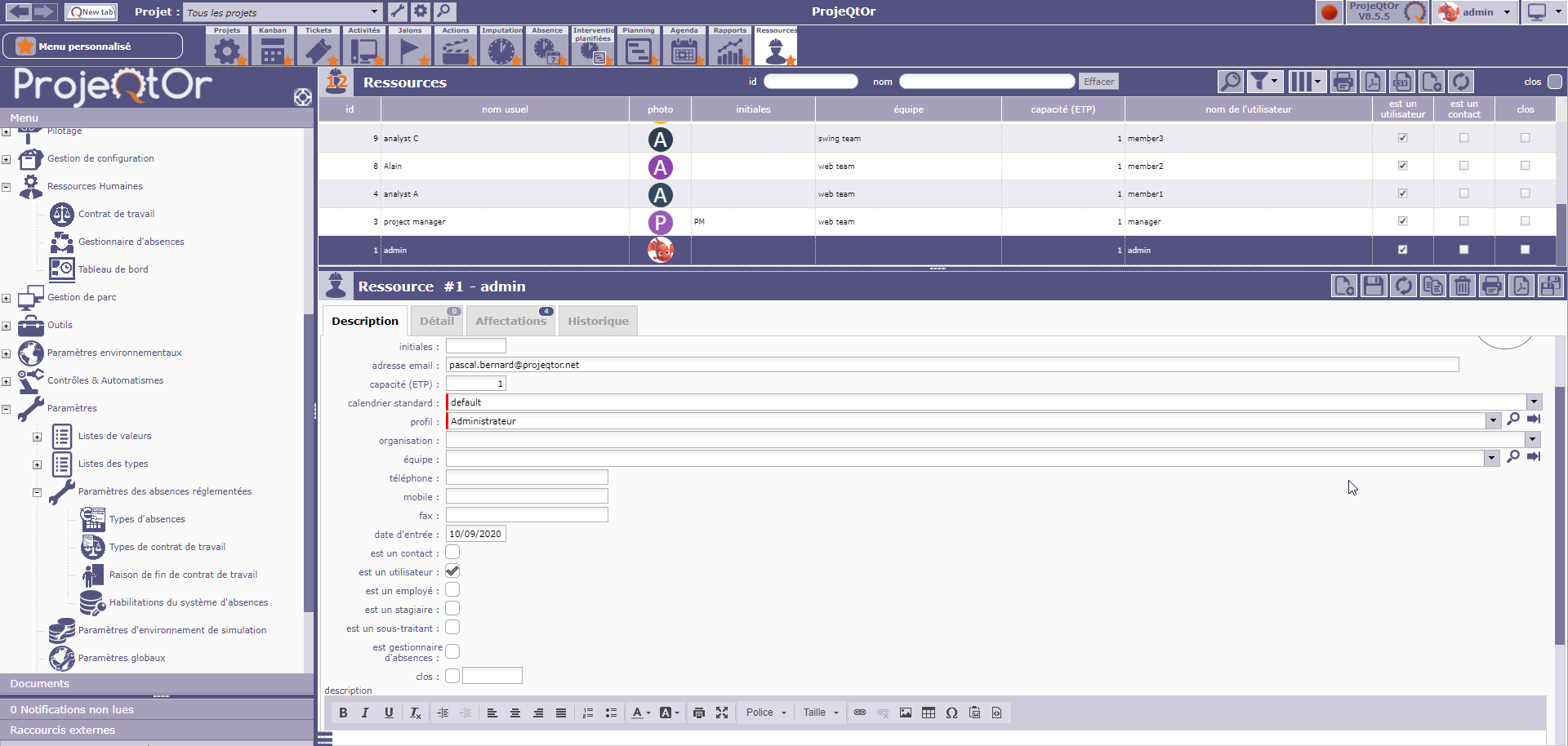
I guess so !! dunno what exactly atm.. I saw your admin got affectation. I tried to give some to mine, without success. Still can't access HR module with admin login & rights.
What screen could be interesting for your investigation ?
Screen that could help :
- global parameter to see who is admin of HR module
- resource for your admin
- HR access rights screen
Hi Babynus.
Already posted on previous history...
BRAINSTORMING !!!!!
Got a ligthning in my mind. I thought it was "admin" as leave system administrator but it was a clone test... 🙁 so stupid....
But still got a Problem :"admin" is not listed in possible "Leave System Administrator" and only users declared as a resource are listed.
How to make "admin" appear in this list without being a ressource ?
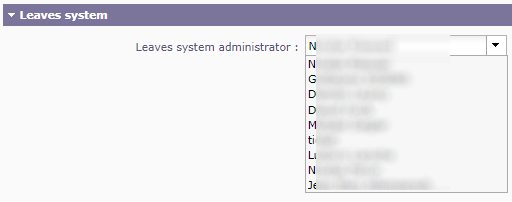
This is a restriction.
So just try a workaround :
check "isResource" on admin.
Set him as administrator of leave system.
Uncheck "isResource" on admin.
99.99% solved, just can't access Leave Calendar and Leave Dashboard 😛 (Even with Administrator of the leave system rights ON to access that calendar/dashboard) As you can see reason is obvious ^^ )
BTW, what is the slight difference between VIEW access and READ access in that case ? View is for form and Read is for data ?
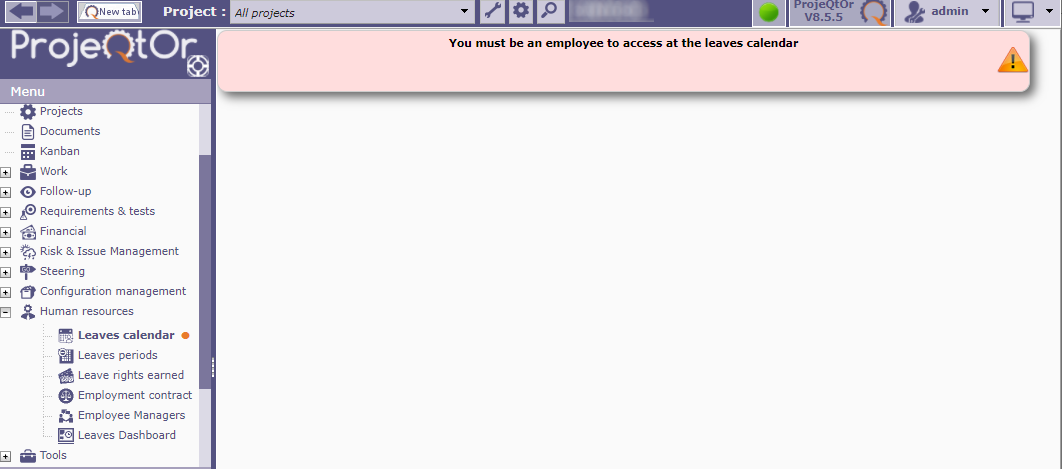
This is absolutely normal.
As an admin, you can manage leave system parameters, but if admin is not an employee, he doesn't have access to leaves features
Side Effect, If I uncheck "isressource" to admin just after put in as admin of leave system, I still got access to HR menu/configuration with admin login, but leave system administrator goes back to my personal account (employee/ressource) and doesn't stay to admin account