
Welcome to ProjeQtOr new Forum. We migrated old forum to the new website.
You will find all your posts here, with your usual account.
Just one point : you’ll have to reinitialize your password. Use “Lost password” feature.

If I dig into the last XHR response I see a lot of what I assume is JSON. Evidently it's trying to present a configuration screen.
If I delete tool/parametersLocation.php and reload I do actually see the setup screen. Unfortunately there are no buttons on it that allow me to accept (or cancel) my changes.

It really seems javascript is not enabled on your iPad.
I am not on an iPad, but rather am saying that the same problem your iPad user is reporting I am also seeing on macOS with any number of widely used, off-the-shelf browsers including Firefox, Chrome, Safari.
I assure you that JavaScript is very much enabled on this browser.
When you delete parametersLocation.php, you force the reconfiguration, so get to initial setup screen.
You have here all parameters and a button "save configuration".
I don't see any reason not to have the "save configuration" button
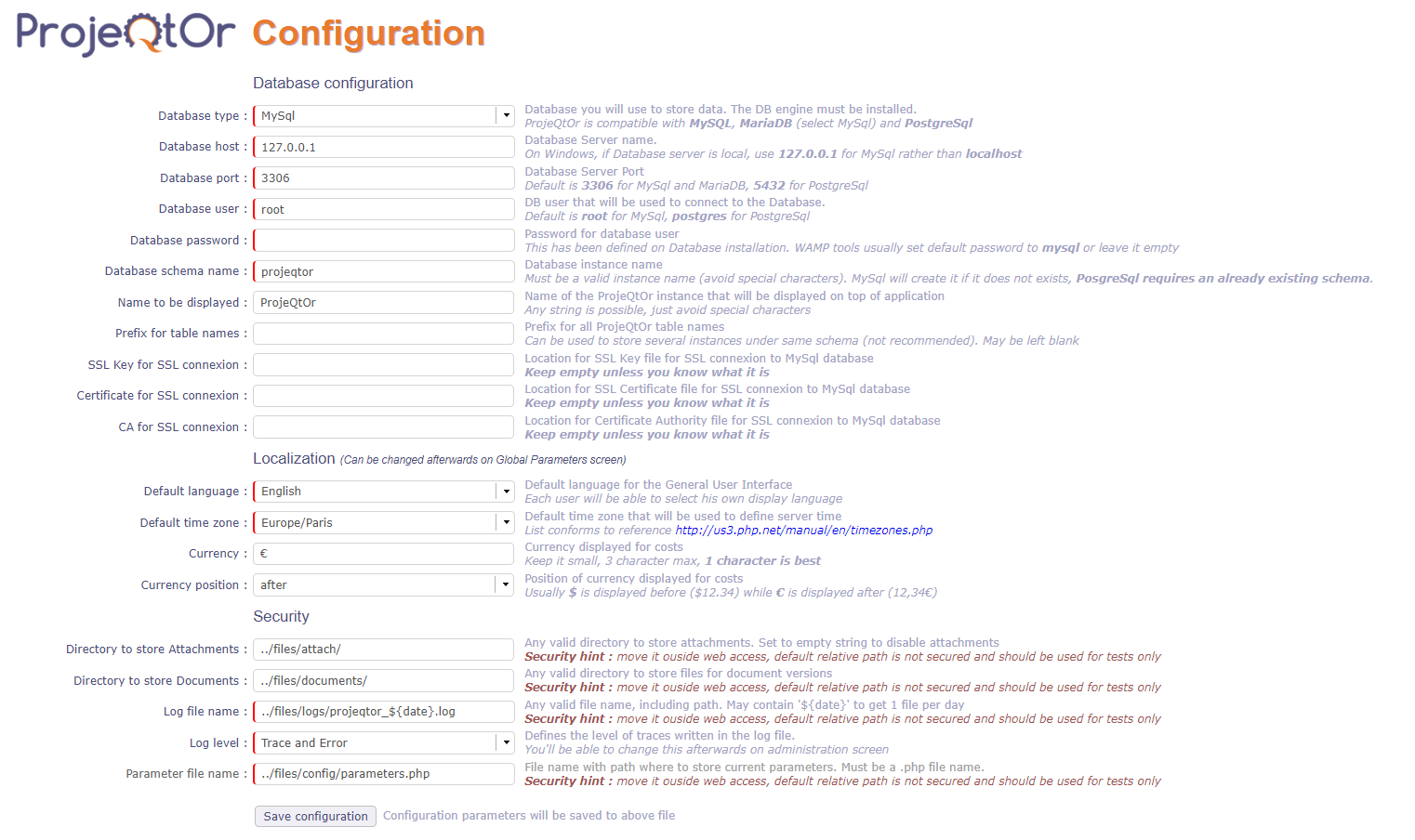
Then all prerequisites are checked and you get the button "continue"
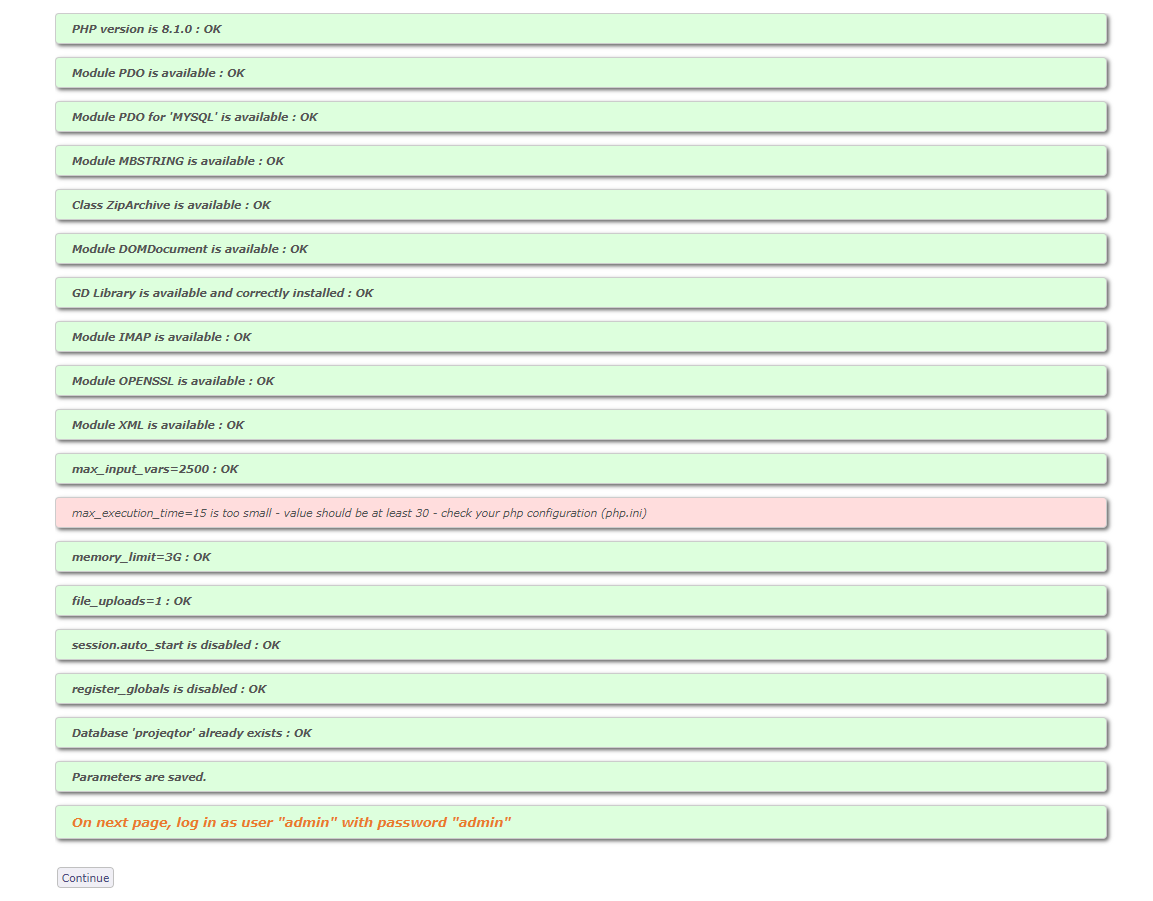
If you don't see the buttons, there is a serious issue.
Try and inspect page (right click, inspect) where button is supposed to be.
You should see attributes of the button, and possibly errors reported (not applied attributes for some reason)

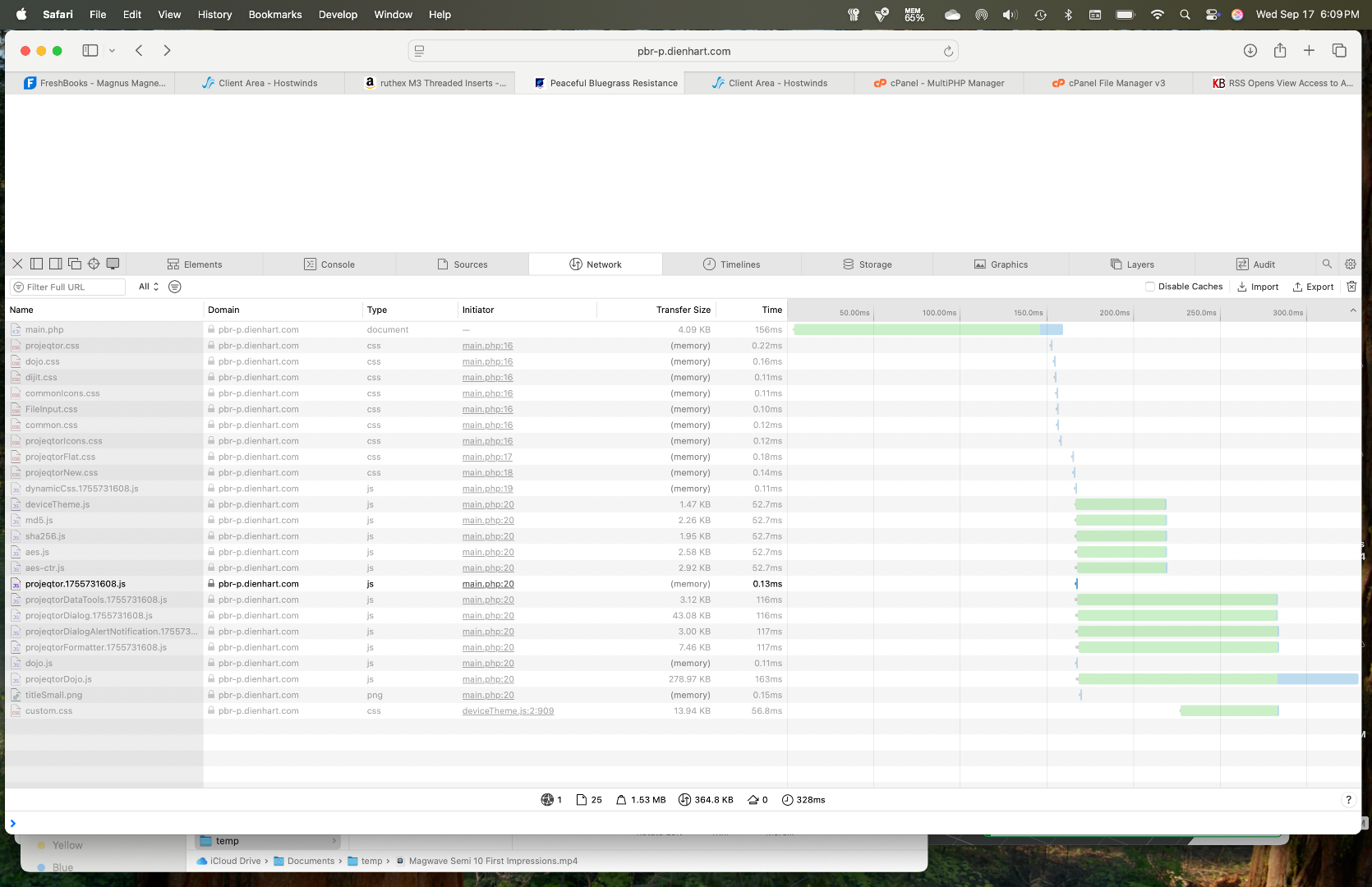
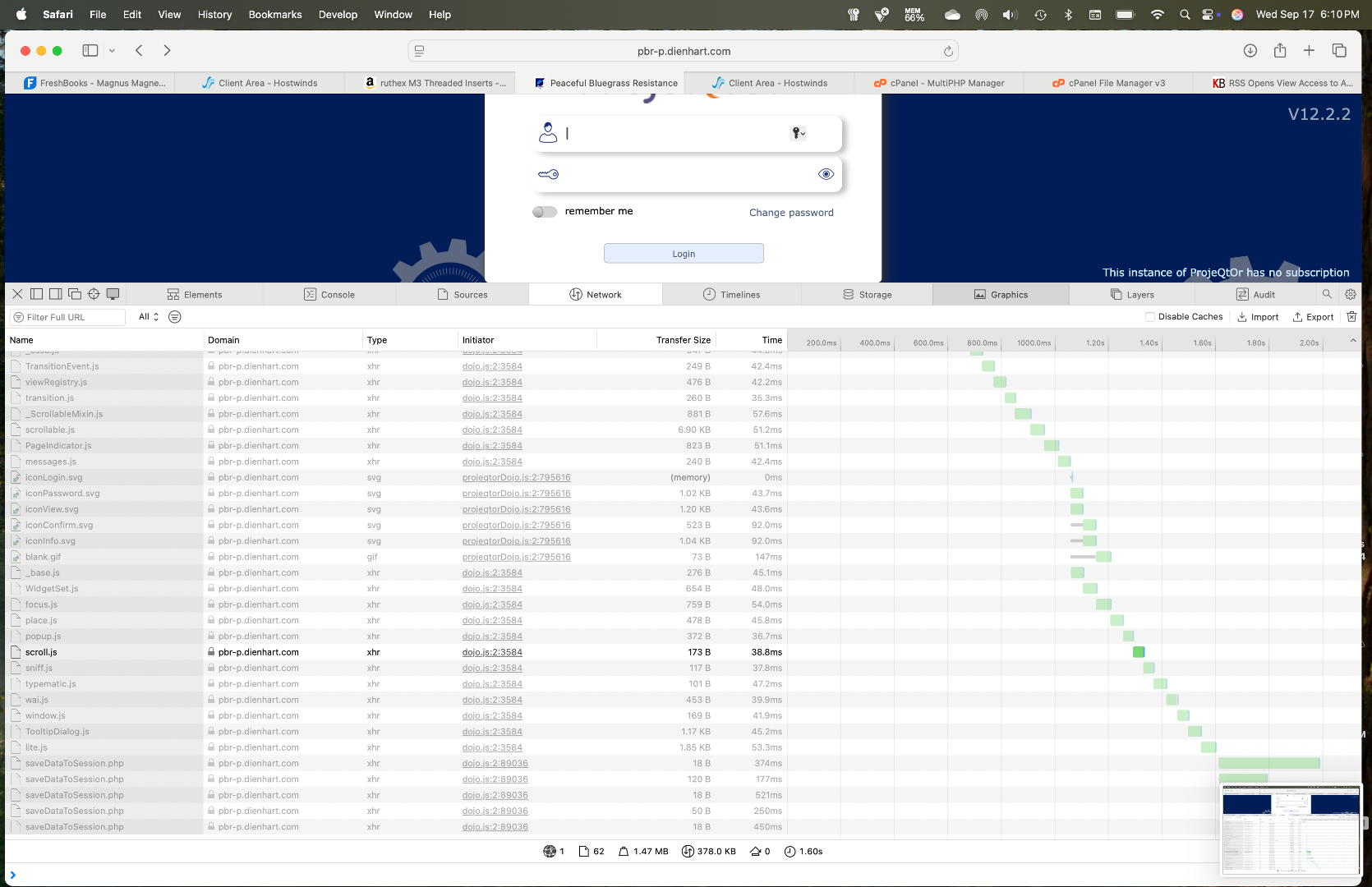
I’m having the same issue. It’s on my iPad, iPhone, and Mac using Safari, Firefox and Chrome. What I’ve noticed is that if I load the page, the first time it loads it’s white, when I refresh, the login screen shows briefly, then the screen goes white. When I refresh for the 3rd time, the login screen appears and the application seems to work as expected. I have SSL enabled, and it’s a pretty typical use case. I have a fresh install of ProjeQtOr, and am running PHP8.1, although, I have tried php7.4 to 8.4 with the same results. I’ll try pulling up the debugger tonight when I get home, but this is a pretty big issue for me because I won’t be able to go-live in this state.
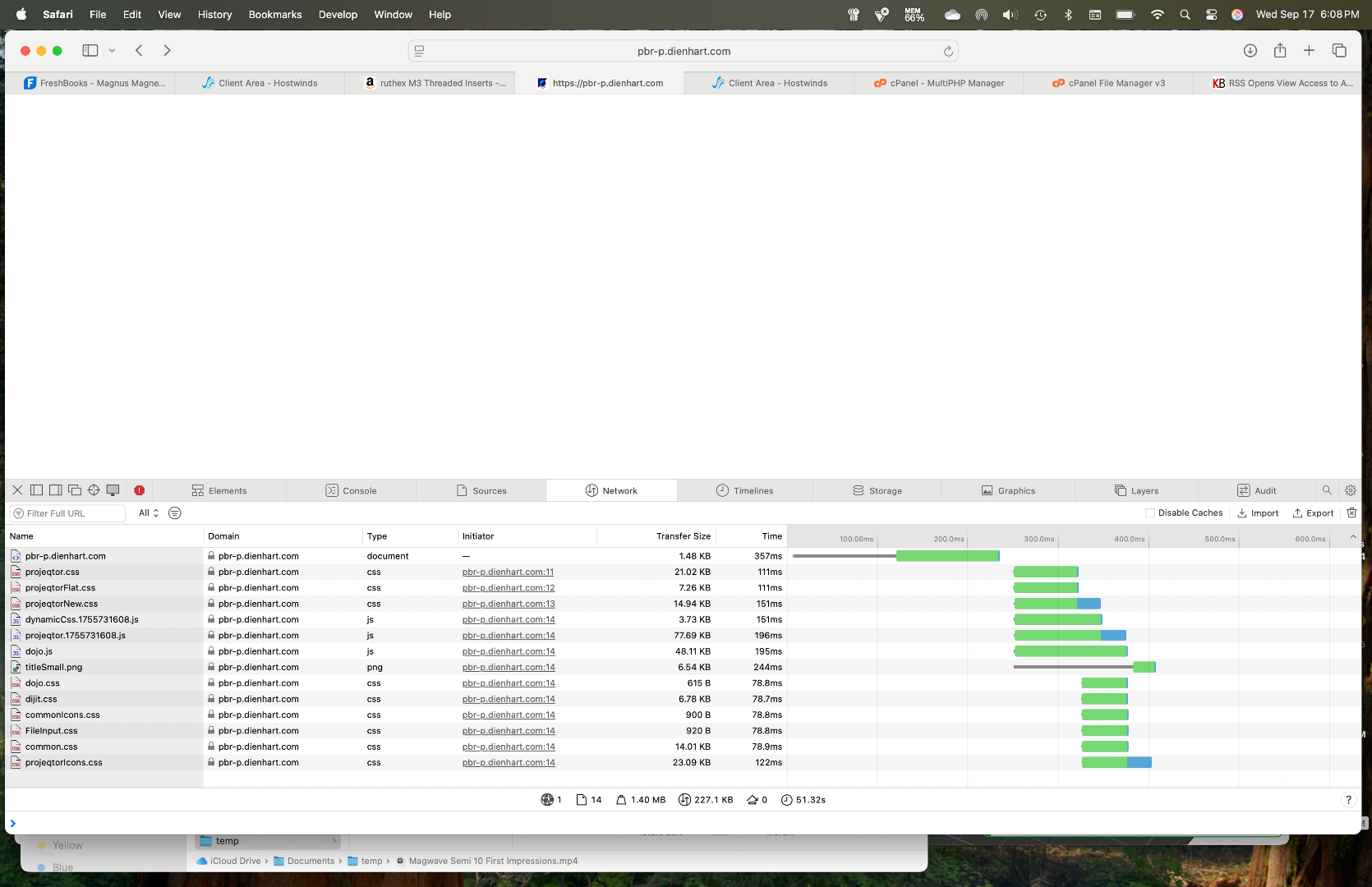
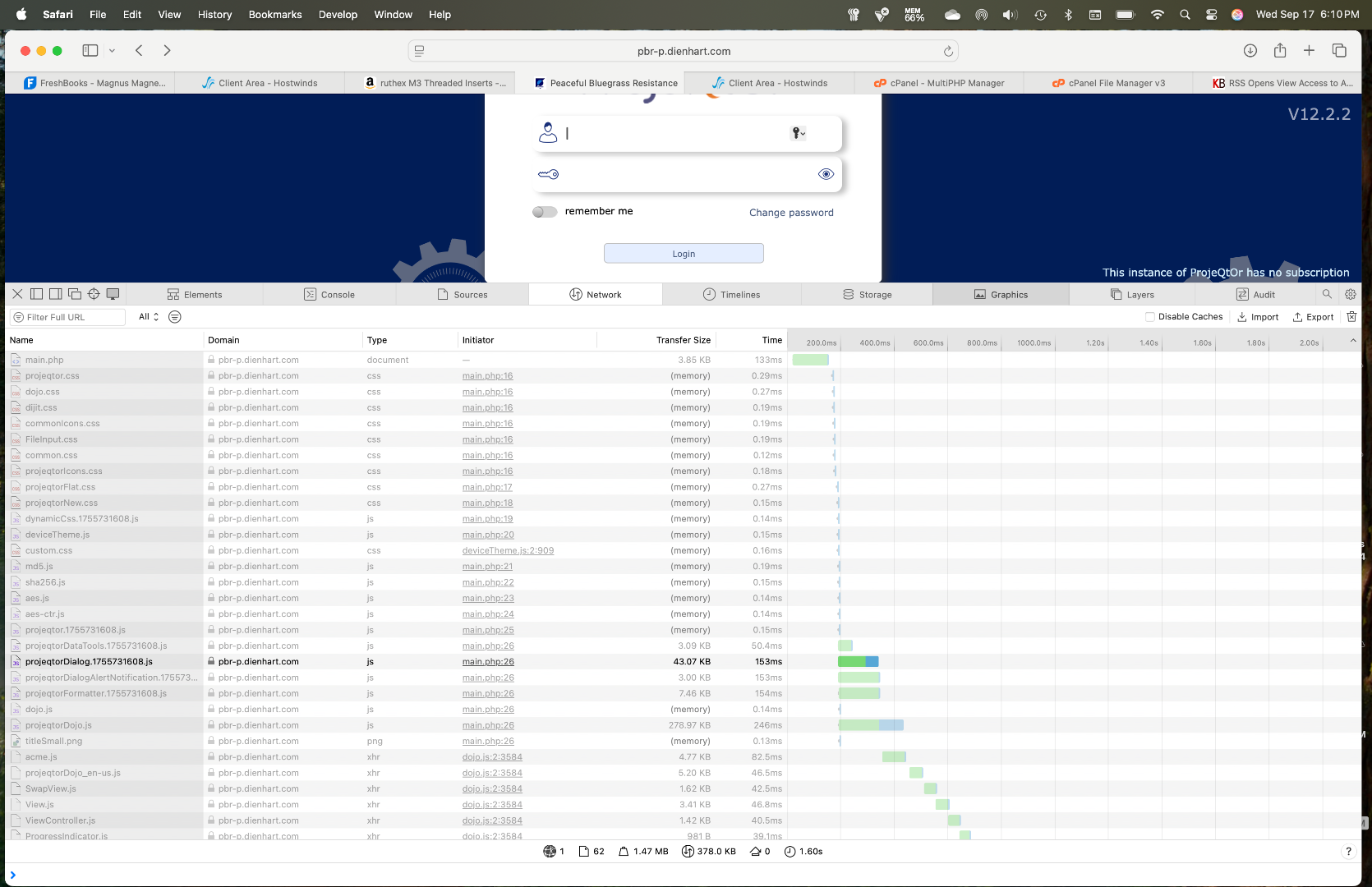
Here are the network web inspector screenshots from safari on Mac:
Initial Load: 6.08.36
2nd Refesh: 6.09.39
3rd Refresh: 6.10.08 and 6.10.04
Let me know if you need anything else.
Hi,
Network tab does not tell anything.
Please search console for errors, and also serach for errors in log files (projeqtor, apache, ...)