
Welcome to ProjeQtOr new Forum. We migrated old forum to the new website.
You will find all your posts here, with your usual account.
Just one point : you’ll have to reinitialize your password. Use “Lost password” feature.

I can not display reports for expenses - annual for all projects, this is only displayed for a project. I tried to configure the other projects exactly like the one for which this is displayed but it's still the same thing. I also ask myself if this project must be linked to an activity, a ticket, a milestone, an action, or several elements at the same time. Can you help me urgently?
Thank you.
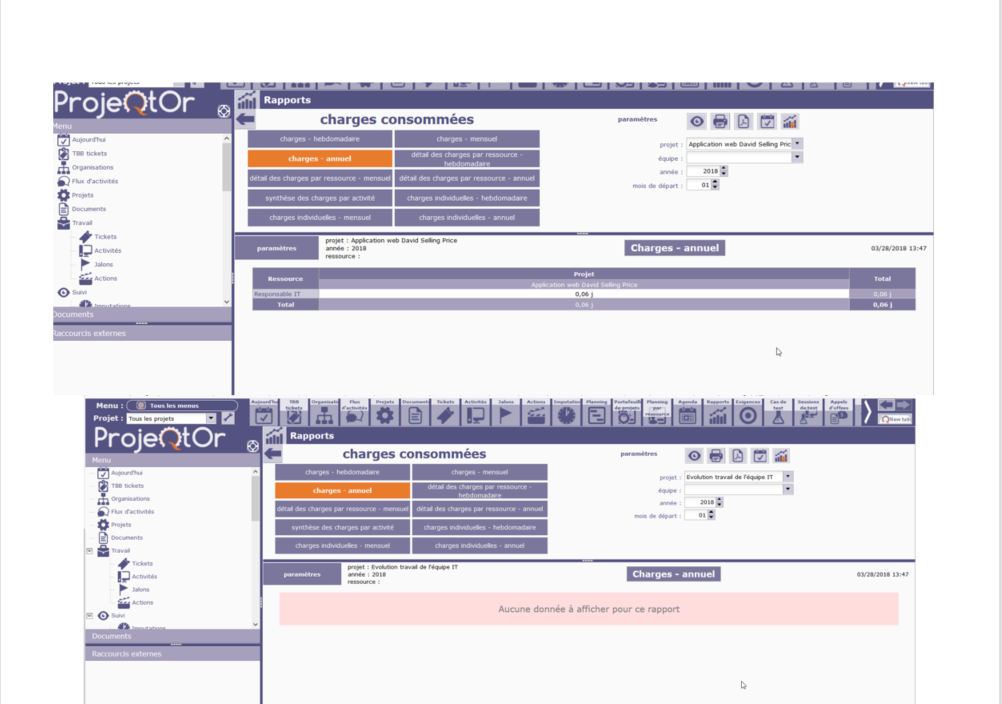

Hello,
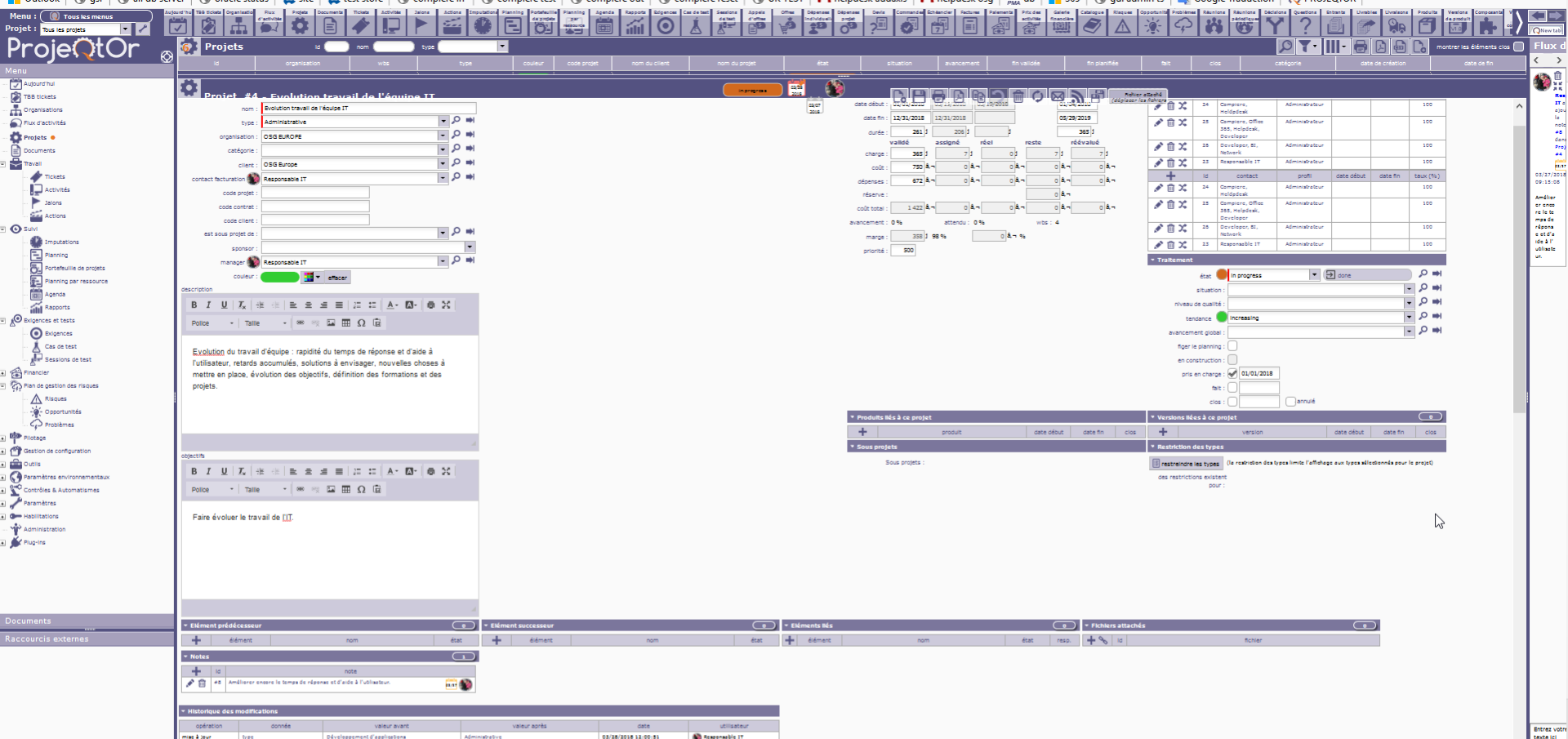
This report displays "Real work". Your project "Evolution travail de l'équipe IT" does not have real work. You have to enter this in screen Real work allocation. Then you will be able to display your work in this report.
I don't understand your answer because I have a real work (if i understand what is for you "real work" but , sorry but your answers breve for a beginner, a beginner need explanation to resolve a problem, and two time than I ask a question and you answer me brieve and I don't understand your answer, an user has help me for the other point). So, could you explain me what is the problem.
Thank you in advance.
Yours.
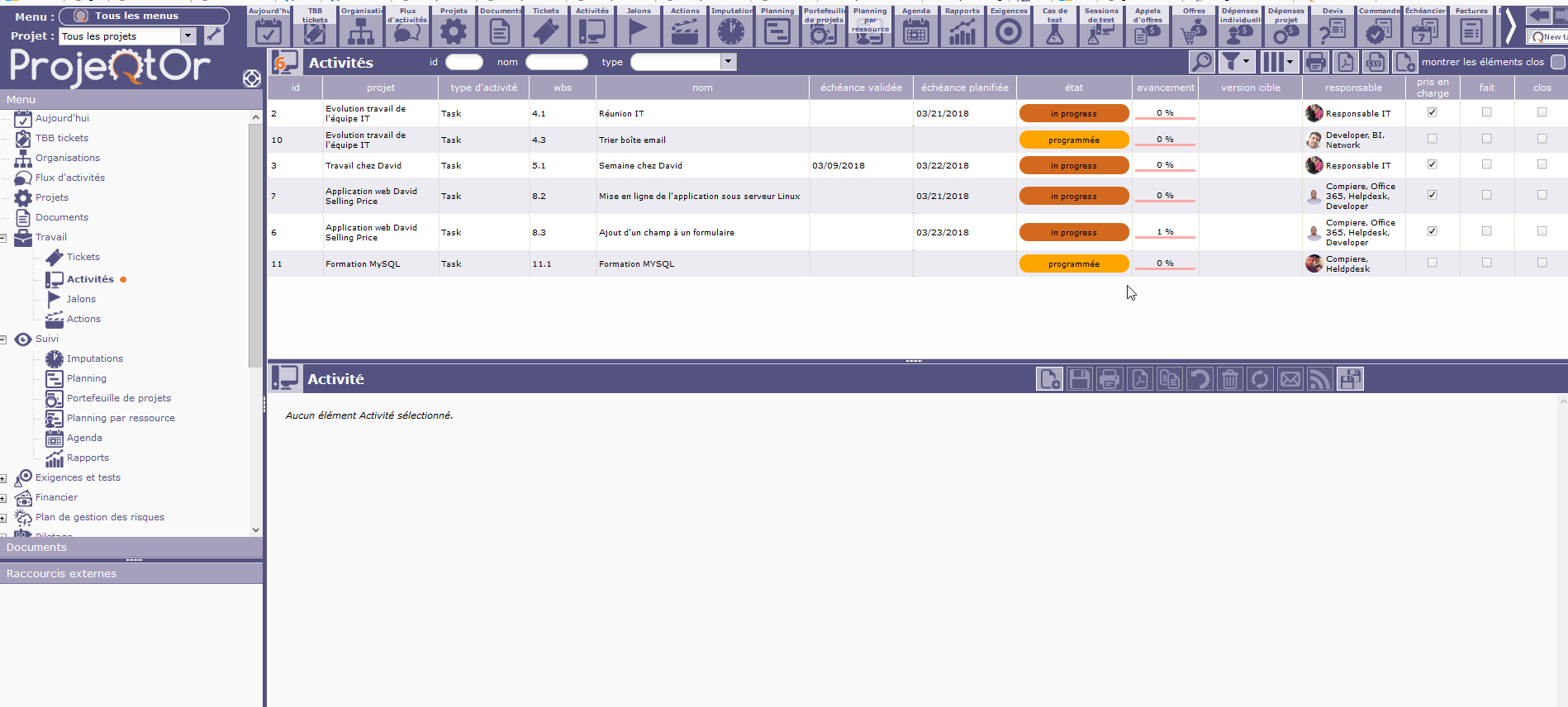

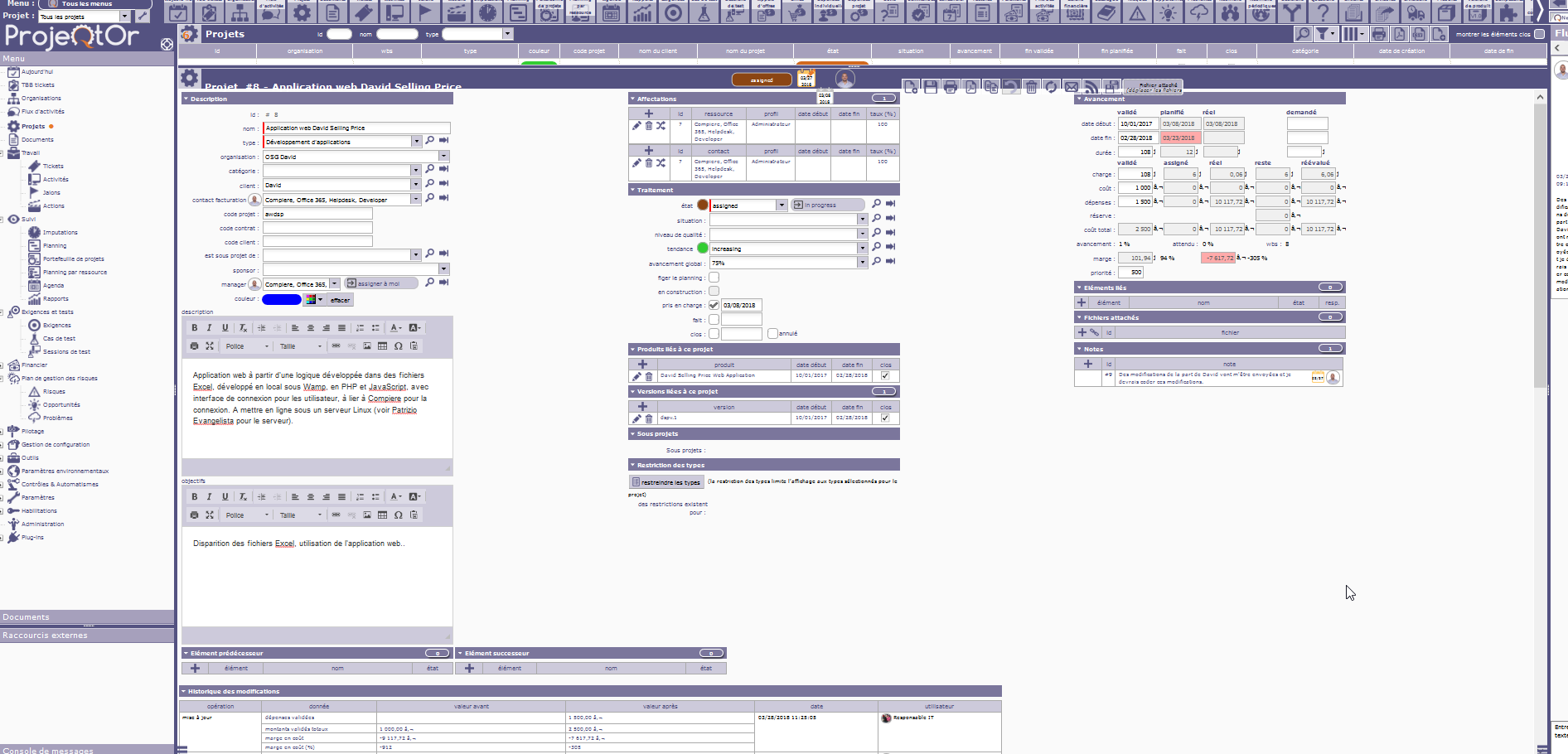
As Gautier pointed out, you don't have (or almost don't have = 0,06 days) real work recorded on your project, and you try and use a report counting real work.
In fact, your question is also not clear : you wrote "I can not display reports for expenses" but you show report for "work".
Please try and switch your interface in english, use projeqtor "wording" and post screenshots in english.
This is free support, we try and do our best to help, but not clear question will automatically lead to notclear answers.
Thanks.
Ok I will look at this and try to be clear and I will send you printscreen in English. But if my question is not clear, it's because I'm a novice in Projeqtor and I do not understand this part, I just say that with short answers like that, it does not help me, not for you belittle, but I need help with that, that's all.I will look at this and try to be clear and I will send you printscreen in English. But if my question is not clear, it's because I'm a novice in Projeqtor and I do not understand this part, I just say that with short answers like that, it does not help me, not for you belittle, but I need help with that, that's all.
Thank you in advance.
Good morning,
I don't try to to use a report counting real work, and I don't talk about the work you see in attachment with have = 0,06 days, it's more simple thant this, I just don't understand why when I'm in Reports and I choose "REAL WORK" -> work-yearly and I choose like Project "Application web David Selling Price", but If i choose another Project, nothing is displayed, I think there is a good reason.
Thank you in advance.
Yours.
Gabriele Cassano.
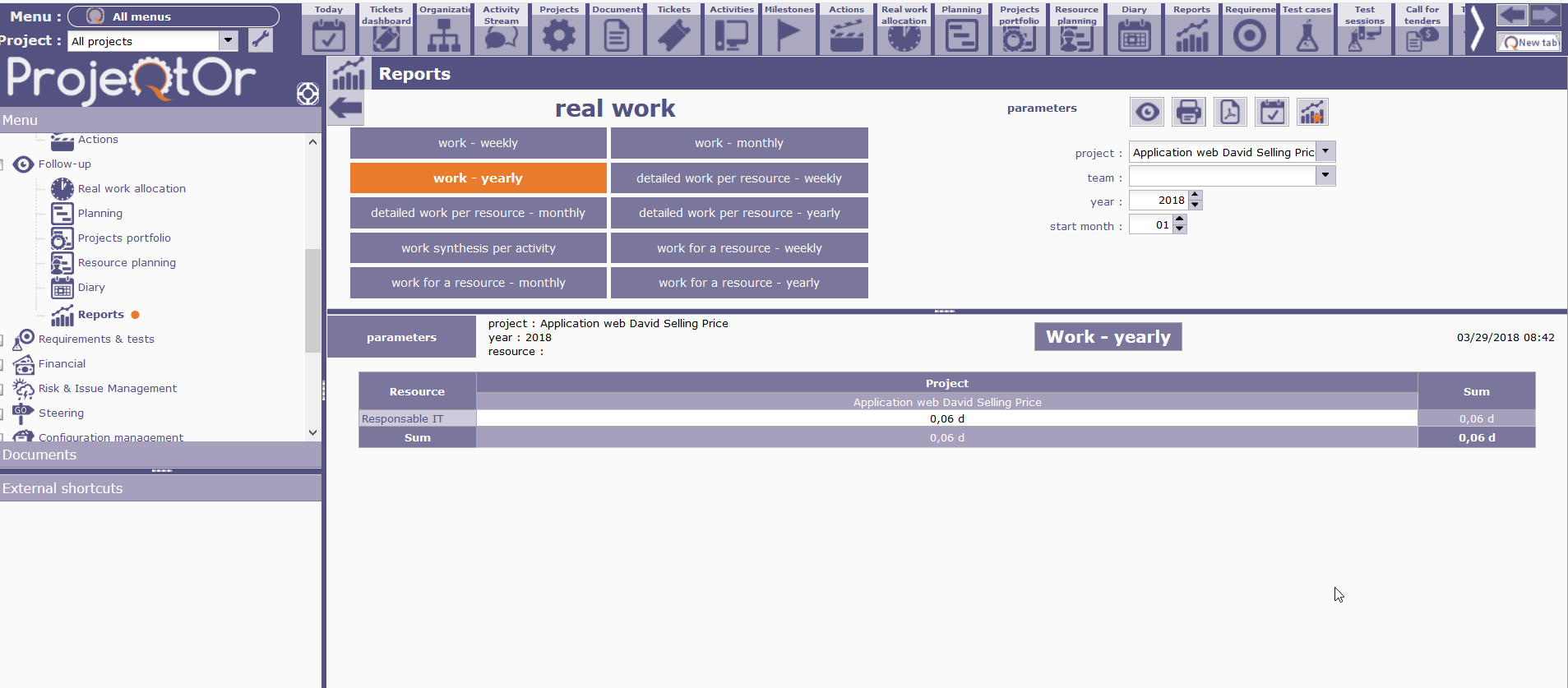
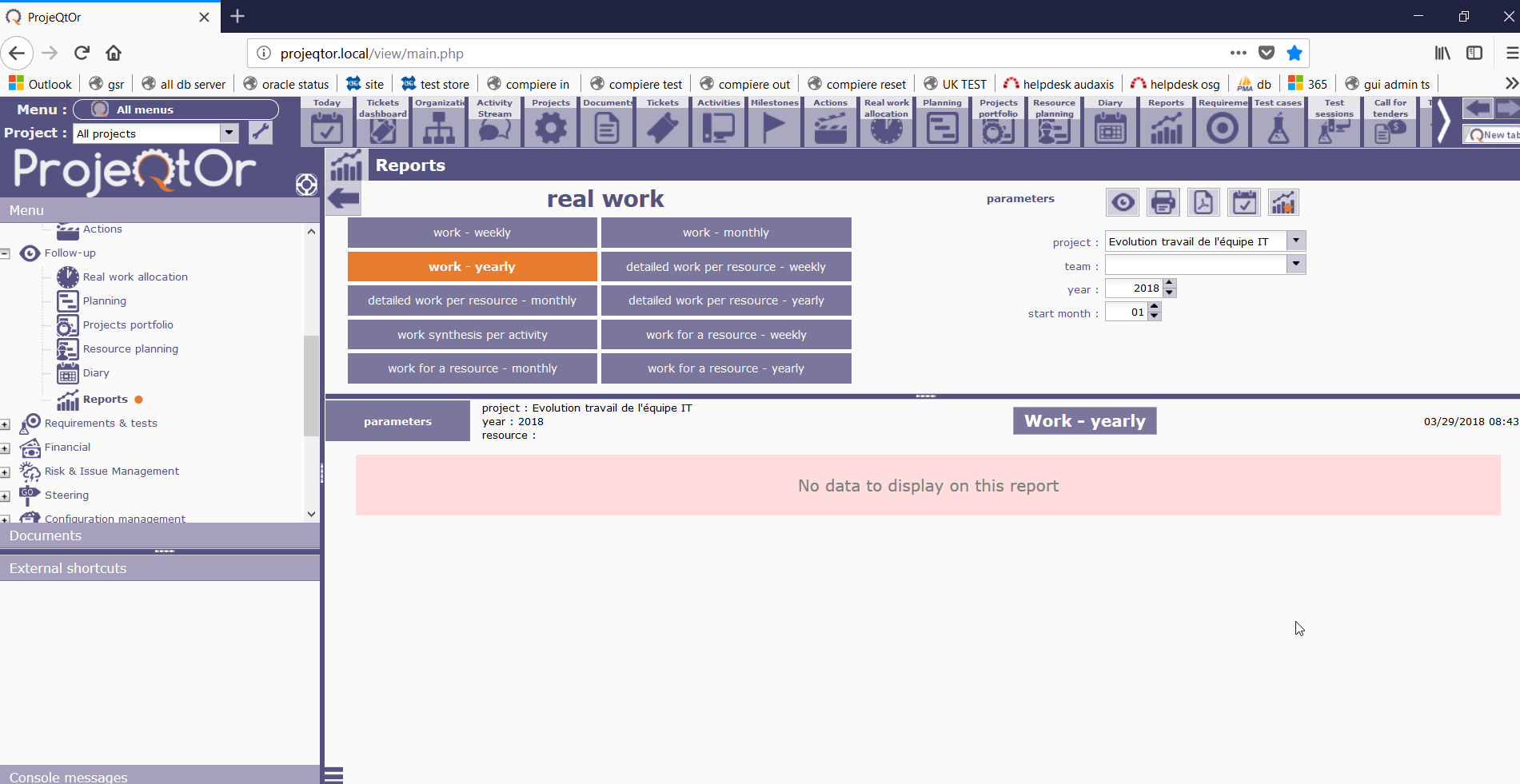
This report displays real work for one year for one project. When I see your real work in "Application web David Selling Price" we can see 0.06 days. But in project " Evolution travail de l'équipe IT" there is nothing. That is why there are no data.
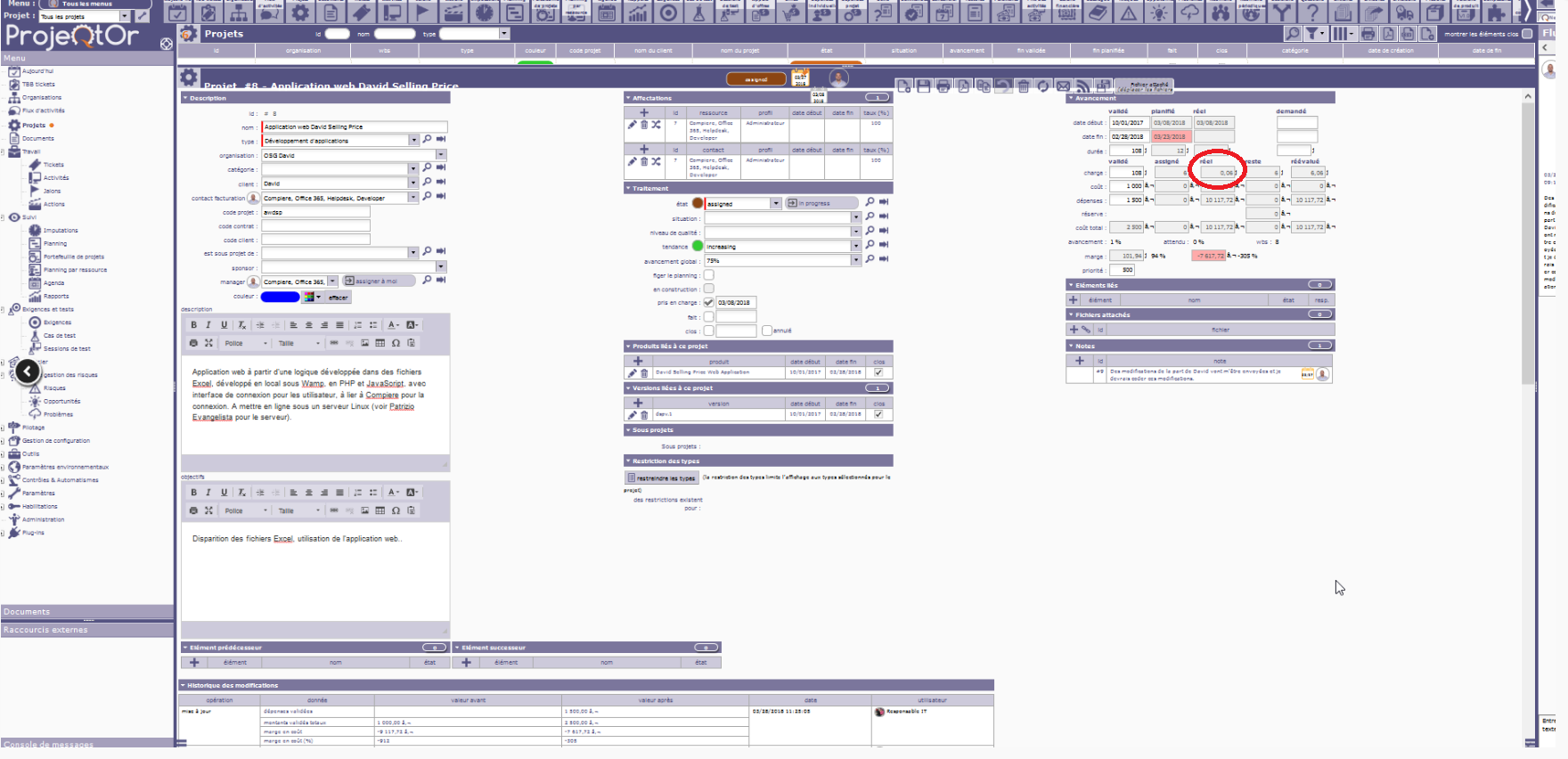

That's ok, now I have understand all the logicial, searching and especially by putting the software in English, I understood your answer from before which allowed me to finally understand how this logic works, and now I arrive at the result that I wanted.
A big thank-you.
Have a nice day.
Yours.
Gabriele Cassano.