
Welcome to ProjeQtOr new Forum. We migrated old forum to the new website.
You will find all your posts here, with your usual account.
Just one point : you’ll have to reinitialize your password. Use “Lost password” feature.

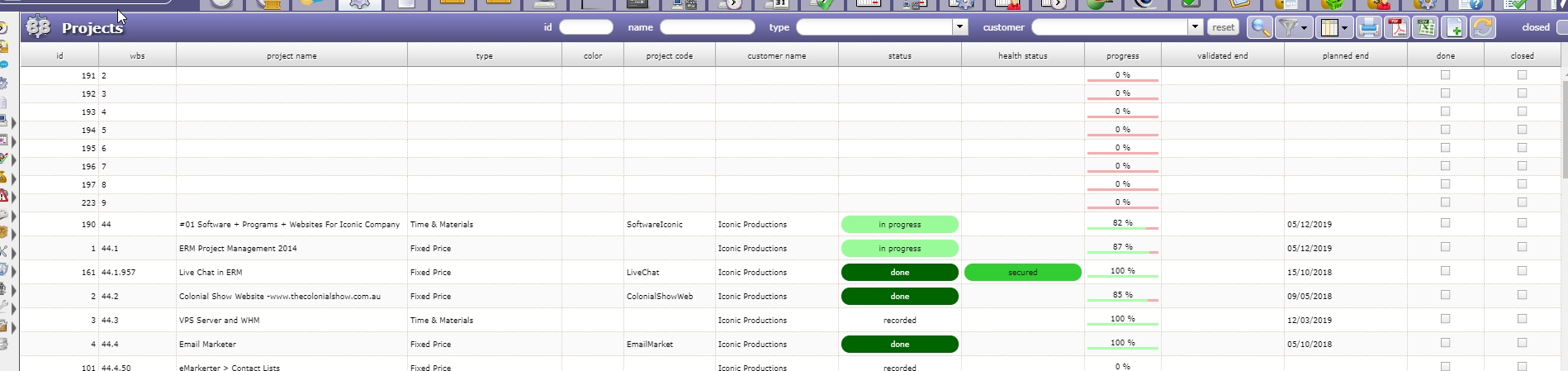
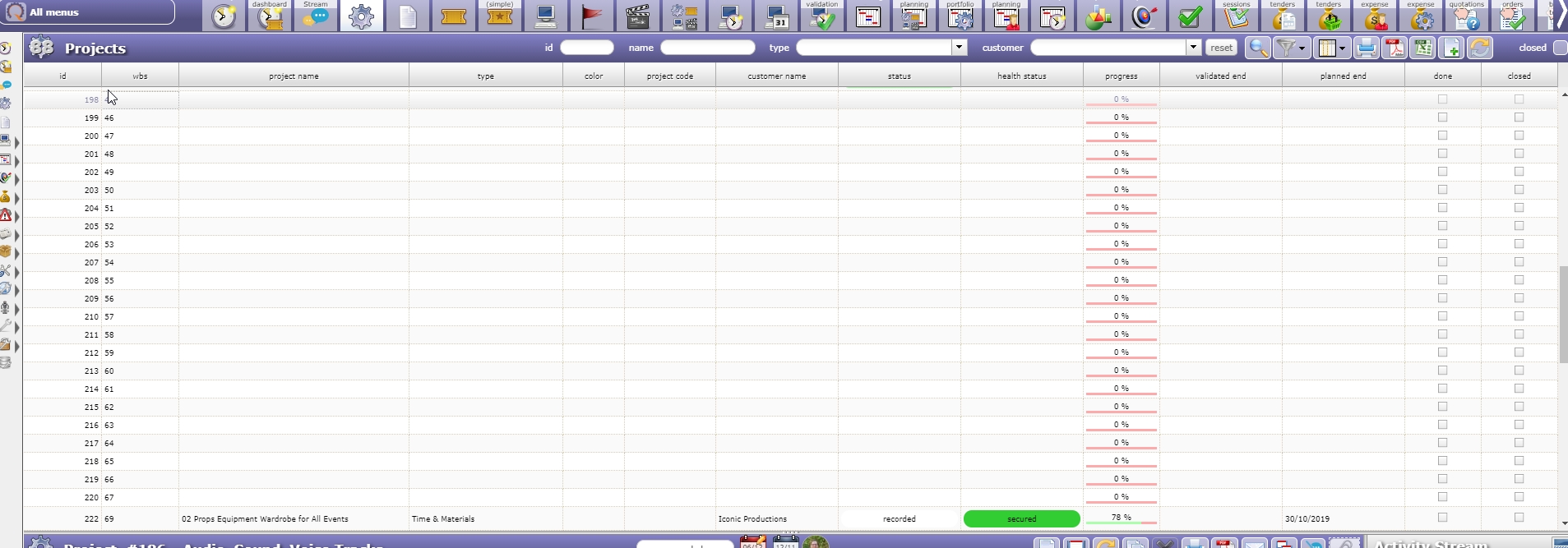
Since the upgrade to version 8.2.4, we have experienced a weird thing where additional project slots have been created, but are empty with no details and we did not create them. I tried to use our administrator account to delete them, however it does not allow us to delete them.
What can we do to clear these blanks as it is very hard to navigate through them now when creating tickets and activities.
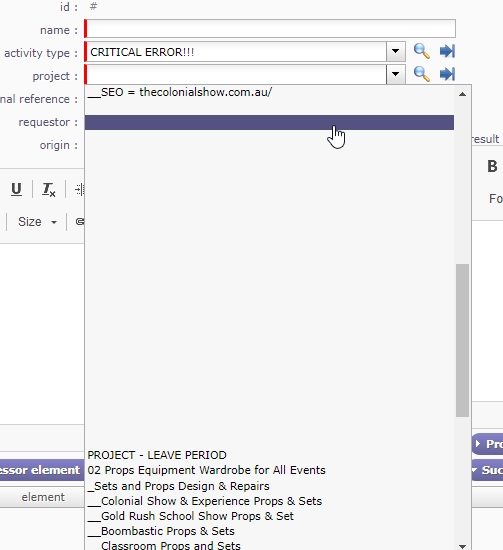

It think you have an encoding issue in DB.
I guess you migrated by making a copy of the environment, but you did not care about encoding when exporting / importing dump.
If you want to be sure about the analysis, open one project that "disepeared" from the list, and remove all special or accentuated characters (keep only standard ansi letters without accents and numbers : a-z, A-Z, 0-9). If I'm right the project should reappear.
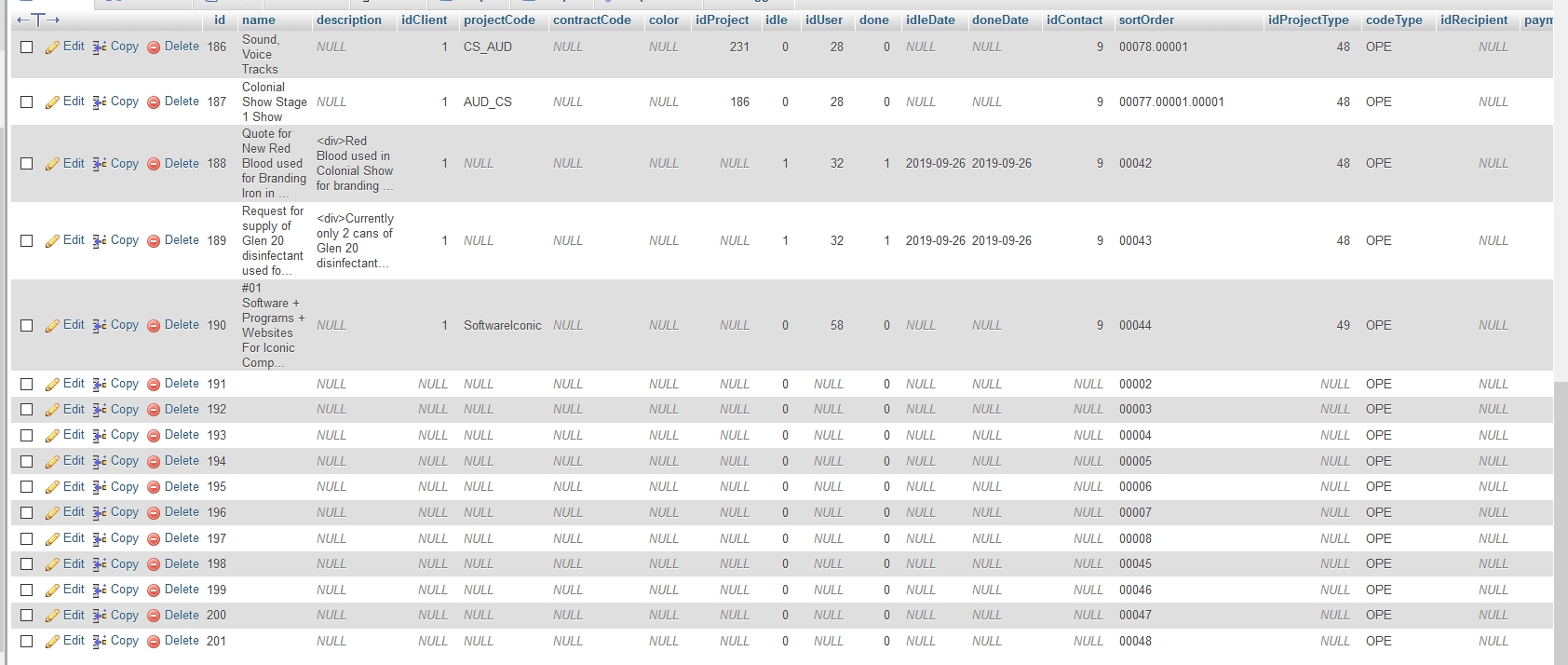
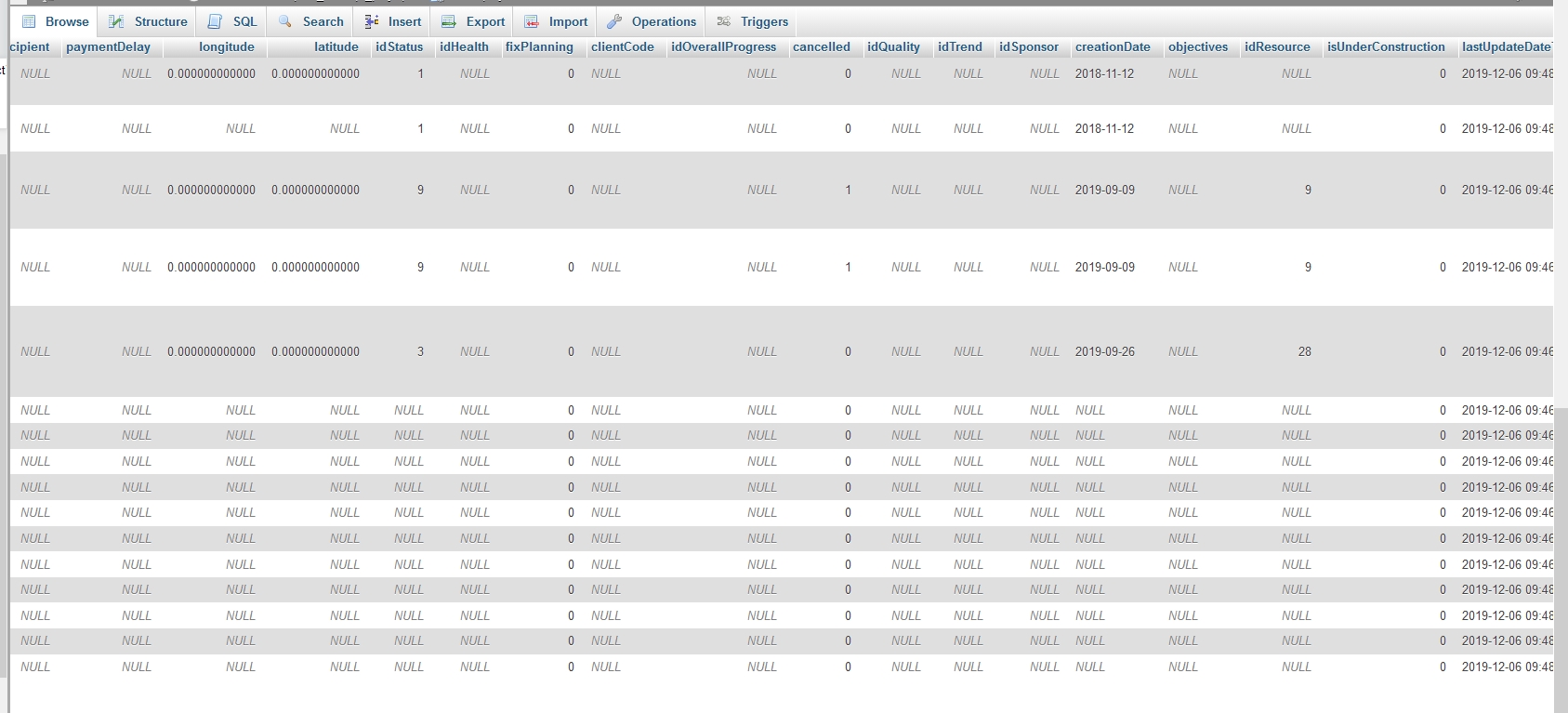
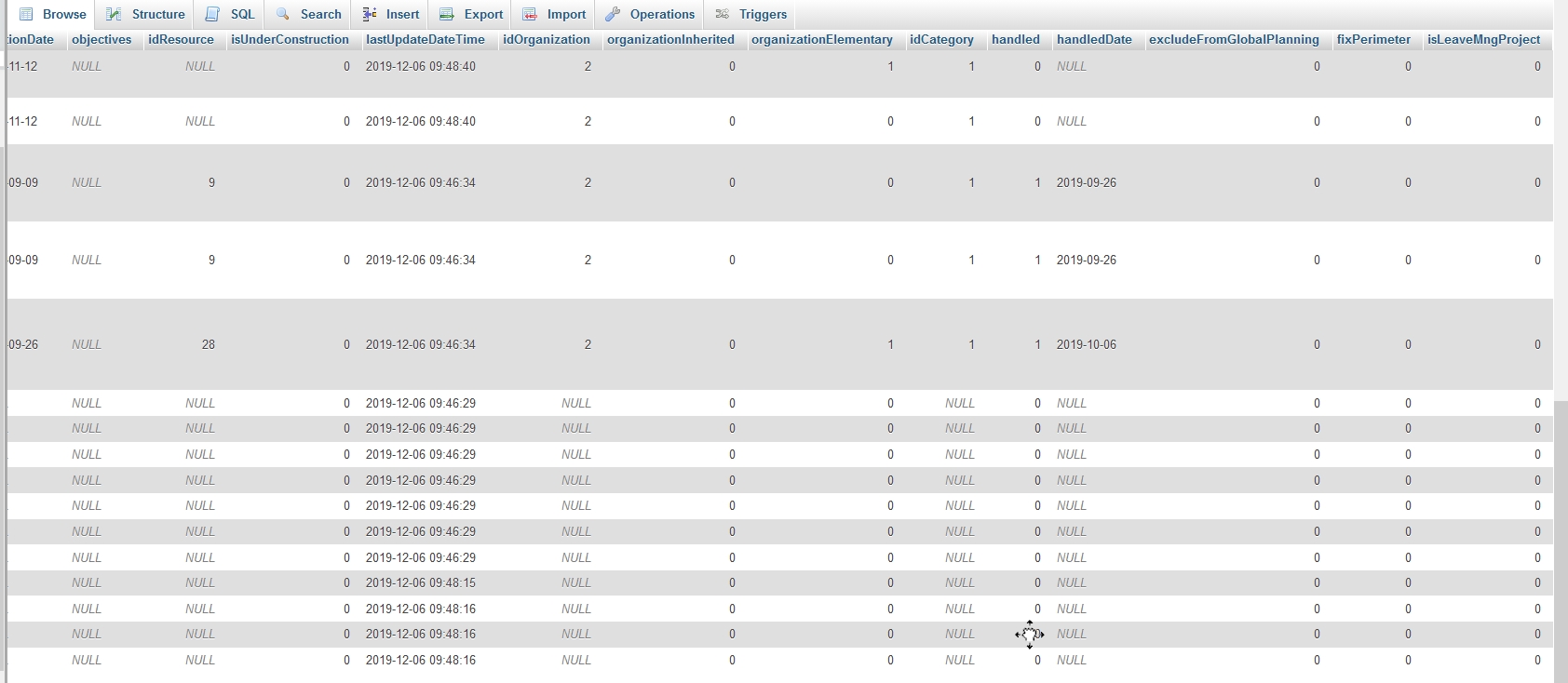
Here is the thing, I opened up the project list and I checked all the projects and there is not characters or content whatsoever in the projects. I even check the database and these blank projects have not information in it except for the lastUpdateDateTime which shows the date and time the software was updated.
Here are a few photos to show you.
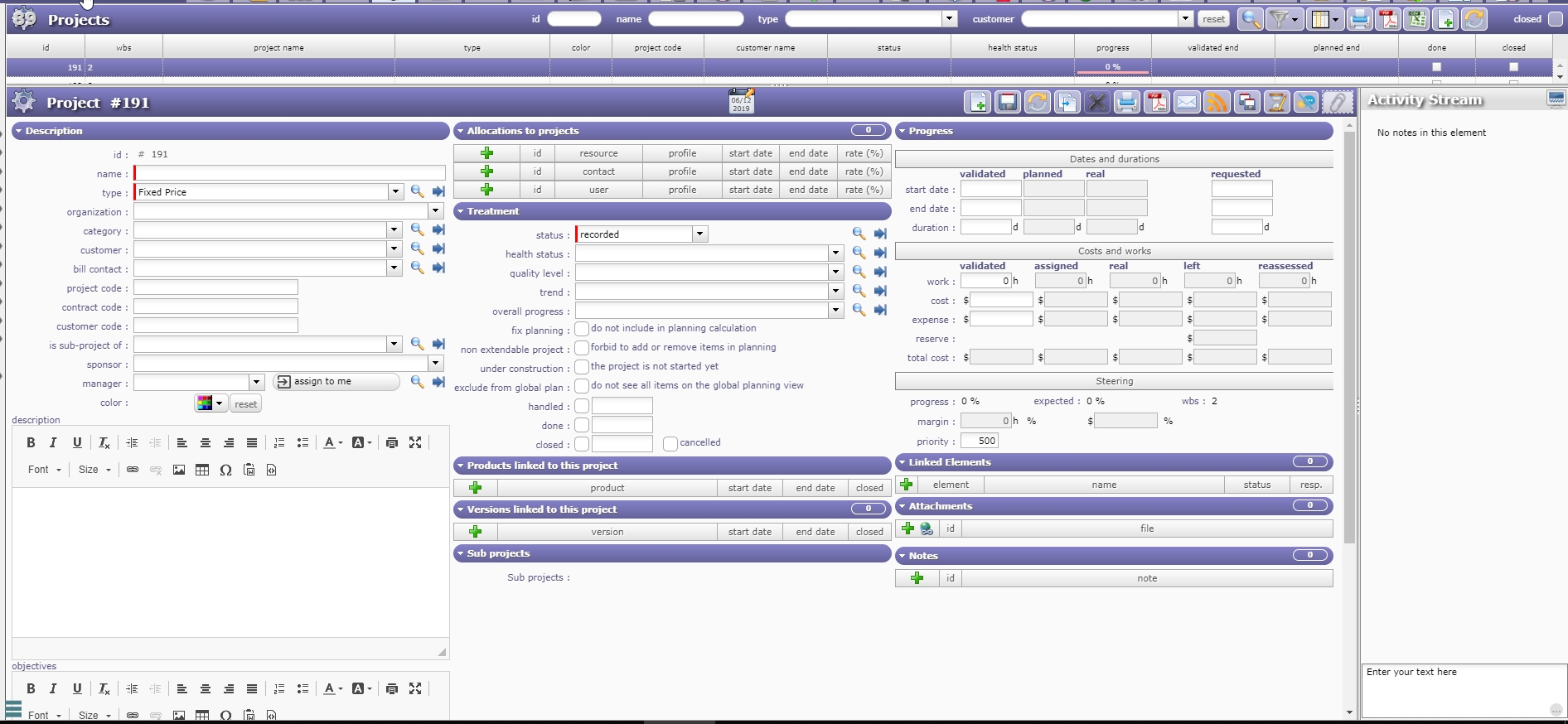
Hi, I was wondering if there is any further help on this. What is the best way to repair or fix this problem.
Very strange, I never faced such issue.
From which version did you migrate ?
NB : if these projects are not ones you created, you can delete them :
=> apply filter for "name" is empty
=> select multiple update
=> select all projects
=> click delete button.
We migrated from 7.4.3
I tried to do the delete thing that you described and I had a problem at the the first step. I am in the Administrator Account, click on projects and applied the filter for "name" as empty. The results came back as 0 projects.
So I can not go to the next step.
Also, I discovered that I can I cannot delete each project individually either. The delete button is greyed out even when I click on one of these empty projects.
What can I do now?
I tried to do the delete thing that you described and I had a problem at the the first step. I am in the Administrator Account, click on projects and applied the filter for "name" as empty. The results came back as 0 projects.
It seems name is not null but empty string (or just spaces)
You can possibly locate them on list of project and select them in multiple-update mode to delete them
I discovered that I can I cannot delete each project individually either. The delete button is greyed out even when I click on one of these empty projects
Strange, it seem you have no right to delete them...
Did you connect as admin ?
I am connected as ADMIN Account but the the delete button is greyed out. Is there something I am doing wrong, or a feature I have to activate for Administrator to delete them one at a time.
Using the Administrator Account I pressed on the multiple button (the button with the 2 save discs) displaying.
I selected these emply projects and when I clicked to delete them I receive this error.
#223 :
Invalid controls.
you don't have rights to delete this item
#197 :
Invalid controls.
you don't have rights to delete this item
#196 :
Invalid controls.
you don't have rights to delete this item
#195 :
Invalid controls.
you don't have rights to delete this item
#194 :
Invalid controls.
you don't have rights to delete this item
#193 :
Invalid controls.
you don't have rights to delete this item
#192 :
Invalid controls.
you don't have rights to delete this item
#191 :
Invalid controls.
you don't have rights to delete this item
Can you chack access rights for Project ?.
On Acces Rights > Access to Data (project dependant), check that Admin profile hase mod e"Manager+" on Project.
Hi,
Using my administrator access login details, I logged in and checked and under Access to data (project dependent) Administrator has Manager+ showing. In fact in almost everything it has Manager+ selected.
It's very strange, I never faced such issue.
I made several migrations to V8.3, on several systems (Linux / Windows, MySql / Postgres) without reproducing such isse.
I'm afraid you'll have to delete manualy (I hate this, but it seems to be the only solution).
Here is the query to do this :
delete from planningelement where refType='Project' and refId in (select id from project where idProjectType is null and creationDate is null);
delete from project where idProjectType is null and creationDate is null;
Please be sure to backup your database before executing the query in case of too large deletion.
That has worked wonders. I have tested most of ProjeQtor and the null project fields are all gone. it seems to have correctly sorted out the numbers and it seems that everything is working perfect.