
Welcome to ProjeQtOr new Forum. We migrated old forum to the new website.
You will find all your posts here, with your usual account.
Just one point : you’ll have to reinitialize your password. Use “Lost password” feature.

Hello, First of all i would like to thank you for your effort.
I've just completed first run configutation with no changes to default values. Now, I face a page which is asking for user name and password. What should be entered?
Thank you very much

admin / admin B)
http://www.projeqtor.org/en/product-en/technical-en/64-setup-en/413-product-setup-en 👿
http://www.projeqtor.org/files/readme.txt 👿
I tries admin/admin. But as the attachment shows, it did not work
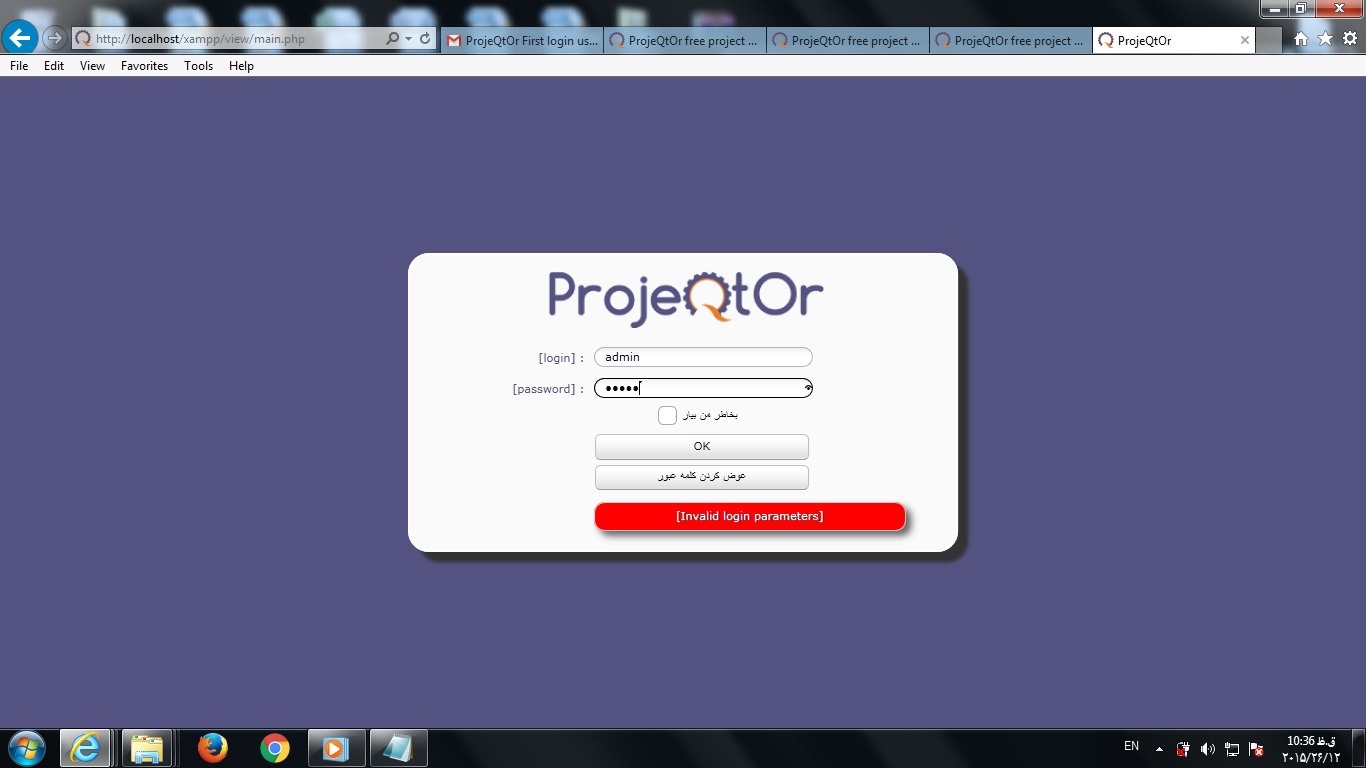
Try and clean browser cache and try again.
If is the correct login 😉
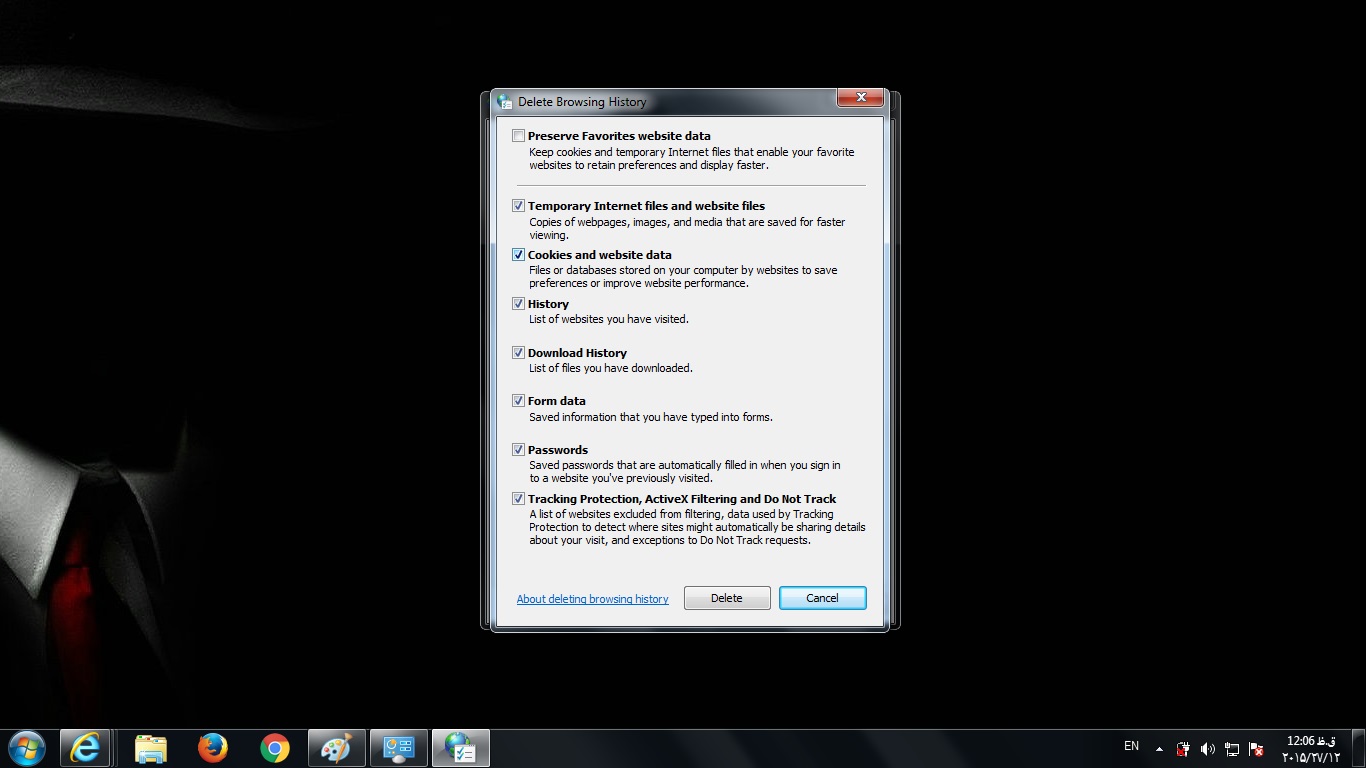
I tried deleting all the catches and hostory, just as it is shown in attachments.
I do not know why it still doese not work. I tried it more than 20 times! But no good result.
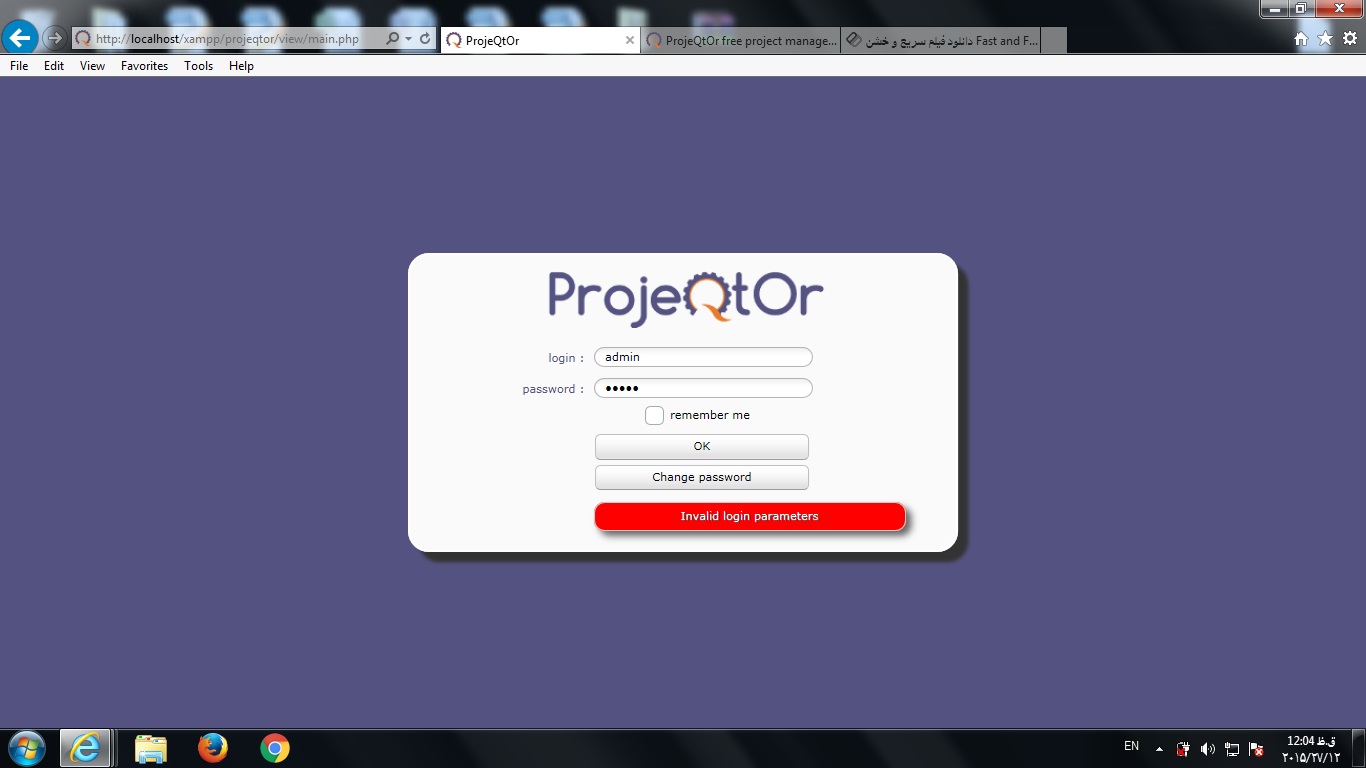
What did you mean by "if it is the correct loggin". I just deleted the password of the SQL User which was mysql. Then it led me to the problamatic page which i am discussing about.
I will appreciate if you can help me.
Can you check database ?
Is it populated with tables ?
Is there a table called "resource" ?
Could you also post here log file (in /projeqtor/files/logs)
Hi.
Sorry for delay. I was sick for couple of days. Well, I just opened the folder called "db". I could find the related SQL file which was called projeqtor_V5.1.5.sql. As SQL is not installed on my laptop, i didnt have related software to open it. Then, i just opened it by using Notepad. Here is the text:
-- ///////////////////////////////////////////////////////////
-- // PROJECTOR //
-- //-------------------------------------------------------//
-- // Version : 5.1.5 //
-- // Date : 2015-12-09 //
-- ///////////////////////////////////////////////////////////
ALTER TABLE `${prefix}quotation` CHANGE `untaxedAmount` `untaxedAmount` DECIMAL(11,2);
ALTER TABLE `${prefix}command` CHANGE `untaxedAmount` `untaxedAmount` DECIMAL(11,2),
CHANGE `addUntaxedAmount` `addUntaxedAmount` DECIMAL(11,2),
CHANGE `totalUntaxedAmount` `totalUntaxedAmount` DECIMAL(11,2);
-------------------------
I just use Xampp which i think can open the related SQL files. I also opened the above mentioned Log file. Here is the containment.
2015-12-25 07:00:57.889 ===== TRACE ===== Login error for user 'admin'
Is the problem related to installing SQL? I appreciate to know your idea.
Thanks
What you opened is one of the scripts use to install and upgrade database.
It is not the database.
The database files are outside ProjeQtOr directory, defined by MySql engine (in my.ini or my.cnf file).
If you use Wampp, then you must have à phpMyAdmin installed : access it at http://localhost/phpMyAdmin