
Welcome to ProjeQtOr new Forum. We migrated old forum to the new website.
You will find all your posts here, with your usual account.
Just one point : you’ll have to reinitialize your password. Use “Lost password” feature.

Hi all,
I have some questions for help
1. Overall progress is entered manually or automatically, when creating projects, to select how value is reasonable? Thanks to explain in more detail.
2. If there is activity ahead of schedule, projeqtor will show how? For example, user A responsible activity X, is assigned 3 date but actually only 2 date the user A has completed the activity, so how does the user A to enter into real work allocation?
Thanks for help!

Overall progress is entered manually or automatically, when creating projects, to select how value is reasonable?
Manually!
Set directly on Project screen (See field: Overall progress).
You can modify the list of values via "Overall Progress" screen.
If there is activity ahead of schedule, projeqtor will show how?
In Resource planning Gantt chart.

A has completed the activity, so how does the user A to enter into real work allocation?
Just need to set 0 to in left work column.
Also you can enable 'automatic status change'
This allows to change the status of tasks to done.
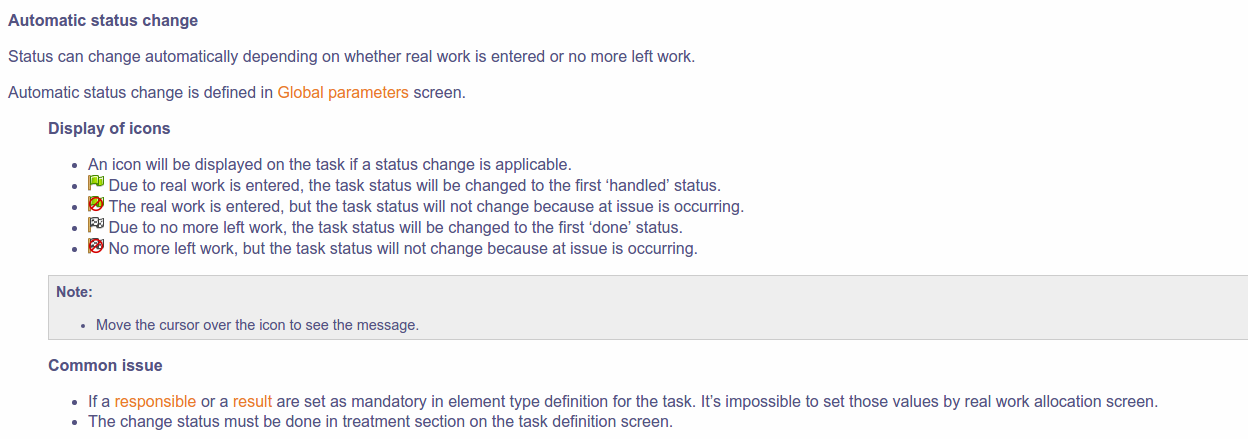
No more left work, but the task status will not change because at issue is occurring
I do not understand. Can explain in more detail?
I'm sorry, I'm just an amateur
Thanks for the help
No more left work, but the task status will not change because at issue is occurring
I do not understand. Can explain in more detail?
Check your activity type.
If the activity type require a responsible or a result.
The activity status can't change automatically.
In this case, the responsibility must set the status to 'done' manually.