
Welcome to ProjeQtOr new Forum. We migrated old forum to the new website.
You will find all your posts here, with your usual account.
Just one point : you’ll have to reinitialize your password. Use “Lost password” feature.

On export Tickets to CSV it is exporting not selected ticket but all the tickets with only one set of headers and data for other tickets coming in random places inside description field for the first ticket after each line break.
And of course import is not working with this file - it just displaying all the tickets in table but actually not importing anything at all

Hi,
I don't understant exactly the issue.
Some line break issue ?
Could you provide an example ?
I have enclosed sample where you can see that actually not only 1 selected ticket exported but 5. If you open this file in excel you can see it clear
Hi,
Thanks for the sample.
I can clearly see 5 tickets.
When you write you expected to see 1 selected ticket, what exactly do you mean by selected ? Did you have only one item in the tickets list ?
Concerning import of this csv file : it worked perfectly for me (after adding projects and resources to fit the file). See result :
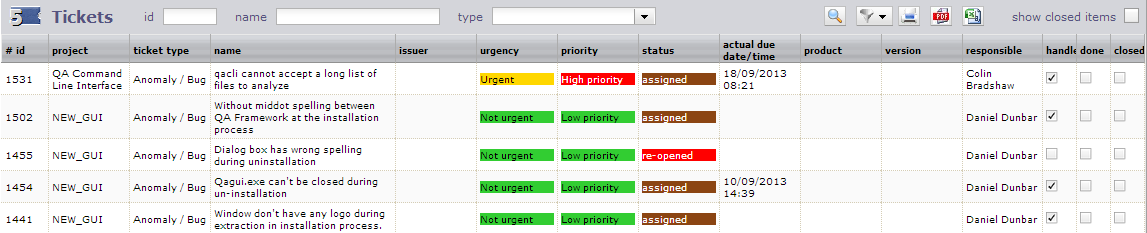
Pay attention : if you open and save the file in Excel, you may retrieve some automatic formating from Excel that will make the import to fail.
Modifiy csv files with text editor (notepad, notepad++, ...) and if you wish to use Excel to modify files, save / import in xlsx format.
I expect to export only selected ticket not all tickets in the list.
How you added projects/resources to this import?
I expect to export only selected ticket not all tickets in the list.
The csv export always export all tickets in the list.
If you wish to export only one ticket, just limit the list to this ticket (using the id field for instance).
How you added projects/resources to this import?
I did not add projects/resources in the import.
I just created projects and resources with the same name as they appear in the file.
The import works fine on name 😉
Hi,
I am still struggling to import CSV file.
I have exported tickets from another projectorria instance, removed IDs.
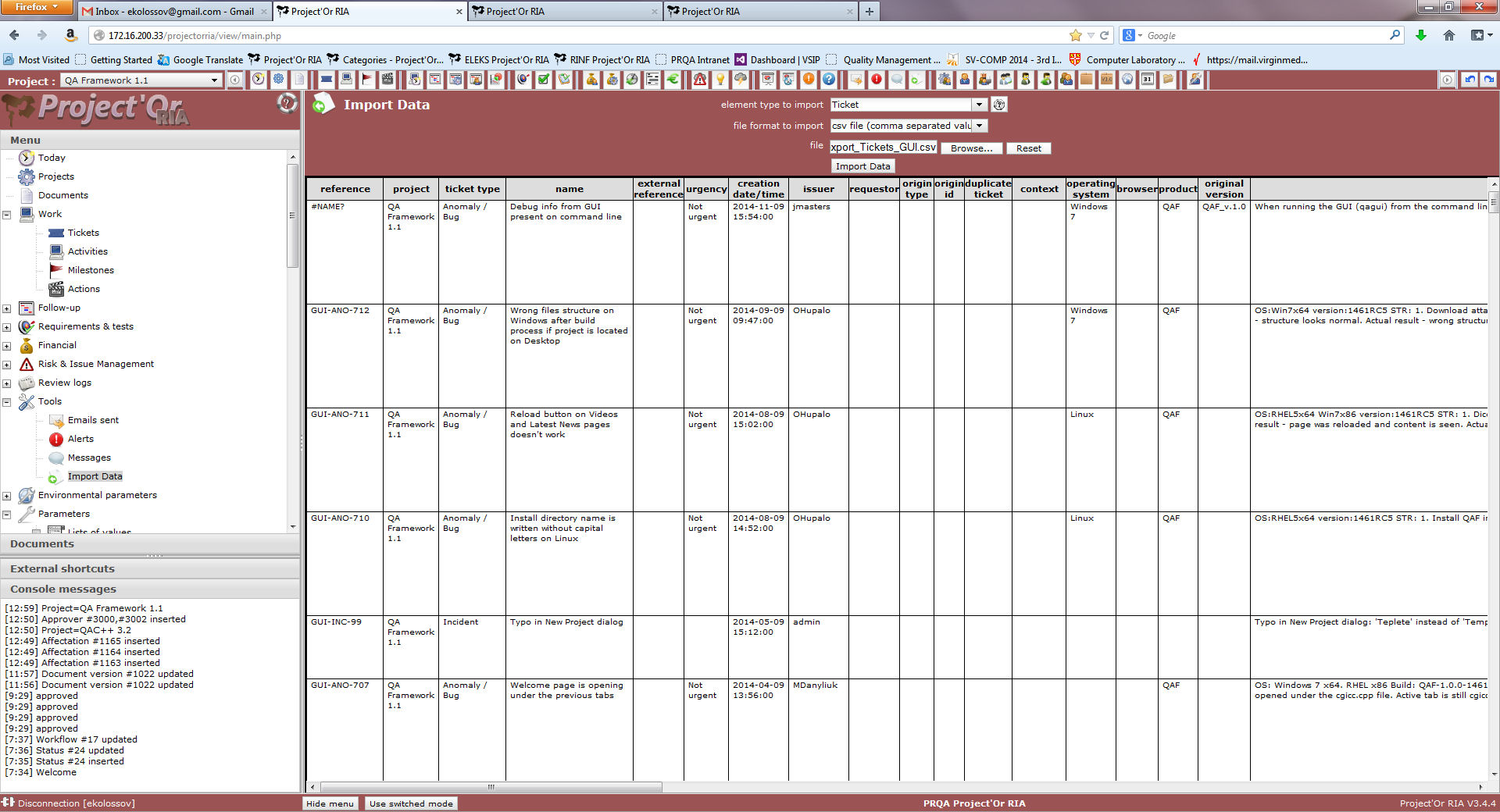
Tickets are loaded into Import Data dialog without any grey areas (see enclosed image) but tickets are not imported.
Please help
I have added csv file as well.
Can it be that issuer users does not exists?
Found problem - different ticket types. I am sorry!!!