
Welcome to ProjeQtOr new Forum. We migrated old forum to the new website.
You will find all your posts here, with your usual account.
Just one point : you’ll have to reinitialize your password. Use “Lost password” feature.

Hi Babynus,
I've just noticed that pictures don't show up well in this new forum. Not really sure if it's been that way since you changed to this new version of the site, or more recently.
When clicking on an "attached" image file, it doesn't "pop-up", but rather shows up at the bottom of the page, and miss-aligned.
I attach a few print screens, showing this behaviour.
I tried with Firefox 31.0 and Chrome 37.0.2062.94 m, both on Windows 7, and the same occurs.
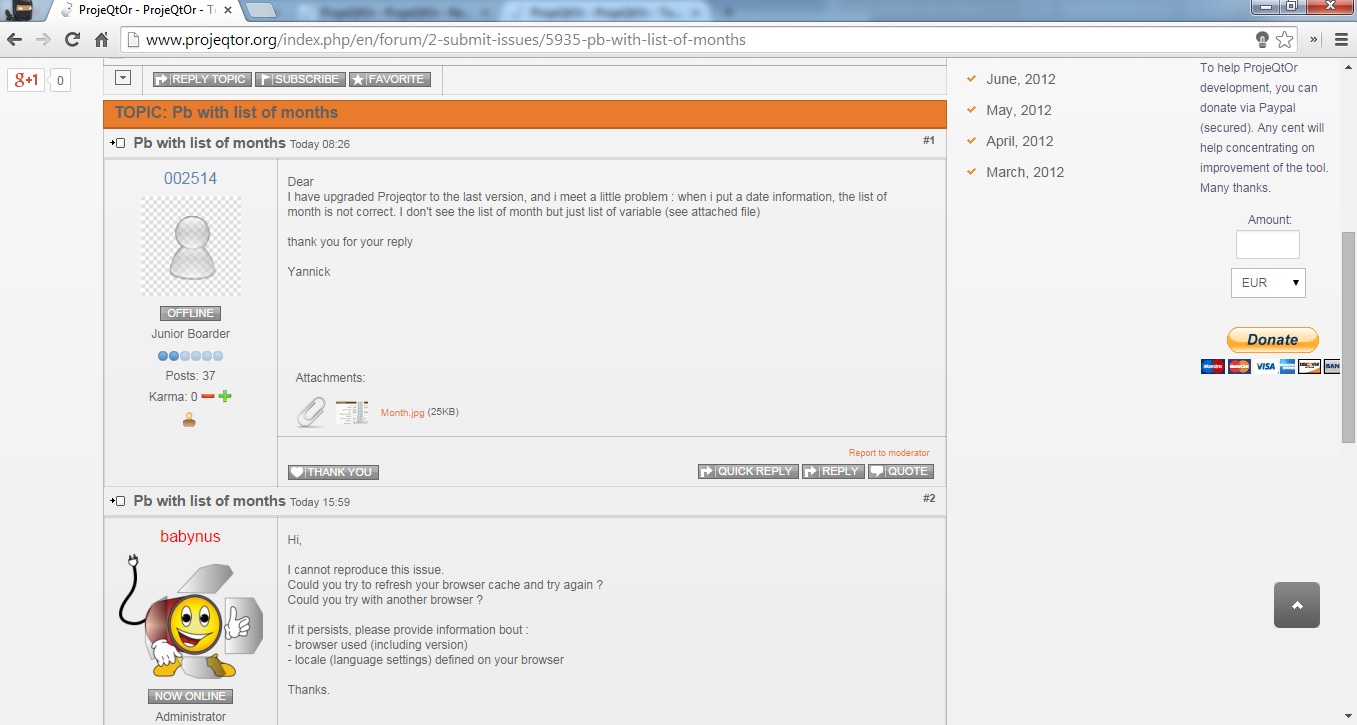
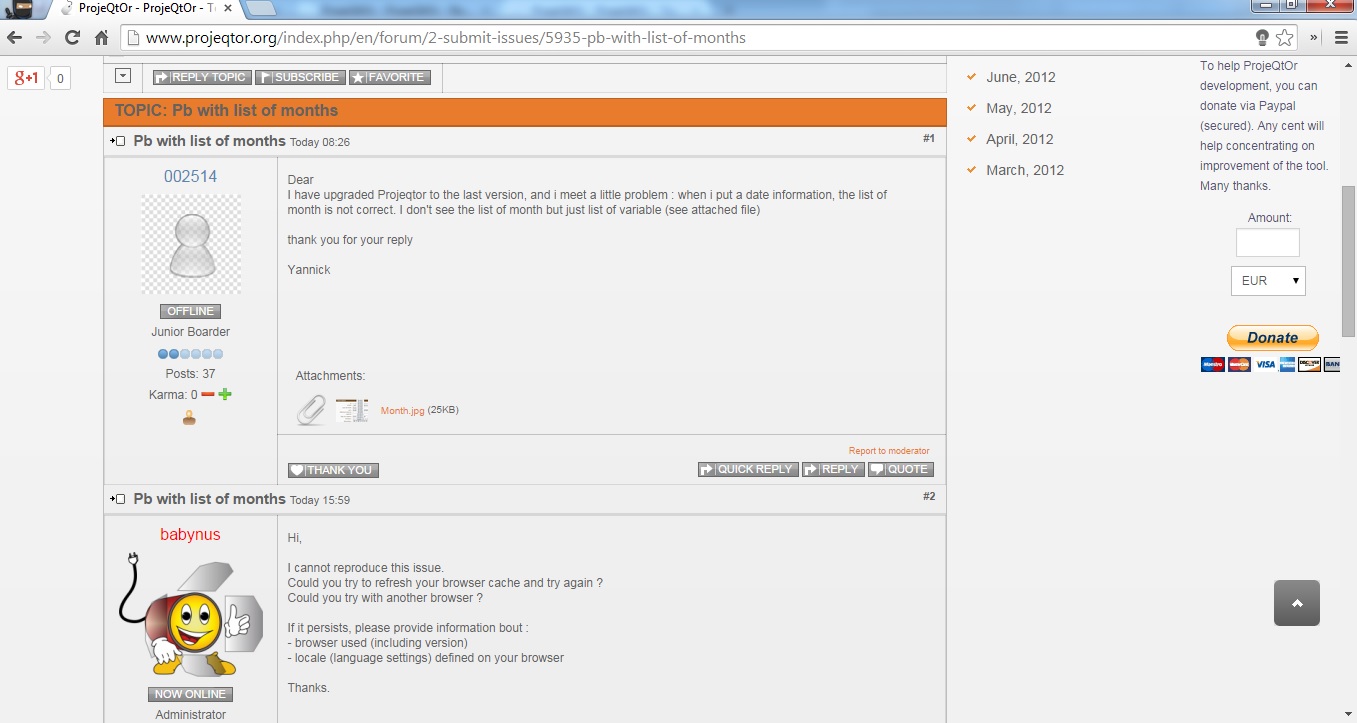
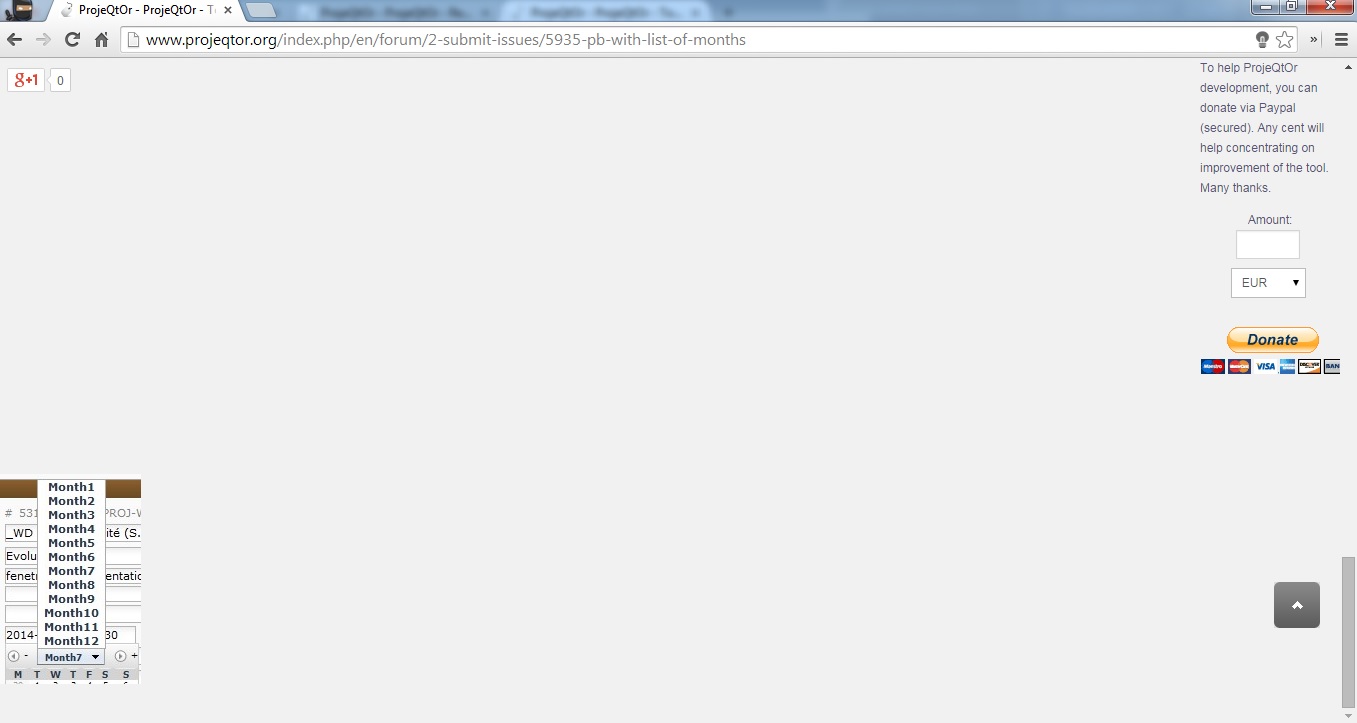

Strange.
I cannot reproduce.
Images joined display correctly for me.
Did you try and clean browser cache ?
Yes, tried... and restarted browser..
Still get the same behaviour.. 🙁
Hi,
I tried with Chrome 37 and Firefox 31, on Win 7 : no issue.
Could you please :
1) check for errors in Browser Console ?
2) Try to desactivatr all plugins and additional modules ?
Thanks to post result here
Ups!
The problem is "Ad Block Plus 2.6.4". When I disable it, and reload the page, it works perfectly.
Since it's a VERY popular complement, don't know if I can be of any help in trying to prevent this from happening.
(i.e.: is there an "adblock" error log that I can check? perhaps images can be displayed differently so as to prevent ABP from wrecking the preview)
I just tried.
It is adblock role to avoid pop-up and simular frames over main page.
You just have to parameter AdBlock : do not use adblock on pages of this domain
will set correct behaviour back.
Done! 😉