
Welcome to ProjeQtOr new Forum. We migrated old forum to the new website.
You will find all your posts here, with your usual account.
Just one point : you’ll have to reinitialize your password. Use “Lost password” feature.

Hi,
I installed Projeqtor v4.5.4 for the first time on a Windows 7 system already running Apache 2 and mySQL 5. Installation and configuration finished without any errors, however the user parameters' screen is displayed incompletely: Theme, language, icon sizes and section headings are missing (screenshot attached)
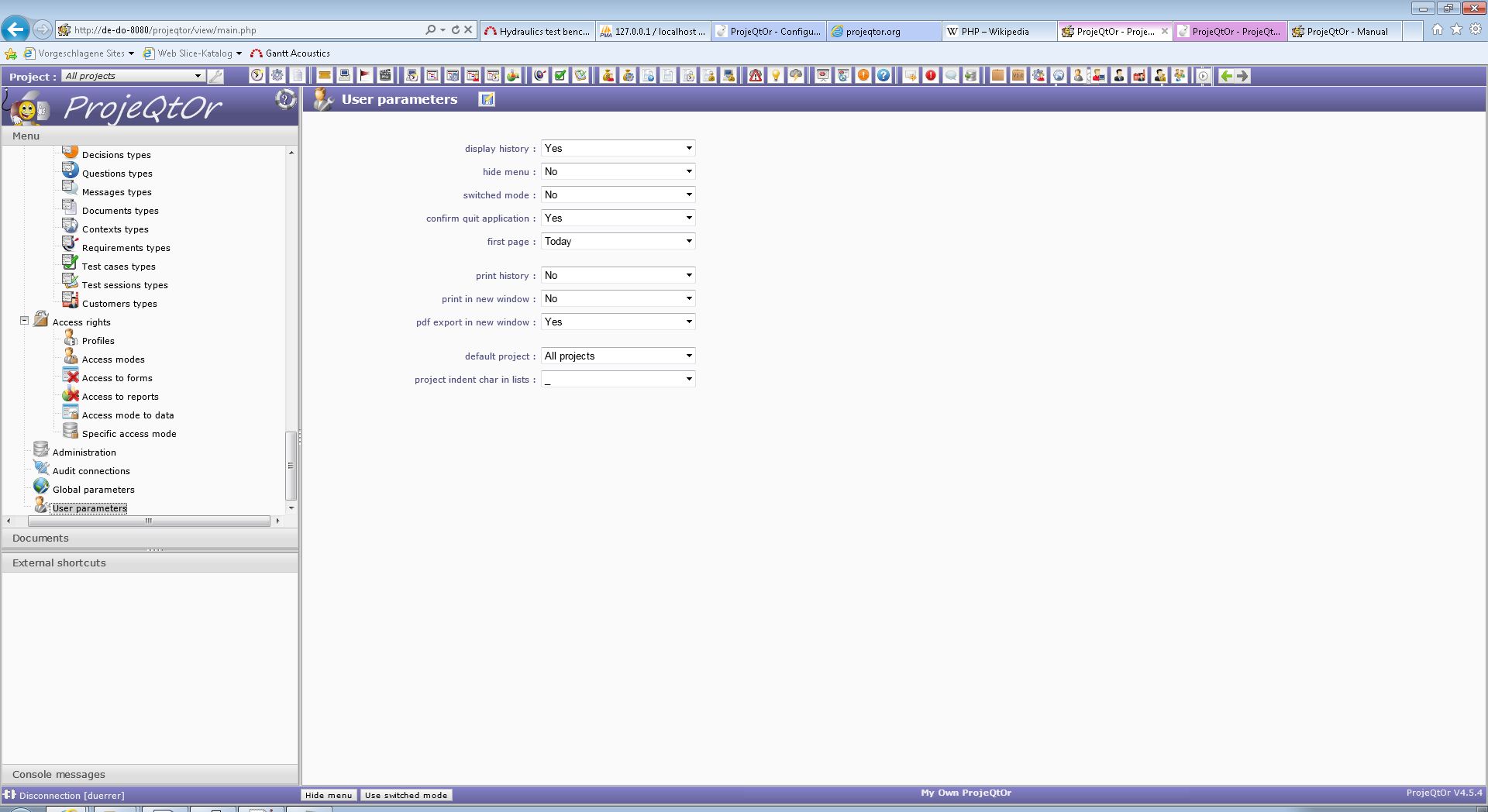
The global parameters' screen is displayed correctly. I use Internet Explorer 9 to access the application. Any hints how to get access to the full list of parameters?
Kind regards,
Bernd

Very weird.
I never saw this.
Could you first try and refresh all cahces : borwser cache, PHP cache.
Then check for errors in log file and in browser console.
Next, try on another browser.
What is really strange, is that it is displayed as if hiding section headers, with first section "collapse".
This could mean you retrieved existing database. Is it the case ? If so, try and clean all user specific data in tables parameter and collapsed.
Hi Babynus,
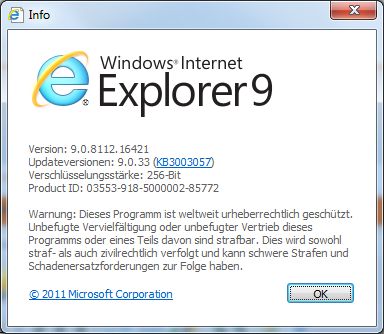
Thank you for your quick response. Obviously it is a problem of the browser, as the page is displayed correctly when I use Firefox 35. I have found other shortcomings when I access the application with IE9: In the workflow definition, there are some flaws in the graphics (arrowheads are displayed at the wrong position, status names are displayed incompletely) and in the section "Habilitations to change from a status to another" the scroll bar does not allow to scroll to the end of the section. Again, this does not happen with Firefox 35. I would only be too happy to use Firefox, unfortunately Internet Explorer 9 is the only web browser supported by our company's IT department, so these shortcomings might affect acceptance of Projeqtor (at the moment, we are in early evaluation of svseral products). I hope anybody might come up with an idea how to achieve correct application display with IE9:
Kind regards,
Bernd

Hi Bernd,
if it works with FF and you have to use IE, then it might be an option, to switch in compatibility mode.
Klaus
Hi Klaus,
compatibility mode was the right hint. However, the problem was actually caused by a global setting in IE to access all intranet sites in compatibility mode. When I access Projeqtor in IE9 browser mode, user settings and workflow are displayed correctly.
Many thanks for this clue!
Bernd