
Welcome to ProjeQtOr new Forum. We migrated old forum to the new website.
You will find all your posts here, with your usual account.
Just one point : you’ll have to reinitialize your password. Use “Lost password” feature.

Hello,
I am a newbie in projeqtor and I am French, so please excuse me if my English is not perfect and if I am not clear...
I have made 3 installations of Projeqtor yesterday and I encounter always the same issue :
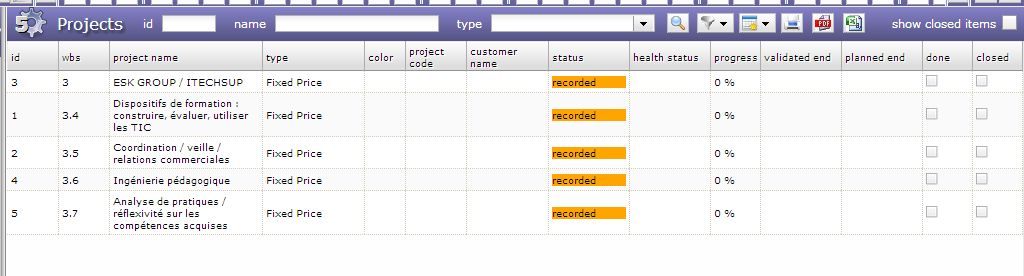
When I enter 4 projects, exactly in the same way, everything goes fine until I disconnect. But when I connect again, the today page is perfect, but only one project is visible on the projects page on the upper part : the number 3. It goes the same with the top area in activities (only the activities for #3 are visible), in planning... On the other hand, on the lower part of the page I can see all projects. weird, isn't it ?
Furthermore, if my other projects become subprojects of #3, they become visible. Otherwise they disappear.
ProjeQtOr corresponds excactly to my needs, I's great and I think it will suit me perfectly when this issue is solved. I would like to suggest to my firm to adopt it, but as long as this problem remains, I can't
Thank you in advance for your help.
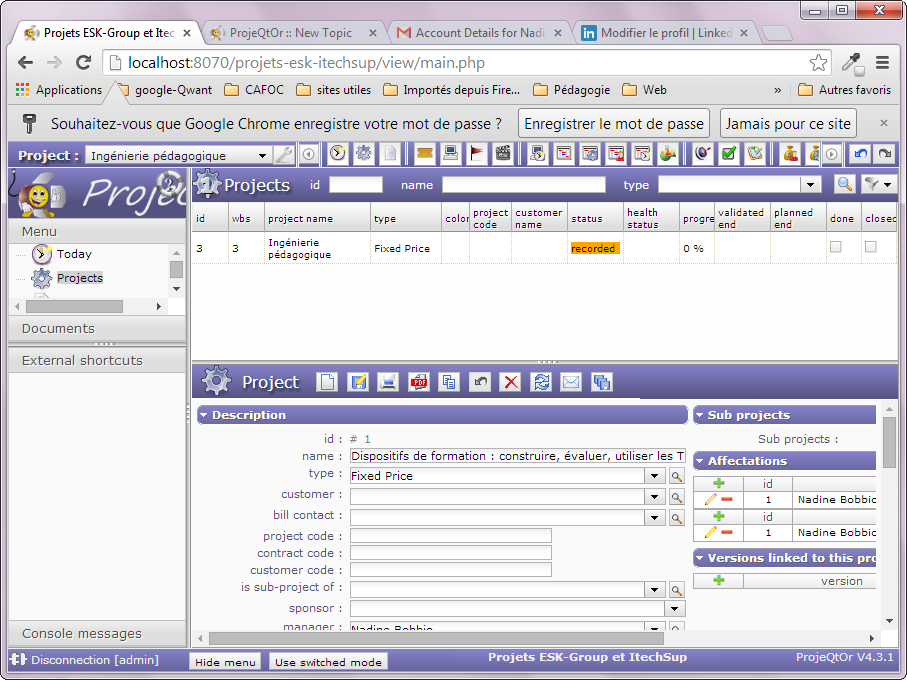
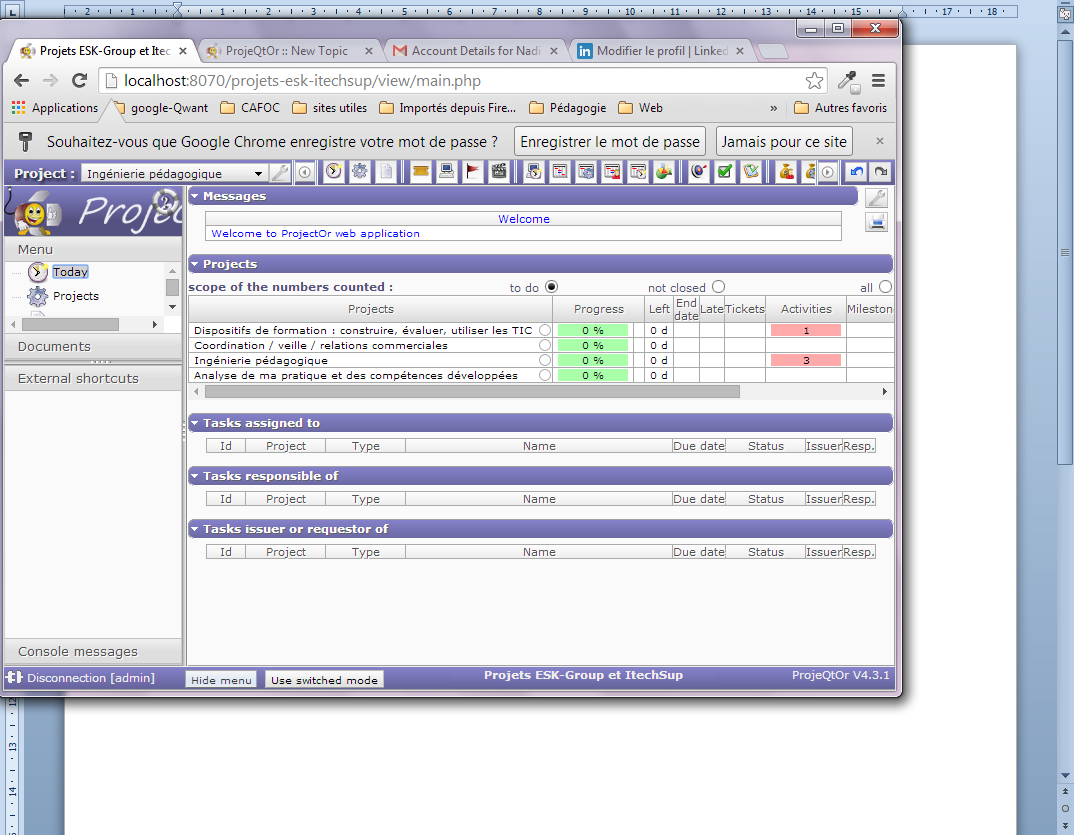

You have selected "Ingénierie pédagogiques" in the project Selector (top left field).
So all the views (except lists in today screen) are limited to data of this project.
Corresponding to your description, I guess you selected this project as default parameter in your "user perameters" screen.
So this project is selected by default in project selector on every new connection.
1) select "all projects" in the project selector and data of all projects will be instantly displayed.
2) change default project (to all projects) in your user parameters screen (and save) if you please.
:cheer: Thank you a lot for answering so quickly and efficicently on saturday morning !
Your guess was exact.
Now everything works !