
Welcome to ProjeQtOr new Forum. We migrated old forum to the new website.
You will find all your posts here, with your usual account.
Just one point : you’ll have to reinitialize your password. Use “Lost password” feature.

Hi,
Since the beginning of the year, we can't add the public holidays in the standard calendar. We did it each year before, and we never have any problem.
When we click on the button, it don't show any error, but the days are not set as public holidays. And in the "imputation" view, the related days are not greyed out.
I just try after update to the newer version (V10.2.3), but the result is the same.
It is a bit problematic for us because these public days off are not taken in account for the planning calculation.

Cannot reproduce.
All works fine on my instances.
Do you have any error in log file ?
Please find attached the log file while trying to add public holidays in calendar (in Script log level), but no error are shown.
Hi,
No error in log (NB : script log level not necessary, we look for errors)
Can you explain how you add the holidays ? Some screenshots ?
I set the script log level because with the other levels, I don't see anything in the log file.
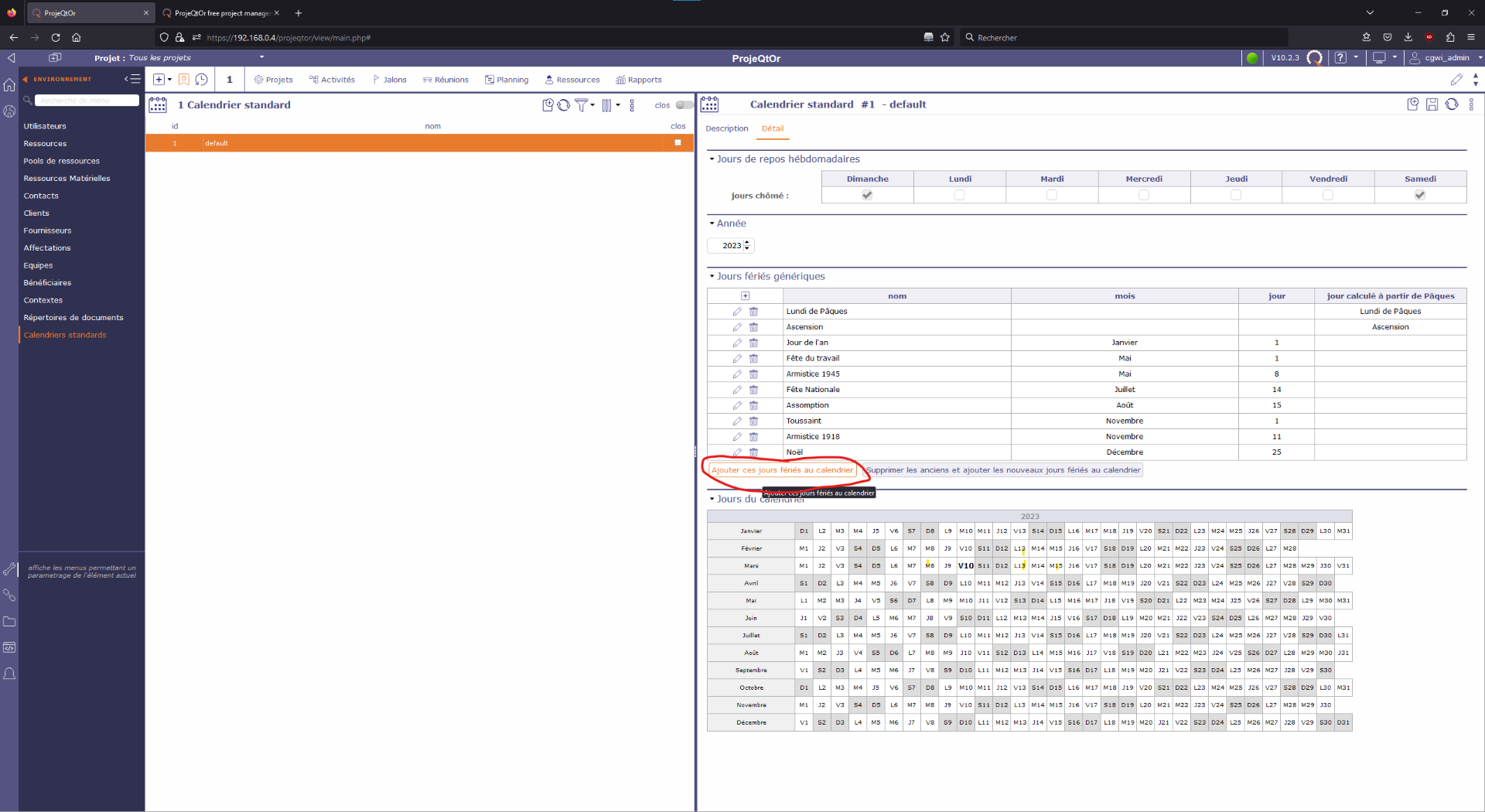
Attached is a screenshot of the calendar view, but I don't think that you will see something wrong (I click on "Add these public holidays to calendar", but only the weekend days are marked as days off).
Also, when I click on a specific day on the calendar on the bottom, nothing happen too, the day is not marked as a day off.
I try to create a new standard calendar, but the result is the same.
Strange, no issue , no erreur.
Do you connect as admin to manage the calendar ?
Could you please try and install the attached patch (install it like a plugin). It adds some debuging traces.
Set log level to debug.
Clear log file.
Execute the fucntion that gives no result.
Post resulting log file.
Thx
I have installed the plugin, and redo the operation (log file attached).
It seems that the issue is about access rights.
I am connected with the admin profile in Projeqtor.
I found the solution.
I don't know why (and how), but the Administrator profile right for the standard calendar was set to "Reader" instead of Manager (I don't remember changing these settings).
Thank you for your help.