
Welcome to ProjeQtOr new Forum. We migrated old forum to the new website.
You will find all your posts here, with your usual account.
Just one point : you’ll have to reinitialize your password. Use “Lost password” feature.

Hi,
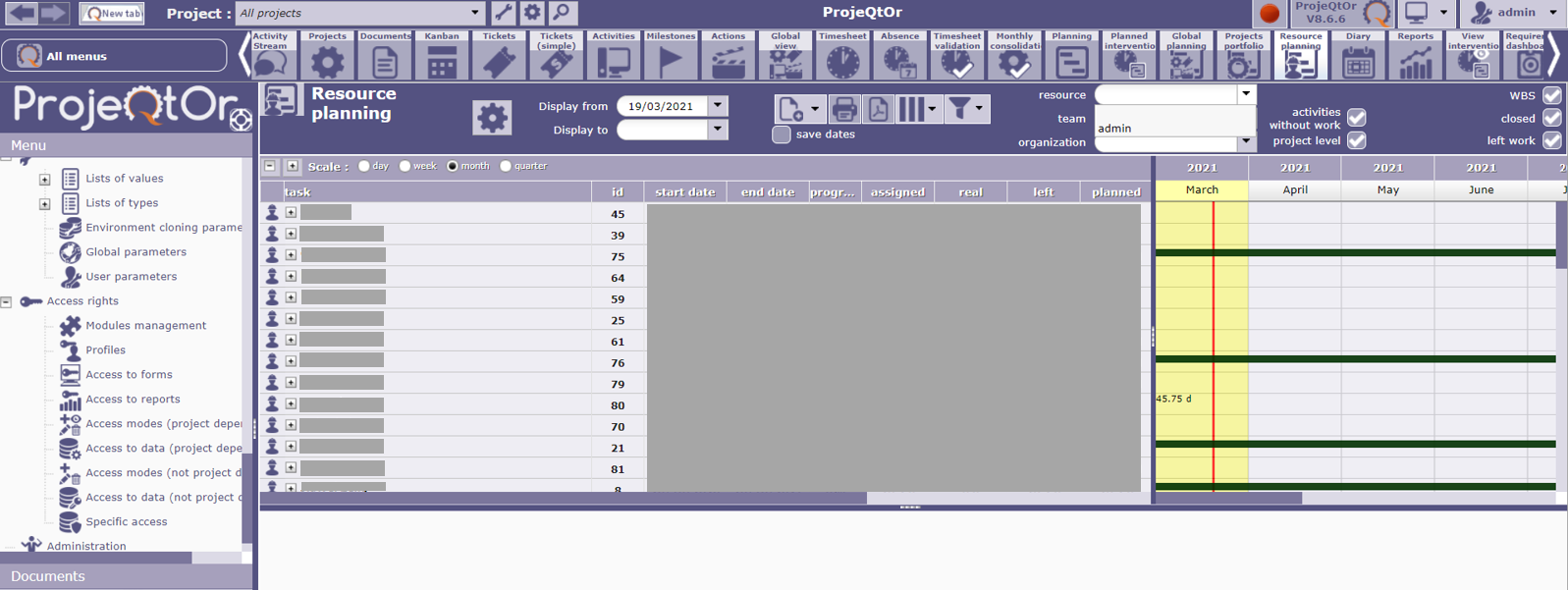
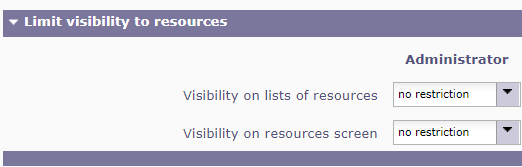
I tried to use the resource planning menu - limit display for resources to get the display for certain resources. However, I found that only a few resource name is shown which I expected that all resource names will be listed (as logined as admin). I suppose the resources to be shown in the dropdown list is according to the user profile access right as set in Access Right Menu, right?
Would you advise for any setting needed such that all the resource name to be shown in the dropdown list for resources limit display?
Thanks,
Rainbow

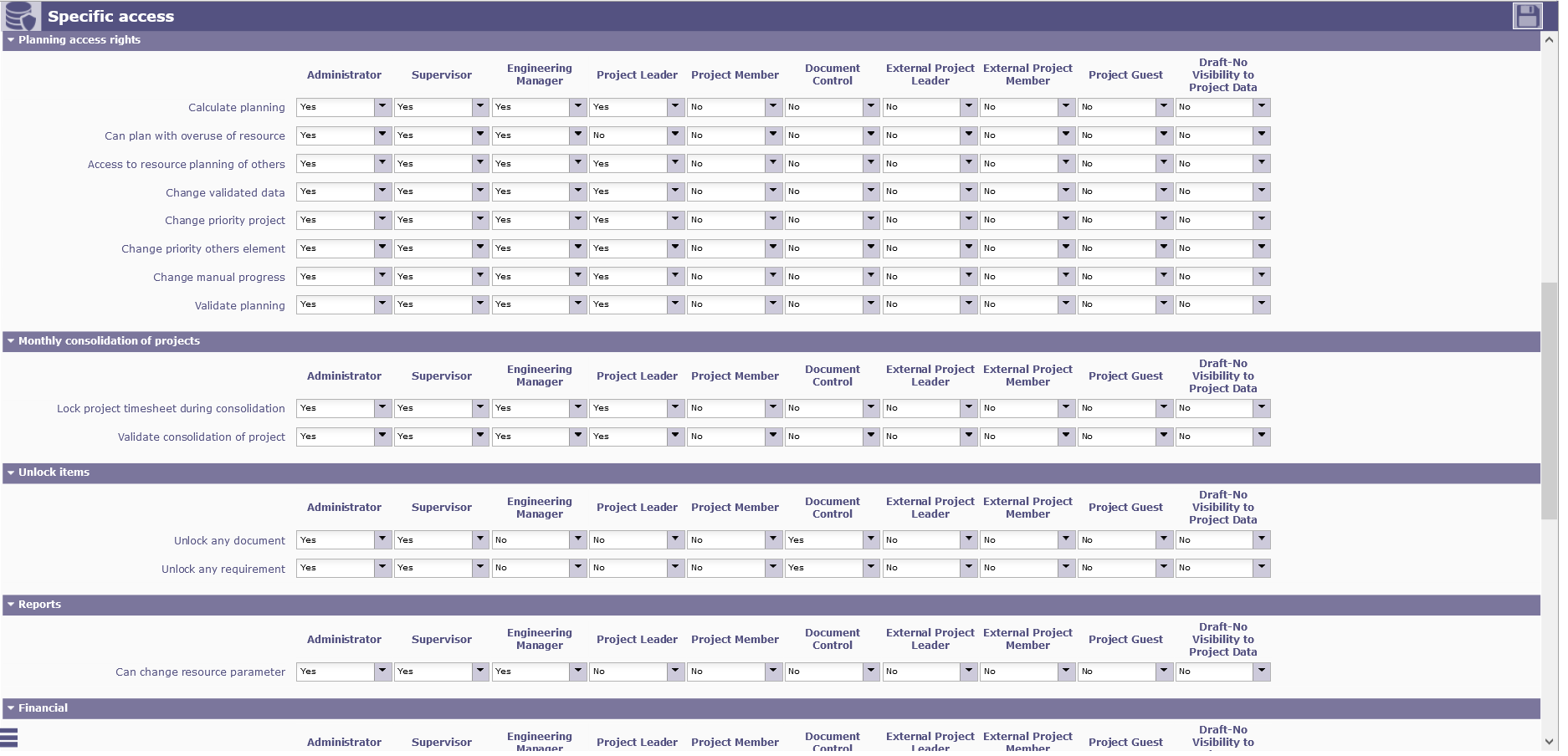
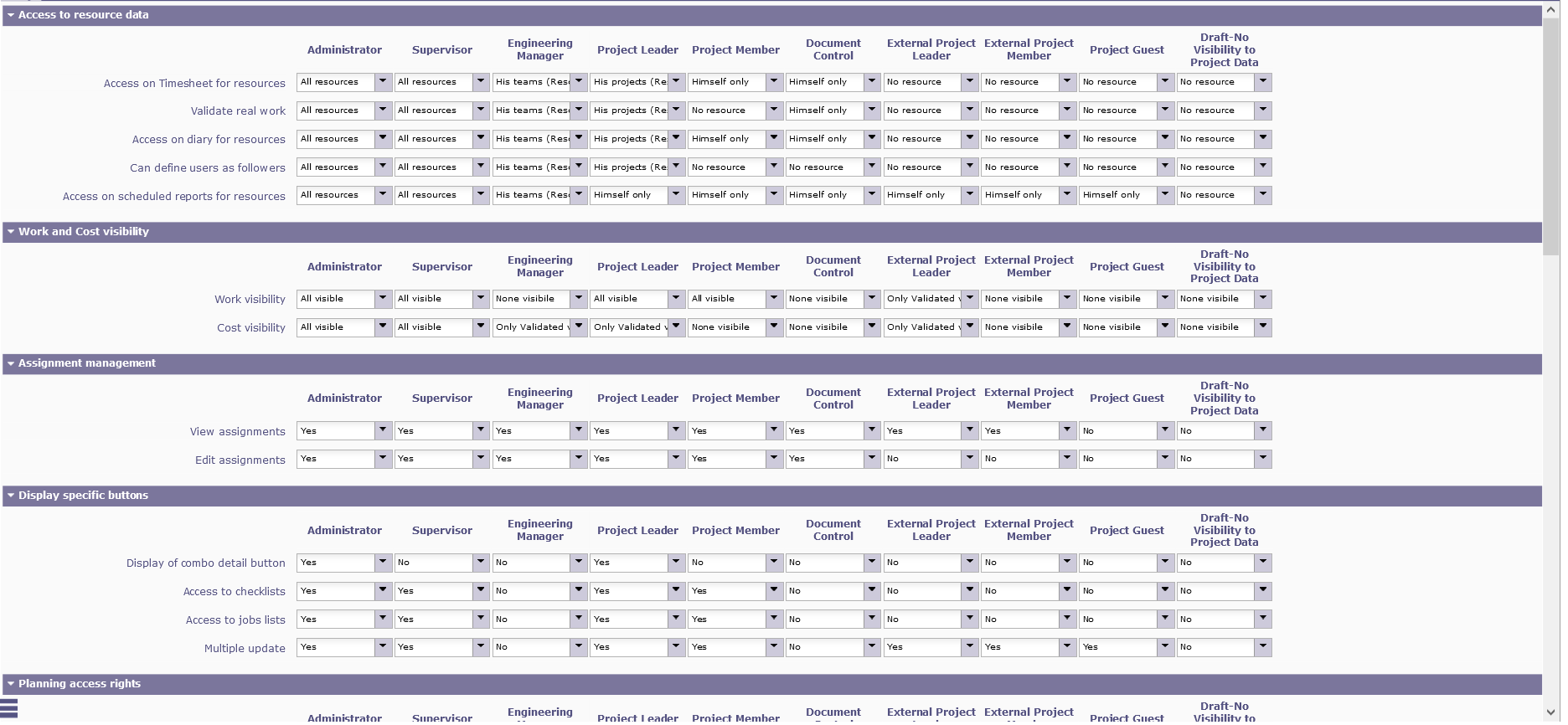
If you only see yourself, possible you disabled the specific access rights : Access to resource planning of others
Hi,
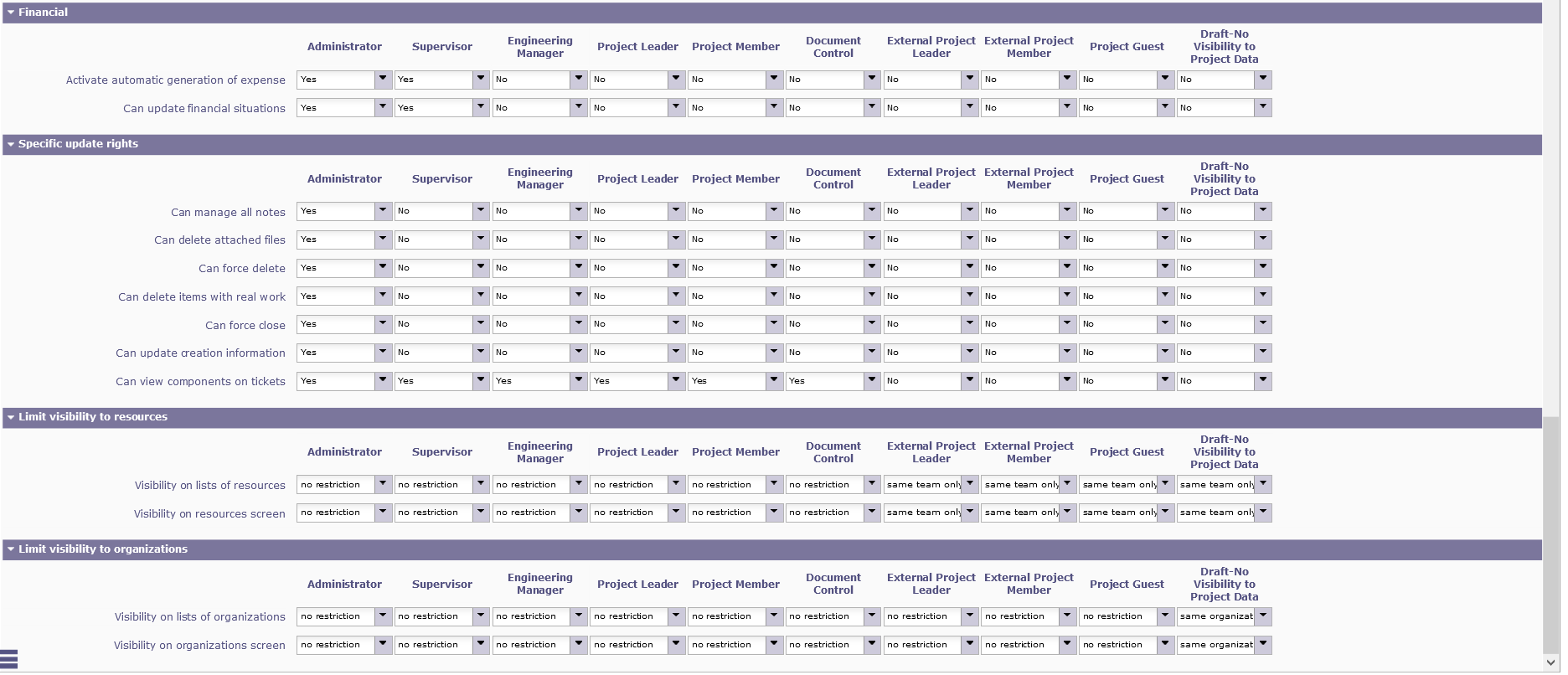
I enabled all access rights for admin. I also tried to log in as another user with the same profile 'admin' and a few users shown in the limit display dropdown list, while actually more users are shown in the gantt chart area. I suppose those resources shown in the gantt chart areas should be available in the limit display dropdown list?

Thanks,
Rainbow
Hi,
This list includes all resources allocated to projects you also are allocated.
So, for admin, list may be empty even though admin has global view.
We'll have a look at this.
Thanks. It would be great for top management (e.g. superuser who have all view rights) of the organisation to be able to view all the resources in the dropdown list to select the resource they would like to view their resource planning.