
Welcome to ProjeQtOr new Forum. We migrated old forum to the new website.
You will find all your posts here, with your usual account.
Just one point : you’ll have to reinitialize your password. Use “Lost password” feature.

Hello,
We are currently using v9.2.4.
Using project and planned date, I come accross a strange behavior (maybe a bug ?) on all of our project.
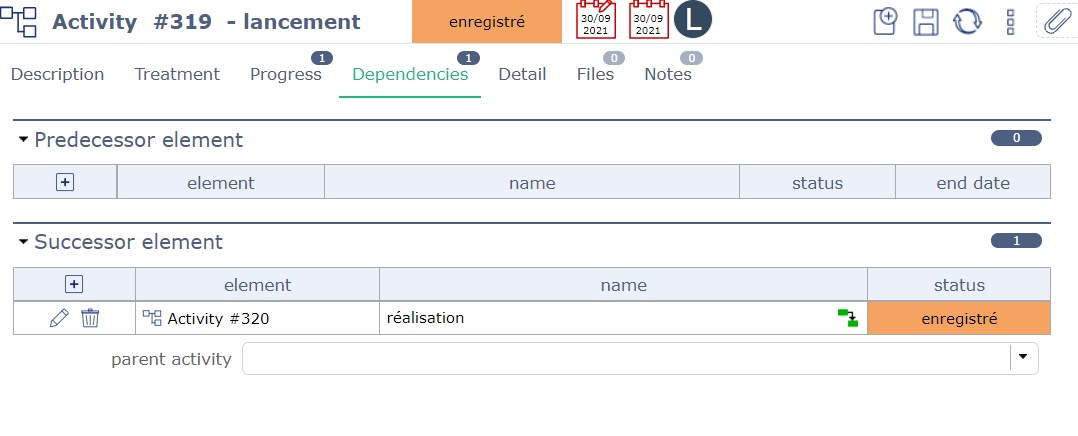
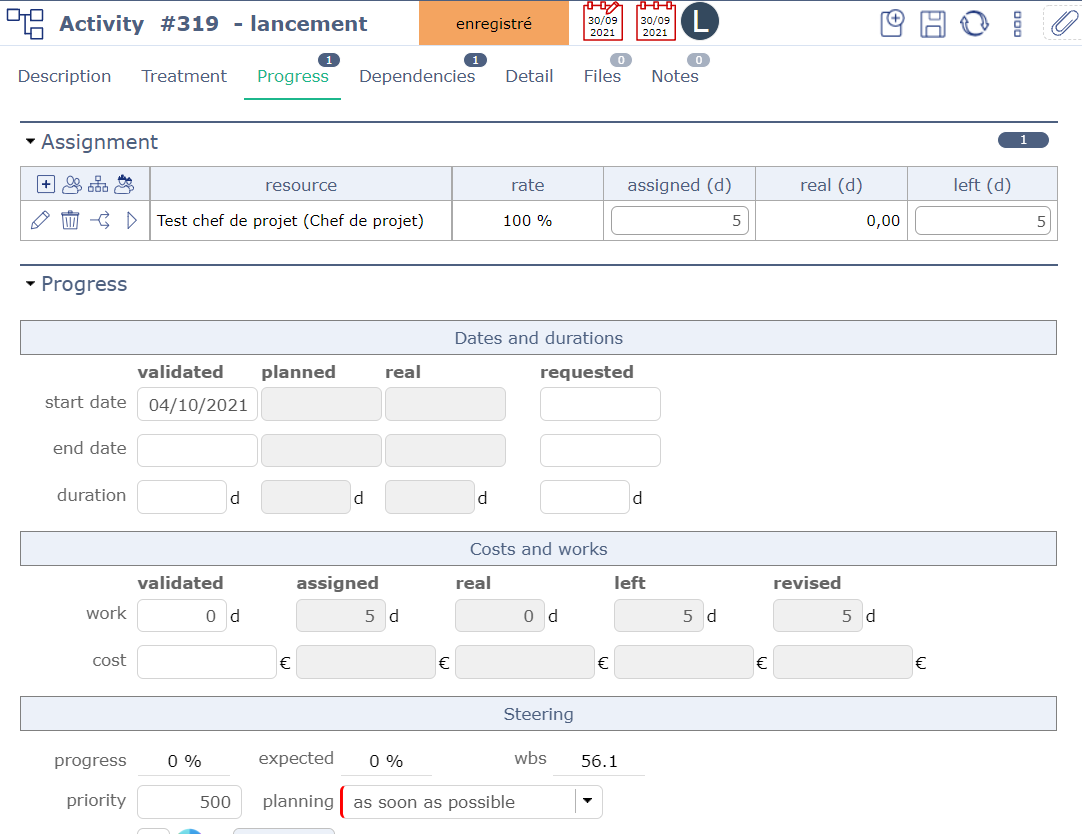
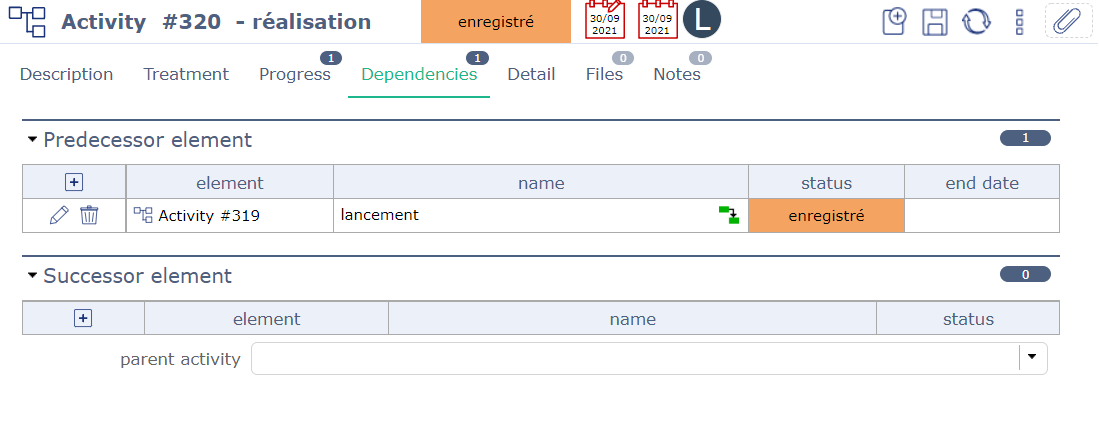
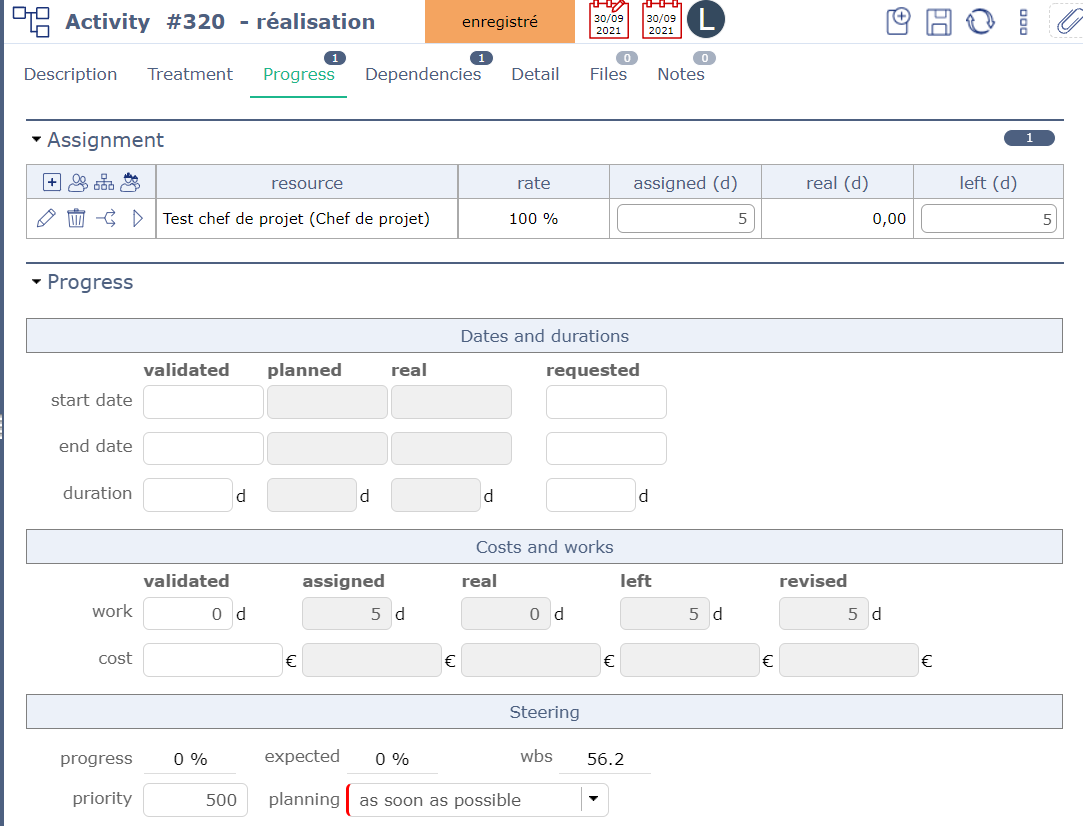
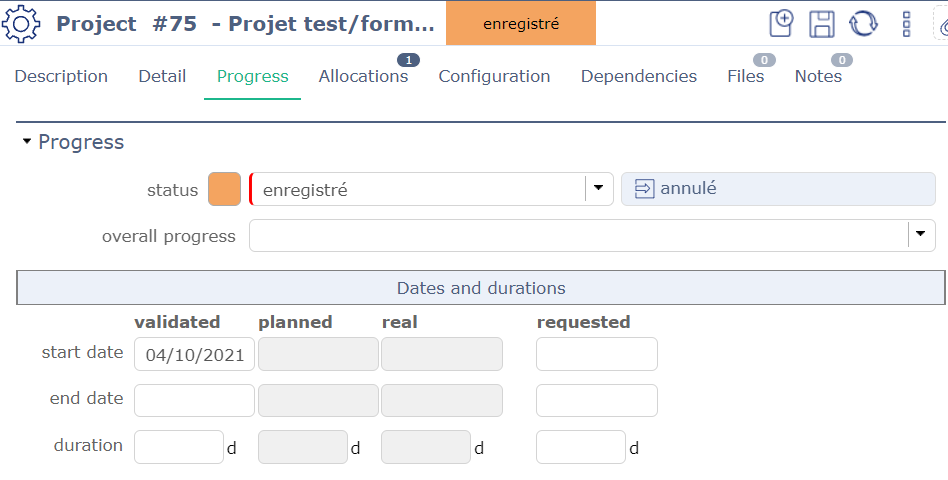
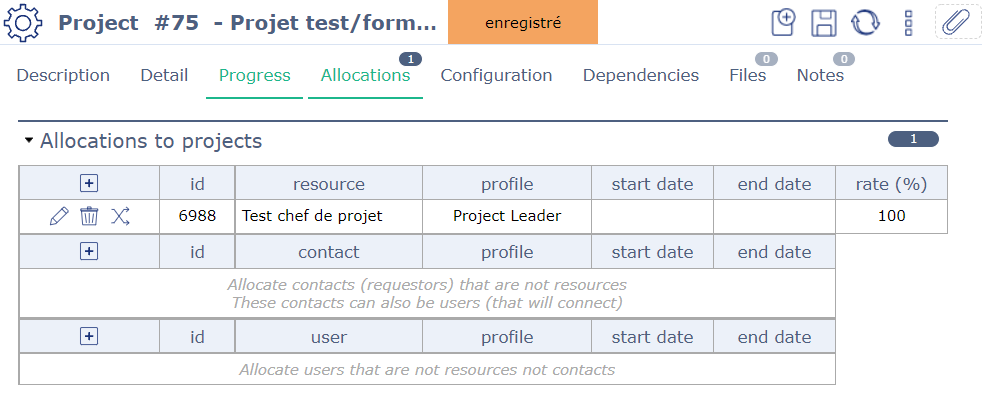
I have a created a very simple project for the purpose of the explanation (see screenshots : project 75, activity 319 and activity 320):
- The project 75 has 2 activities, linked with a dependancy (319 « lancement » is predecessor of 320 « réalisation »)
- The project starts the 04/10/2021
- The two activities has an assignement (resource Test chef de projet), for 5 days each
o The resource is not staffed on any other project on october
- Activities are on « as soon as possible » planning mode
My understanding, after reading the user manual, is that planned date are calculated using the assignement, dependencies and planning mode. In my case, I am expecting an activity 319 ending on 08/10 and the activity 320 to start on 11/10 and finish on 15/10.
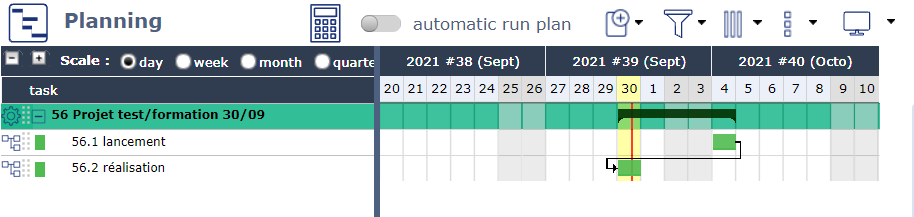
After clicking on the calculate capacity planning button (the calculator) using the date of 04/10, I have the following (see screenshot planning gantt) :
- Activity 319 starts on 04/10 but has one day of duration
- Activity 320 starts on 30/09/2021
Am I missing something regarding planned date ? Is it a bug ? I can provide more information and screenshots if needed.
Thanks for your help !
Best regards

Hi,
Yes, this seems weird.
Please check capacity of your resource : check that it is not null.
If issue is not there, please show sceenshots of Gant bar detail (right click on each bar)
Thanks
Hi,
you are right ! Capacity was 0 for this resource.
I'm a bit confused because these resources were created from an import and I was assuming that everything was right... I will check it for every resource now.
It could be a great improvement to make the field mandatory in a future version, in order to make users look at this field.
Everything works fine now. Thank you for your help
Setting capacity to required may not be a good idea as it may fit some use cases to have zero capacity (avoid planning one resource, testing, ...)
But it may be a good idea to marks such cases in the planning (as some not planned activities, appering in purple)