
Welcome to ProjeQtOr new Forum. We migrated old forum to the new website.
You will find all your posts here, with your usual account.
Just one point : you’ll have to reinitialize your password. Use “Lost password” feature.

Hello -
I really wanted this software to work, but after hours of getting it to install I am giving up. The installation instructions are missing too many steps...
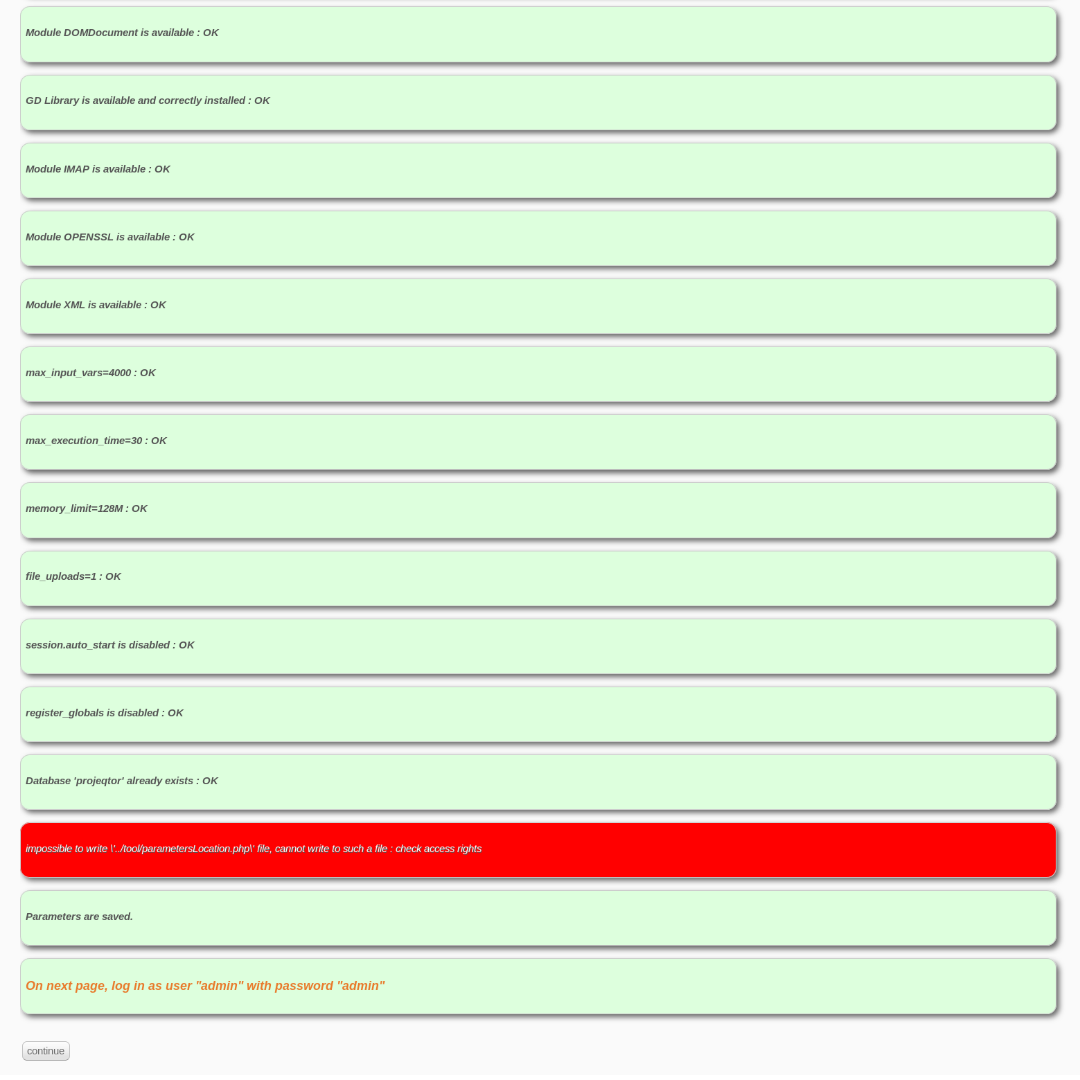
I am at the configuration screen and I cannot get the software to accept my changes. Its stuck at :
impossible to write '../tool/parametersLocation.php' file, cannot write to such a file : check access rights
Not matter what directory I put in, even /tmp won't work.
Here are my install instructions:
apt install apache2
apt install mariadb-server
run mysql_secure_installation ( no root password)
apt install php libapache2-mod-php php-gd php-mysql
Install PHP modules (if missing):
php-gd
php-imap
php-mbstring
php-mysql
php-xml
php-zip
edit php.ini ==> max_input_vars = 4000
log into MYSQL:
mysql -u root -p
Grant privileges. To a new user execute:
CREATE USER 'projeqtor'@'localhost' IDENTIFIED BY 'password';
GRANT ALL PRIVILEGES ON *.* TO 'projeqtor'@'localhost';
FLUSH PRIVILEGES;
bind to all addresses:
The easiest way is to comment out the line in your /etc/mysql/mariadb.conf.d/50-server.cnf
#bind-address = 127.0.0.1
reboot
connect to : http://localhost/projeqtor

After unzipping projeqtor code, you need to give rights to projeqtor folder to php user
chown -R www-data: /var/www/html/projeqtor
chmod -R 775 /var/www/html/projeqtor