
Welcome to ProjeQtOr new Forum. We migrated old forum to the new website.
You will find all your posts here, with your usual account.
Just one point : you’ll have to reinitialize your password. Use “Lost password” feature.

Hello,
I am getting below error while configuring for the first time.
"incorrect value for 'Log file name', cannot write to such a file : check access rights"
I have gone through the post earlier but not able to understand where to set permission on hosting server.
I have upload files on my hosting server and trying to configure on the server.
Please help.
Regards
Ripal Shah

Almost sure you uploaded file with user which is not php user.
Give write access at least to projeqtor/files directory for php user.
Edit : also give access rights to projeqtor/tool during installation phase.
Not Sure where to give rights...
Do I have to create new user ?
and How can I give rights...?
Regards
Ripal Shah
Do I have to create new user ?
No, it already exists.
and How can I give rights...?
All depoends on your OS.
For instance on Ubuntu (and other debian like distributions) :
go to your web applications directory
cd /var/www
or
cd /var/www/html
There should be the "projeqtror" directory here.
Then
chown -R www-data: projeqtor
chmod -R 755 projeqtor
Change "www-data" with "apache" if you're on Centos (and other Red Hat like distributions)
It is hosted on windows server.
Please Help.
Regards
Ripal Shah
Open file explore,
Go to web directory (where you unzipped projeqtor)
Right click on projeqtor folder, select "properties", then select tab "security"
Here, give all access to user that launches php server (if your not sure, you can give full access for all authentified users)
Check that rights are propagated to projeqtor/files folder. If not, manually do it.
My Hosting service provider is not allowing to change permission through file explorer.
Please find PHP parameter attached
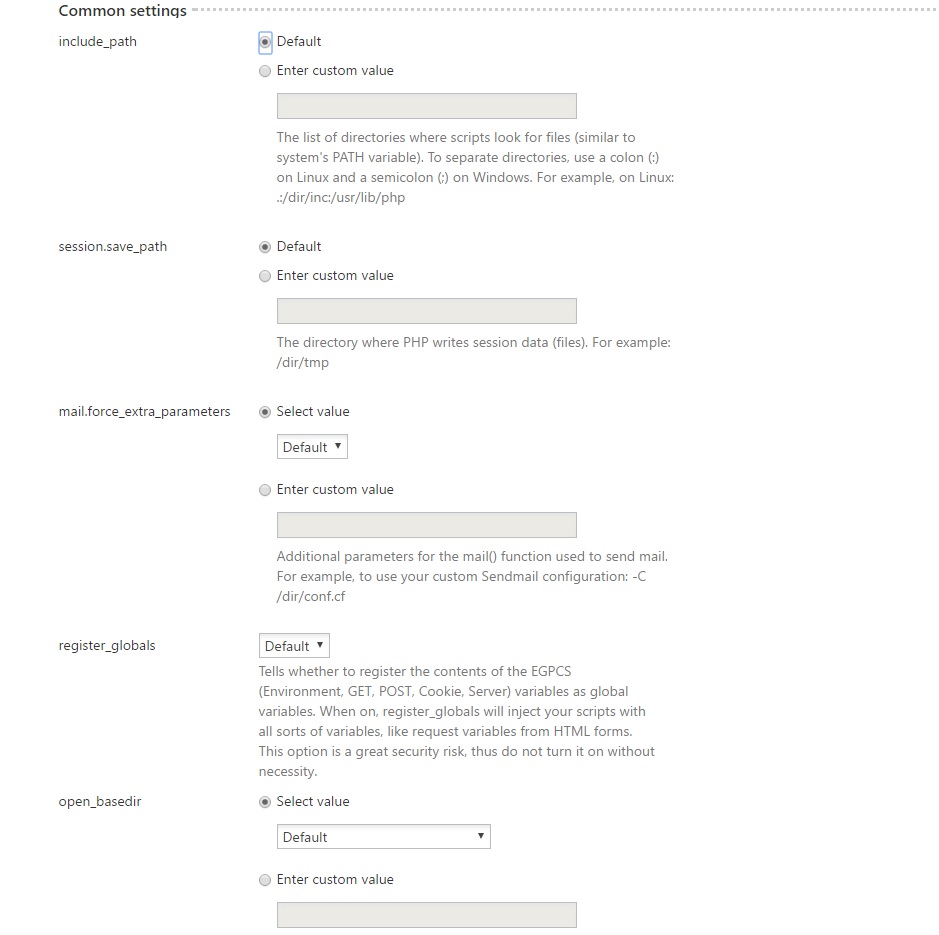
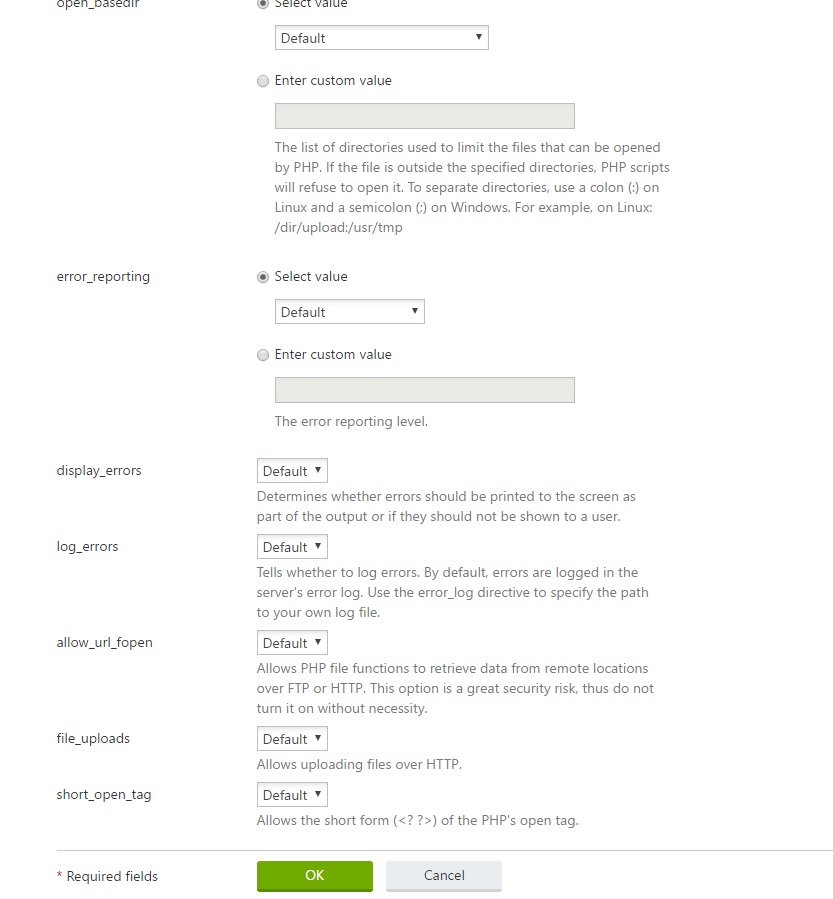
can help to set parameter...
I got permission in file manager on hosting plan and changed permission to full.
Configuration done.
BUT
I am getting error while login as admin/admin
attached screen
Please help.
Regards
Ripal Shah
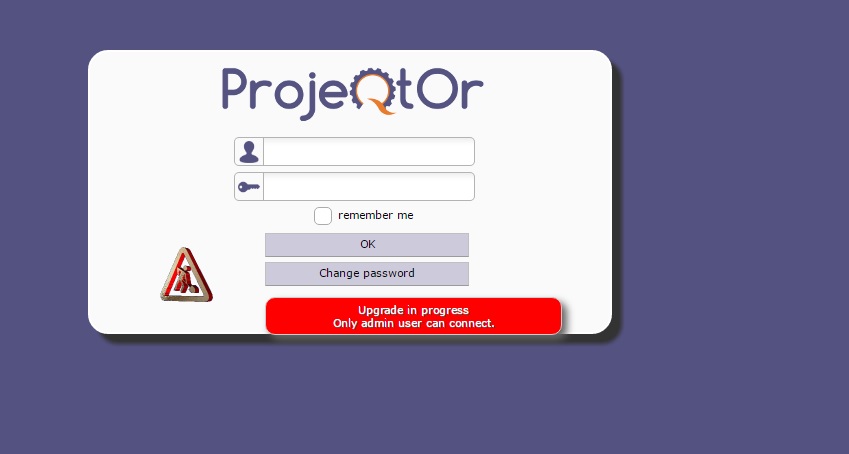
Clean browser cache.
Remove all cookies.
Retry.
It is showing invalid login parameters.
Check database.
It it contains some tables, remove then.
it has created so many table...
Please guide.. attached snap.
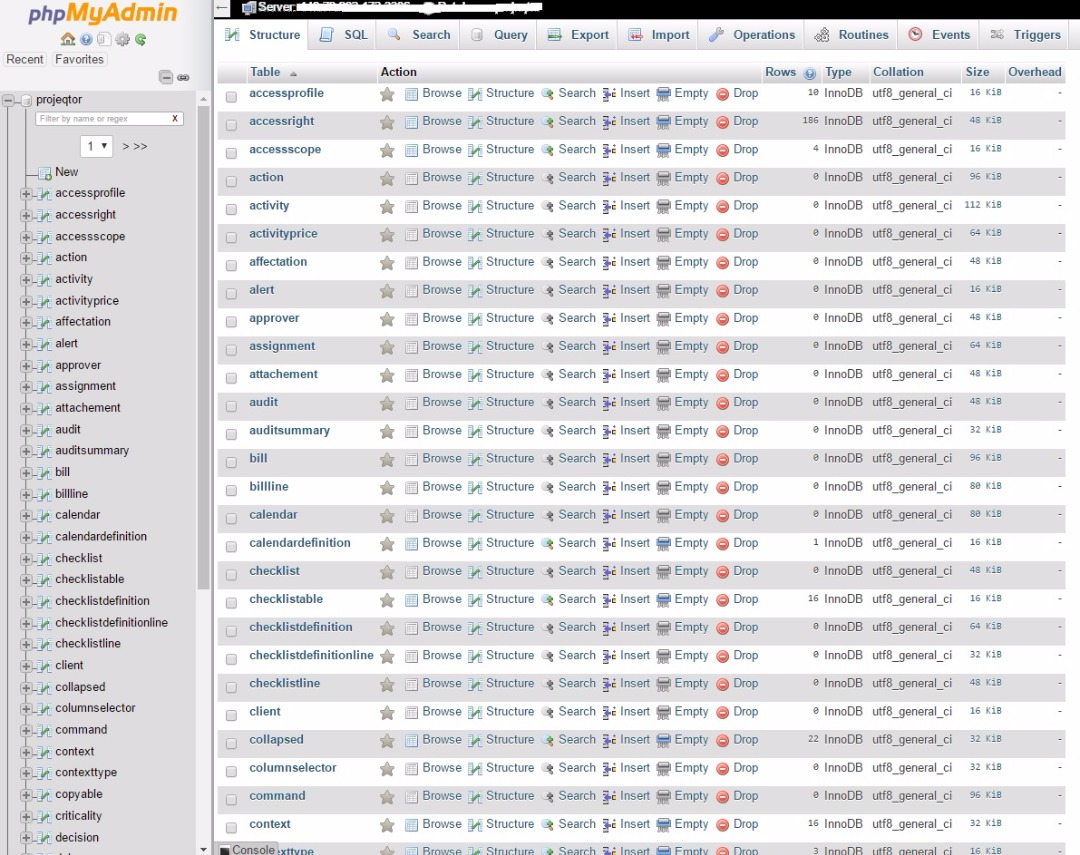

Go in the bottom of the page , check the box "all check" and in the dropdown list check "delete" .
Not able to login again same error
1) Check that ssl module is on.
2) Is db empty now ?
3) what is content for table 'resource'
Yes SSI is on
db was empty, again it is listed as is.
snapshot of resource table attached...
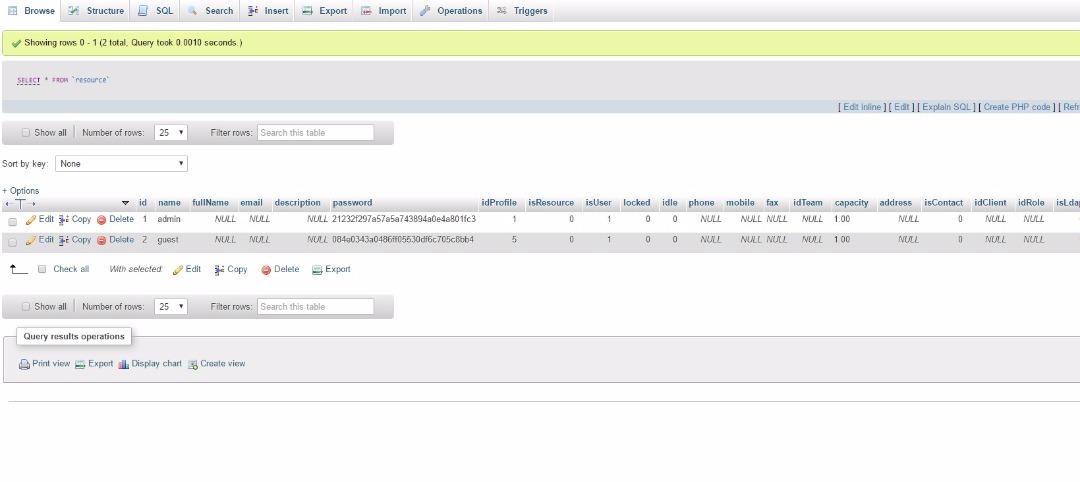
So you got message "Database update with no error" ?
Yes, created with no error...
OK.
So it is a now a cookie / cache issue.
Just to try, you can set password='admin' (or else at your choice) and cypto=null in table resource for name='admin'
Not yet got success...
Same error every time while opening page ....
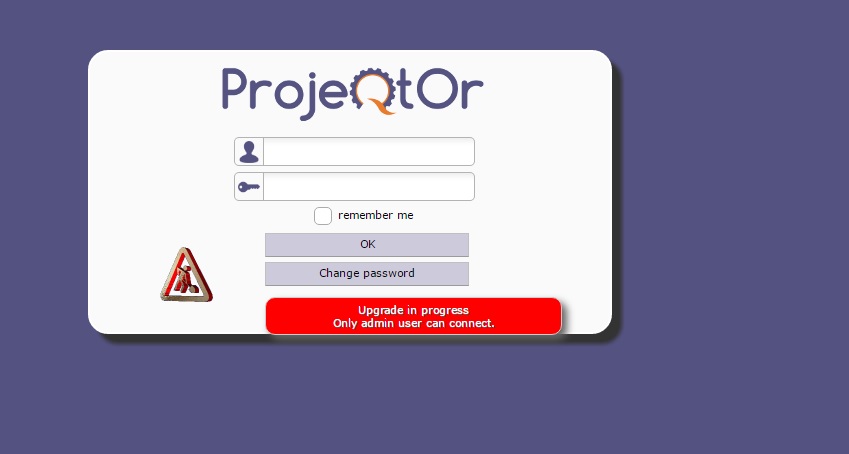
and login admin/admin .... giving error "invalid login parameter"
Not yet got success...
Same error every time while opening page ....
and login admin/admin .... giving error "invalid login parameter"
I think a config element is missing on the server, the problem must come from the provider.
Make a phpinfo () and give us the result of phpinfo() .