
Welcome to ProjeQtOr new Forum. We migrated old forum to the new website.
You will find all your posts here, with your usual account.
Just one point : you’ll have to reinitialize your password. Use “Lost password” feature.

I was updated version into 5.0.1.
After updated It's seem that I cannot create Activity, Project, Milestone
When click create button the panel show nothing, please see the picture
I'm already clear browser cache but problem still occur
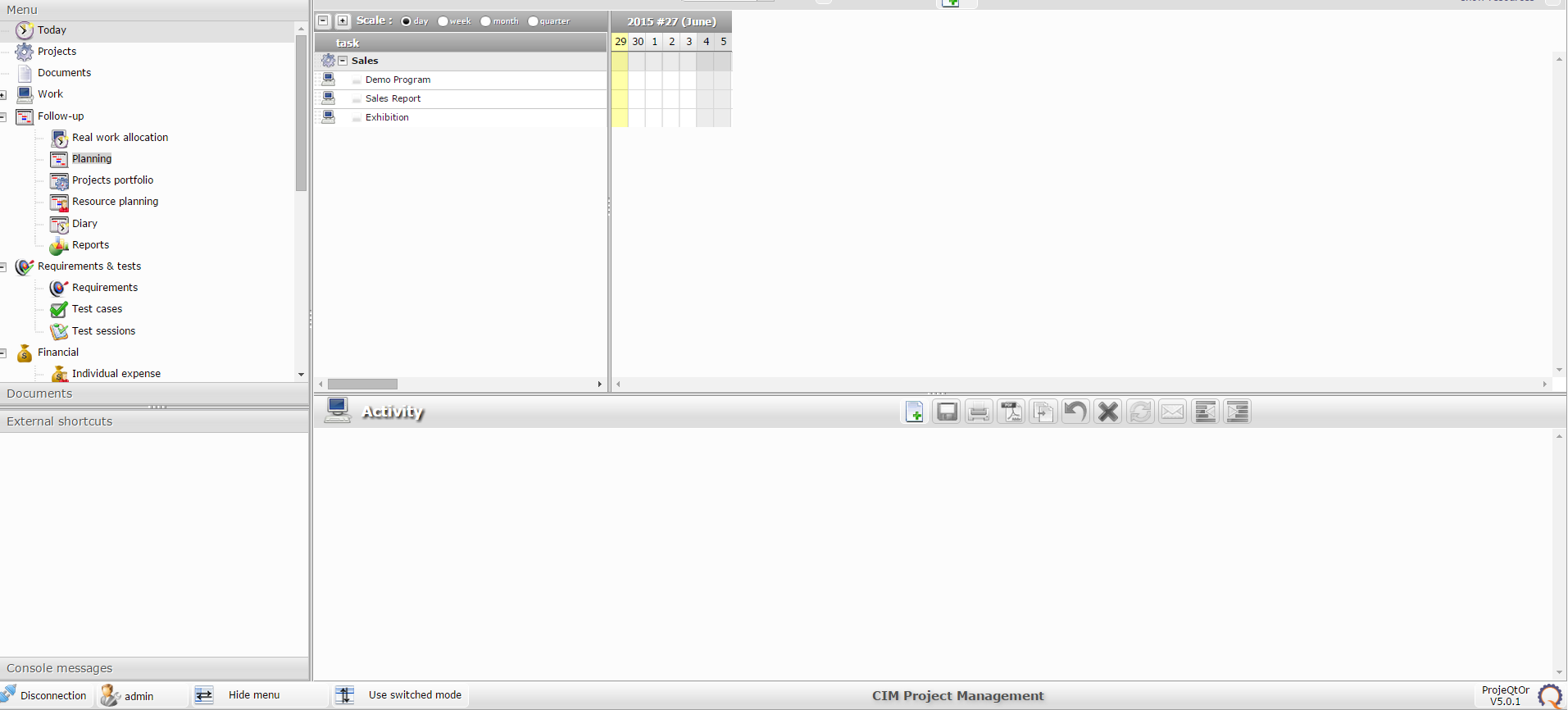

Does it happen only on plannong view or also on activity view ?
Could you check for error in the log file and in the browser console ?
It happen both of them
I'm so sorry I don't know where is the log file, Would you please tell me where is it.
default location (if you did not change it on configuration) is /files/logs/
One file per day...
So you should have error in browser console.
Please report it here.
If I downgrade version into 5.0 or lower
This problem can be fix or not?
Because I using this system everyday but now it's cannot use.
I don't think returning to V5.0.0 could change anything.
Getting back to V4.5 could possibly help, but I'm afraid you will have issues with attachments.
Please give more hints to help you solve this issue on V5.0 :
- which browser / version do you use ?
- could you please check browser console ? Hit [F12] should open console (be sure to be on console tab). Report any issue logged in brower console.
- could you try with another browser (for instance you could try portable chrome) ?
- which browser / version do you use ?
Ans. Chrome V.43.0.2357.130
- could you please check browser console ? Hit [F12] should open console (be sure to be on console tab). Report any
issue logged in brower console.
Ans. Please confirm attached picture
- could you try with another browser (for instance you could try portable chrome) ?
Ans. I tested with Firefox, Mobile chrome, IE but same problam
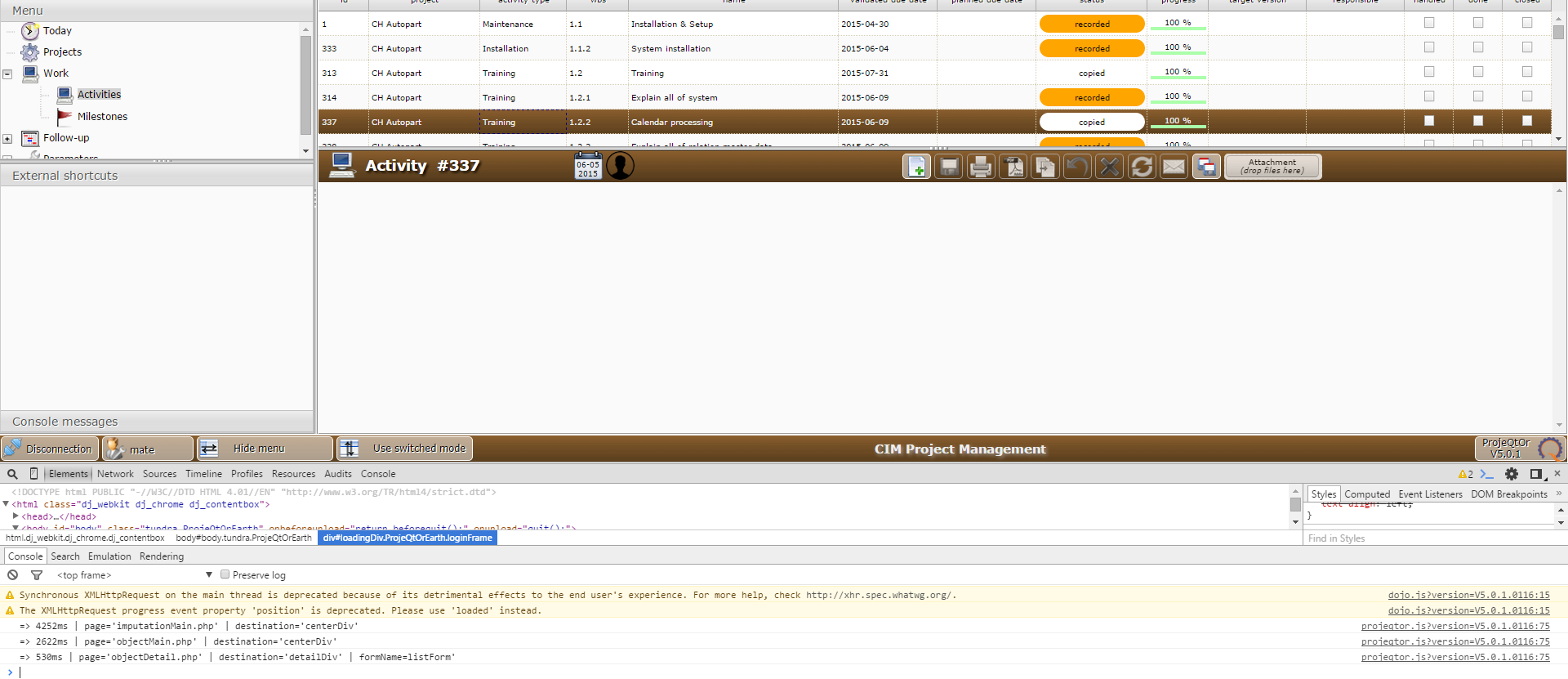
I use exactly same Chrome version without any issue.
1) Check for zoom : please try (if not already set) with zoom = 100% (avoid zoom 150%)
2) Try and disable every browser extension
(I faced stange behaviors with Skype Click to Call)
3) Try and open in new tab (with current tab logged in) :
http://localhost/projeqtorV5.0/view/objectDetail.php?objectClass=Activity&objectId=
and post result here.
1) Check for zoom : please try (if not already set) with zoom = 100% (avoid zoom 150%)
Ans. Zoom is 100%
2) Try and disable every browser extension
(I faced stange behaviors with Skype Click to Call)
Ans. I tested by install chrome to other PC and test It same result
3) Try and open in new tab (with current tab logged in) :
http://localhost/projeqtorV5.0/view/objectDetail.php?objectClass=Activity&objectId=
and post result here.
Ans. Please confirm attached file.
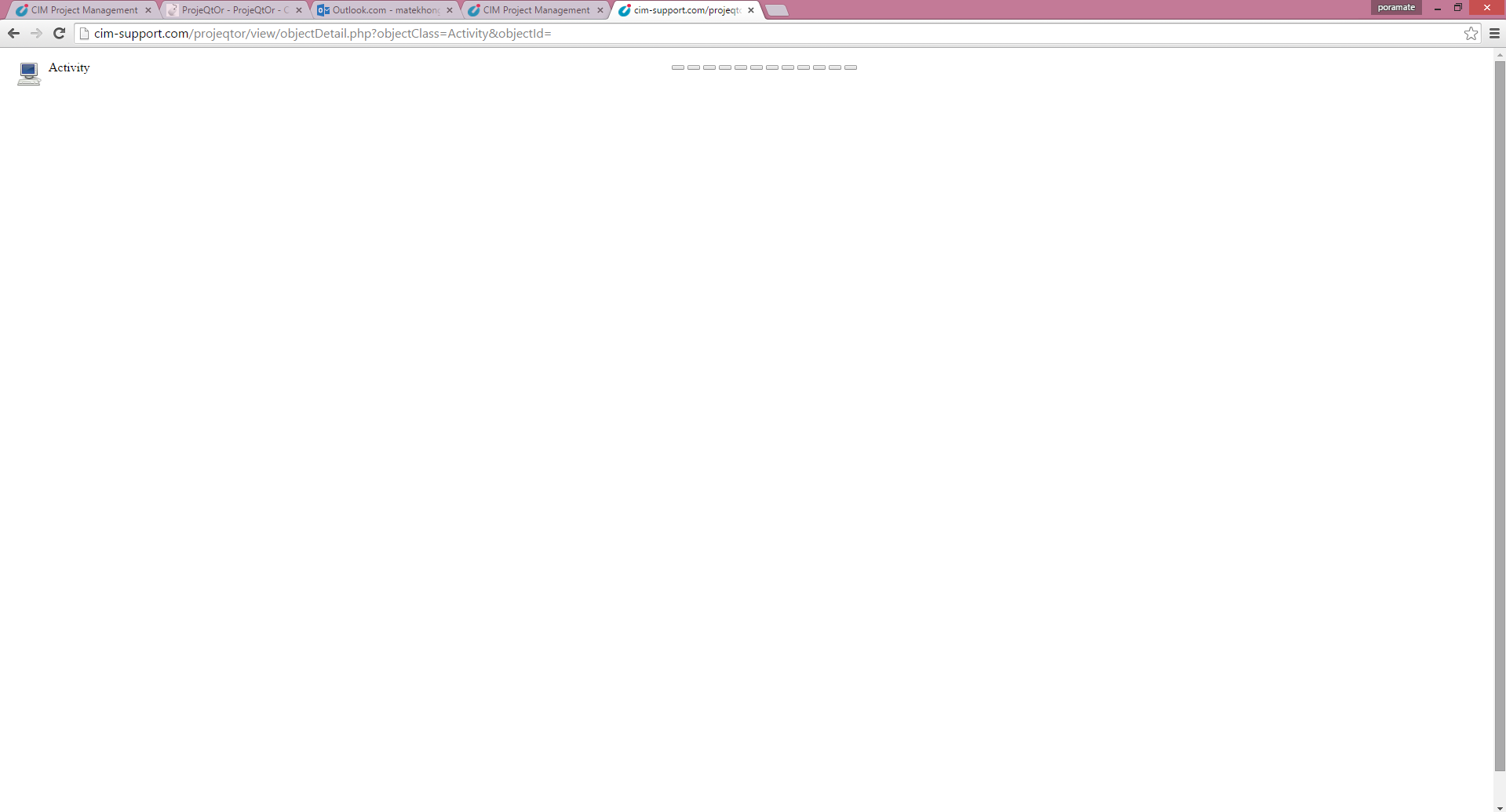
http://localhost/projeqtorV5.0/view/objectDetail.php?objectClass=Activity&objectId=
Response is not complete.
Attached is expected response...
Please do it again, then on response right click in window and select "show source code" (or equivalent).
Post here result of source code.
Thanks.
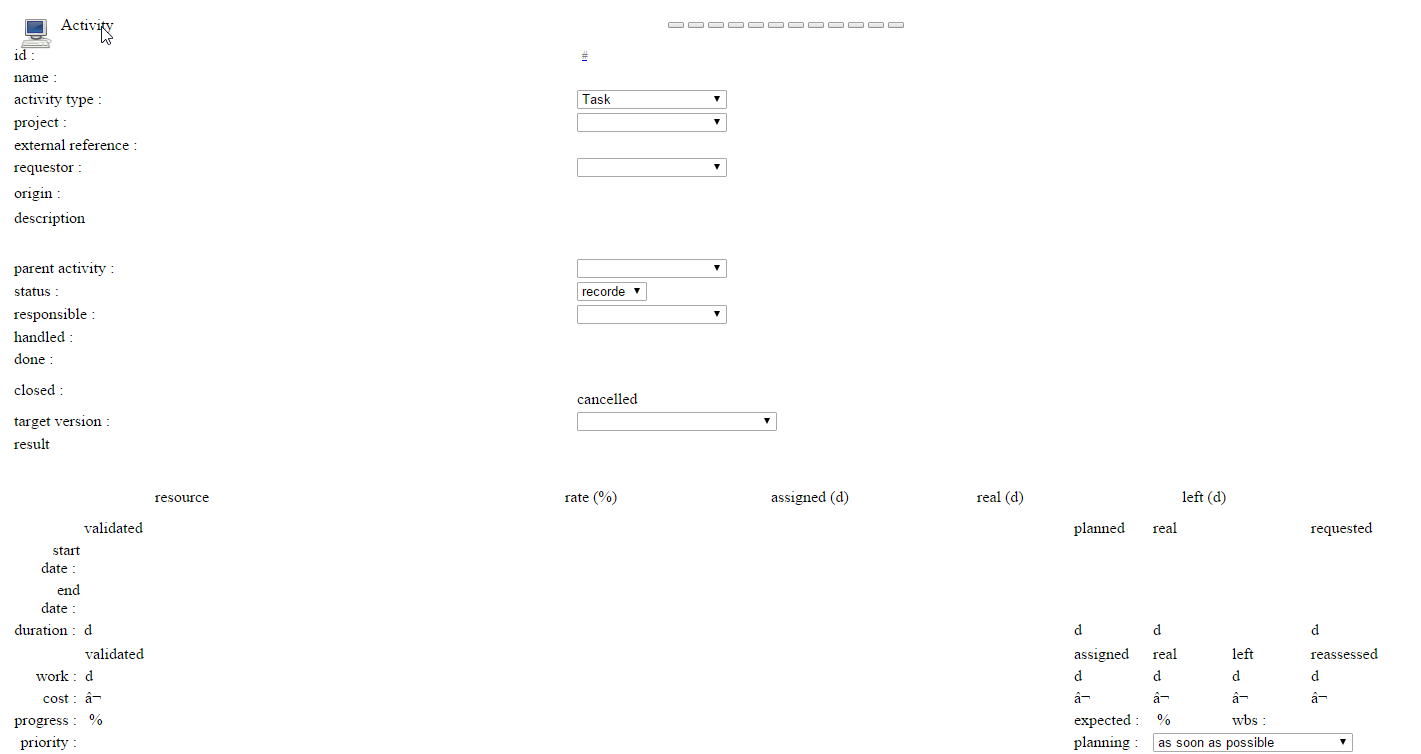
Really no more ... :silly:
It seems that all what is included in drawTableFromObject() function (main fonction drawing screens) is not executed.
Let's tyy and debug !
Please change in parameters.php file (default location is /files/config) :
$logLevel='3';
to
$logLevel='4';
Then test again and post result of log file.
Thanks.
Hi,
I see in the log that you reverted to V4.5.6 then got back to V5.0.1.
All went OK, errors displayed are normal : as update to V5.0.1 was already done, some database update (such as adding a column in a table) fail (column already exists).
But then I see no error.
Traces are correct.
I see
drawTableFromObject(obj, included=, parentReadOnly=)
But result page (as you displayed) is not complete...
I verified, there is not condition to exit this function without displaying things...
So you should have an error somewhere.
Issue is that it is not logged in ProjeQtOr log.
Maybe you can check Apache log file. It can give hint.
Than, if you can change the code, please add a debug line after line 439 in /view/objectDetail.php, this way :
  foreach ( $obj as $col => $val ) {
    debugLog(" => $col");
    if ($detailWidth) {
and of course try again and post log file.
Thanks.
:dry:
Really strange.
Logs shows as if on _sec_description exist in the object description...
Please try attached file : unzip it in /view folder, to overwrite existing objectDetail.php.
I add debug lines to help solve issue.
Please test again and post result log here.
Thanks.
Hi,
Log is really too shot.
Someting happens in those lines
debugLog("      => cpt=$cpt");
      // Determine colSpan
      $colSpan=null;
      $colSpanSection='_'.lcfirst($section).'_colSpan';
      if ( property_exists($obj,$colSpanSection) ) {
        $colSpan=$obj->$colSpanSection;
      }
      $widthPct=setWidthPct($displayWidth, $print, $printWidth,$obj,$colSpan);
      if ($col=='_sec_void') {
        if ($prevSection) {
          echo '';
          if (!$print) {
            echo '
'; } } if (!$print) { echo '